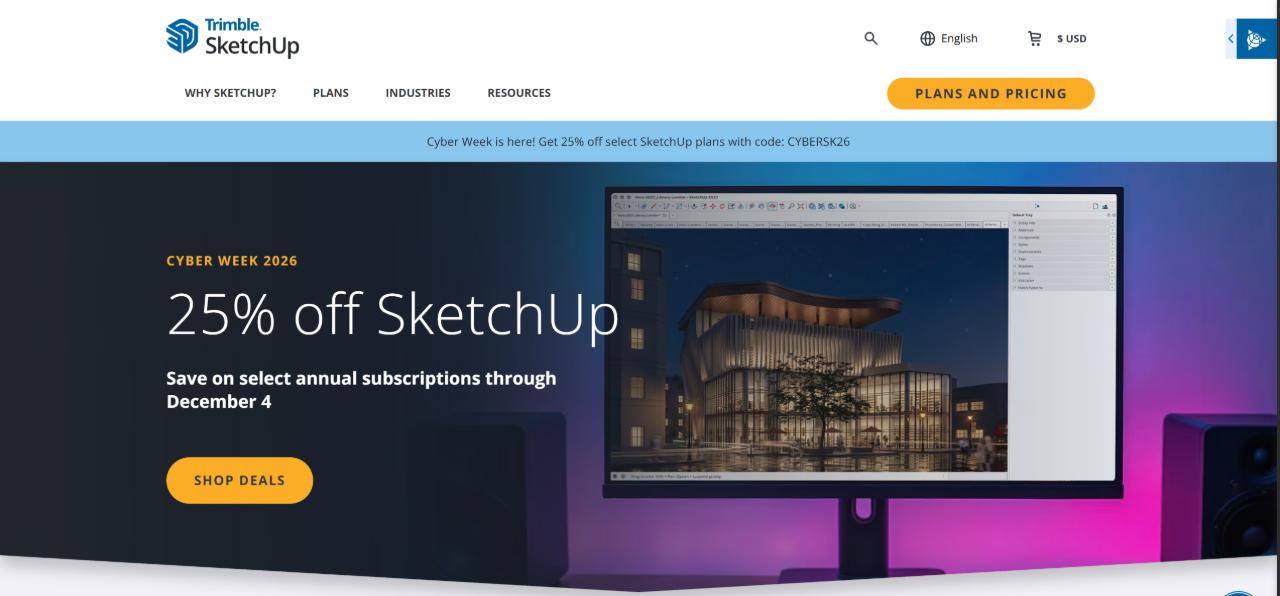
Chaos V-Ray Review: Photorealistic 3D Rendering, Official Trial, Installation & Usage Guide
Chaos V-Ray is a photorealistic 3D rendering and visualization plugin developed by Chaos. Integrated directly inside leading 3D modeling and CAD/BIM applications—including SketchUp, Autodesk Revit, Rhinoceros, 3ds Max, Maya, and Cinema 4D—V-Ray enables architects, interior designers, product visualizers, and VFX artists to produce physically accurate lighting, materials, and studio-quality renders.
1. In-Depth Review: Why Architects & 3D Visualizers Use Chaos V-Ray
- Seamless Integration Inside Host 3D Software: Runs natively inside SketchUp, Revit, Rhino, and 3ds Max without forcing artists to export models into a separate standalone program, keeping materials, cameras, and lighting synced with geometry edits.
- Hybrid CPU & GPU Ray Tracing + Real-Time Viewport: Combines unbiased CPU and NVIDIA RTX/CUDA GPU path tracing for final photorealistic stills and animations with V-Ray Vision for real-time architectural walkthroughs.
- Built-In Chaos Cosmos Asset Library & AI Denoising: Includes thousands of render-ready 3D furniture models, trees, people, vehicles, and PBR materials via Chaos Cosmos, paired with Intel Open Image and NVIDIA AI Denoisers for clean renders in a fraction of the time.
2. Key Features & Capabilities
- Hybrid CPU & NVIDIA GPU Rendering: Switch between CPU, CUDA, and NVIDIA RTX ray tracing engines—or combine CPU and GPU hardware together—to maximize rendering speed.
- V-Ray Vision Real-Time Exploration: Navigate, inspect lighting, and present architectural scenes in real time with game-engine-like responsiveness directly alongside your 3D model.
- Chaos Cosmos 3D & Material Library: Browse and place thousands of smart, low-poly proxy 3D assets, vegetation, lighting fixtures, and physically based materials directly into your scene.
- V-Ray Frame Buffer (VFB) Post-Processing: Adjust exposure, white balance, bloom/glare lens effects, color curves, and Light Mix lighting intensities interactively after rendering finishes without re-rendering.
- Physically Accurate Sun, Sky & IES Lighting: Simulate realistic natural daylighting based on geographic location and time of day, or import manufacturer IES photometric profiles for interior artificial lighting.
- Chaos Scatter & Procedural Environments: Populate landscapes with millions of grass blades, trees, and rocks efficiently using memory-friendly instancing and Chaos Scatter.
- Chaos Cloud Rendering Integration: Offload heavy high-resolution stills, 360° VR panoramas, and animations to Chaos Cloud directly from the V-Ray interface with one click.
3. How to Register & Access an Official Trial or License
To ensure software authenticity, workstation stability, and full compliance with licensing terms, always download and license V-Ray through Chaos’s official portals:
- Visit the Official Chaos V-Ray Website: Go to https://www.chaos.com/vray to select your host 3D application (such as V-Ray for SketchUp, Revit, Rhino, or 3ds Max) and review features.
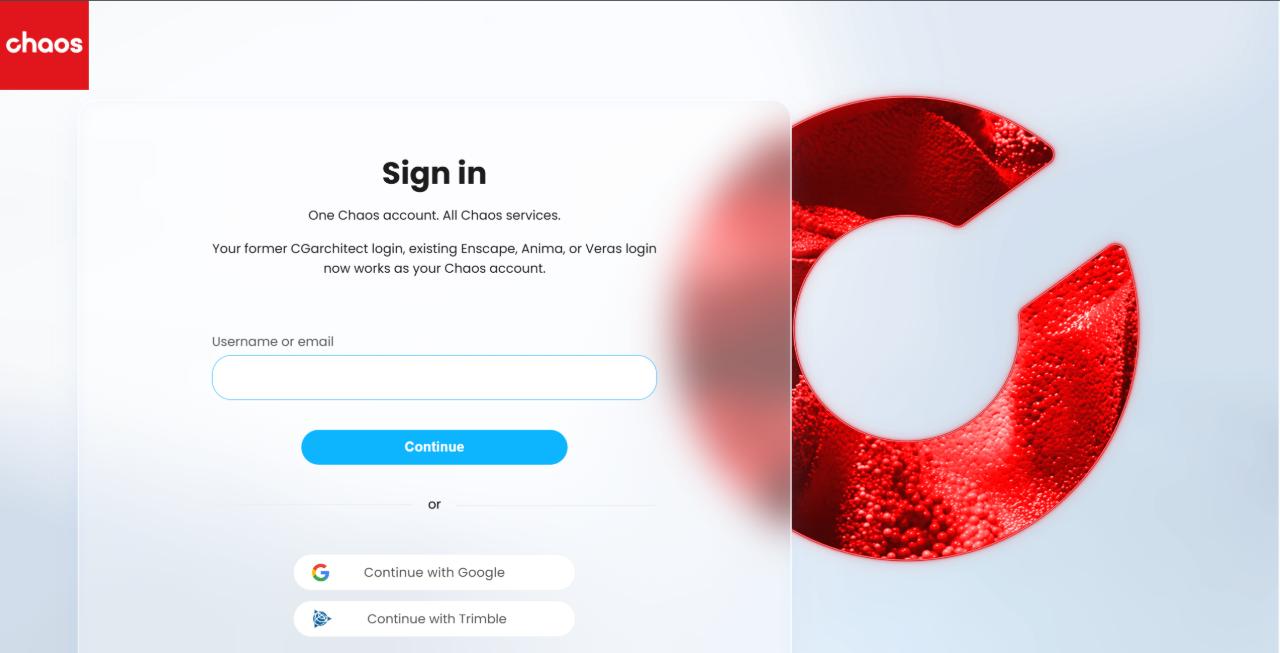
- Create a Chaos Account: Register a free account at https://my.chaos.com using your email address to manage trials, cloud licenses, and Chaos Cosmos access.
- Choose Your Official Licensing Path:
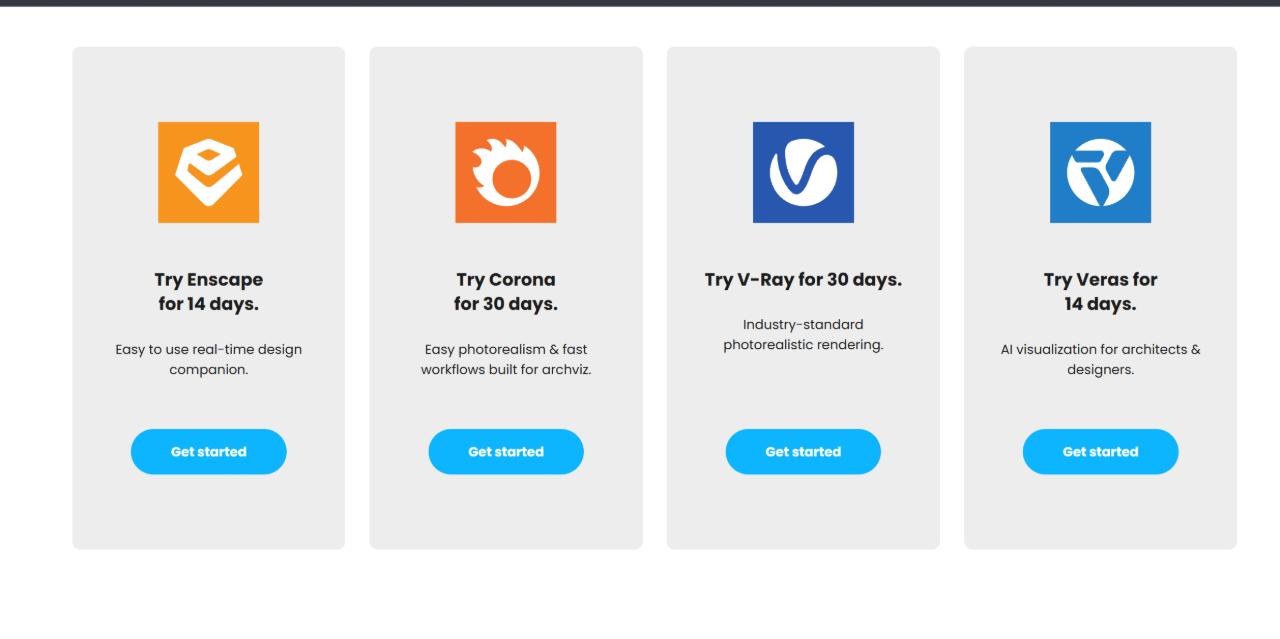
- Official 30-Day Free Trial: Activate a full-featured 30-day evaluation via https://www.chaos.com/try-free to test V-Ray rendering, Chaos Cosmos, and V-Ray Vision on your workstation.
- Educational License (Students & Educators): Eligible students and faculty at accredited institutions can apply for discounted academic licenses at https://www.chaos.com/education.
- Commercial Subscription (V-Ray Solo / Premium / Enterprise): Architects and visualization studios can subscribe monthly or annually directly on https://www.chaos.com/pricing/vray or through an authorized regional reseller.
4. Step-by-Step Installation Guide
- Verify System & Host Software Requirements: Confirm your workstation has a supported host application installed (e.g., SketchUp, Revit, Rhino, or 3ds Max) on 64-bit Windows 10/11 (or supported macOS for SketchUp/Rhino/Cinema 4D) with at least 16 GB RAM (32 GB+ recommended), an NVIDIA RTX GPU with 6 GB–8 GB+ VRAM, and 10 GB+ free SSD space.
- Download the Official V-Ray Installer: Sign in to https://my.chaos.com/downloads and download the official V-Ray installer matching your host application and version.
- Run the Installation Wizard: Double-click the downloaded installer file, accept the license agreement, verify the detected host software path, ensure the Chaos License Server and Chaos Cosmos Browser options are checked, and click Install.
- Sign In & Activate License: Open your host 3D software (such as SketchUp or Revit), open the V-Ray Asset Editor, and sign in with your Chaos Account credentials in the browser window to activate your 30-day trial or commercial license automatically.
5. How to Use Chaos V-Ray: Beginner Workflow
- Launch V-Ray Inside Your 3D Software: Open your 3D model in SketchUp, Revit, or Rhino, and open the V-Ray Asset Editor and V-Ray Toolbar from the extensions menu.
- Set Up Natural Sun & Dome Lighting: In the V-Ray Asset Editor > Lights tab, adjust V-Ray Sunlight intensity and angle, or add a V-Ray Dome Light loaded with an HDRI sky map for realistic environmental reflections.
- Assign PBR Materials & Chaos Cosmos Assets: Open the Materials tab to apply V-Ray presets (glass, brushed metal, concrete, wood) to surfaces, and click the Chaos Cosmos icon to drop high-detail furniture, plants, and lighting fixtures into your scene.
- Configure Render Engine & Denoiser: Under the Settings tab, select GPU (RTX/CUDA) or CPU rendering, enable the V-Ray Denoiser (NVIDIA AI or Intel Open Image), and set your output resolution (e.g., 1920 × 1080).
- Render & Fine-Tune in V-Ray Frame Buffer: Click the Render icon (teapot) to open the V-Ray Frame Buffer (VFB), adjust Exposure, Filmic Tonemap, and Light Mix layers interactively, and click the Save icon to export as PNG, JPG, or EXR.
6. Frequently Asked Questions (FAQ)
- Is Chaos V-Ray a standalone program or a plugin?V-Ray works primarily as an integrated rendering plugin inside host 3D applications like SketchUp, Revit, Rhino, 3ds Max, Maya, and Cinema 4D, though it also supports standalone V-Ray Scene (`.vrscene`) rendering.
- What is the difference between V-Ray Solo and V-Ray Premium?V-Ray Solo is a fixed-seat license for a single computer that includes V-Ray for all supported host apps and Chaos Cosmos, while V-Ray Premium adds a floating license, Chaos Phoenix fluid simulation, Chaos Player, Chaos Scans, and Chaos Cloud credits.
- How long is the official Chaos V-Ray free trial?Chaos offers an official 30-day free trial on chaos.com that includes V-Ray, Chaos Cosmos assets, and trial Chaos Cloud credits.