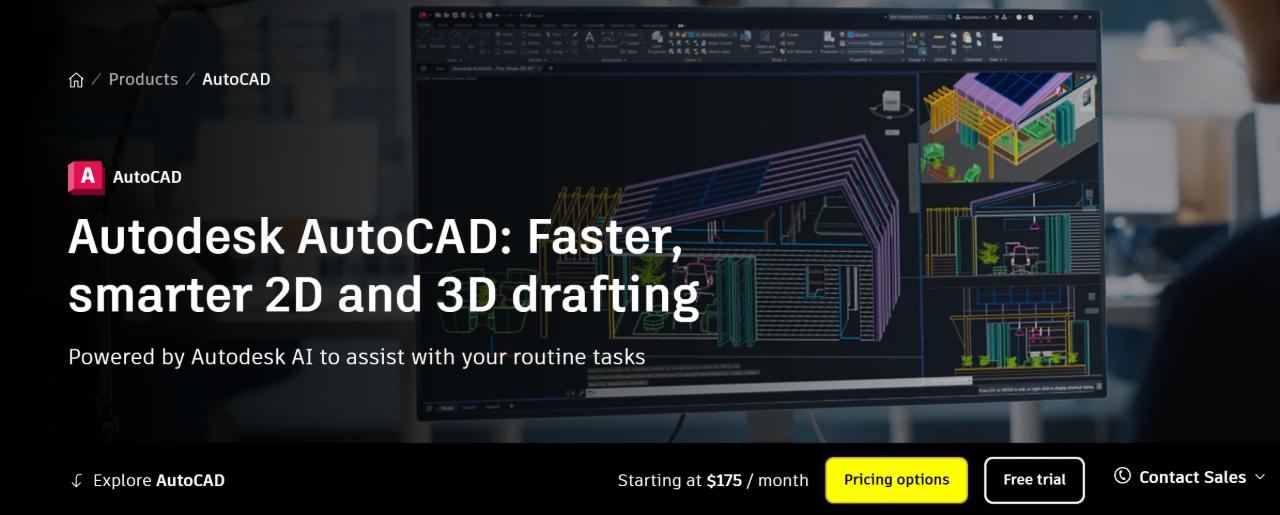
Rhinoceros 9.1 (build 9.1.26315.13001)—widely known as Rhino 3D—is a precision 3D modeling and parametric design software application developed by Robert McNeel & Associates. Adopted across architecture, industrial and product design, jewelry making, automotive styling, and marine engineering, Rhino relies on mathematical NURBS (Non-Uniform Rational B-Splines) geometry to create accurate curves, surfaces, and solids ready for manufacturing, prototyping, and fabrication.
1. In-Depth Review: Why Designers & Engineers Use Rhinoceros 9.1
- High-Precision Free-Form NURBS Modeling: Unlike mesh-only 3D modeling software, Rhino calculates curves and double-curved surfaces mathematically with millimeter-level accuracy, making it suitable for everything from intricate jewelry pieces to complex architectural facades and marine hulls.
- Built-In Grasshopper & Organic SubD Tools: Integrates Grasshopper visual programming directly inside the workspace for parametric, data-driven modeling alongside smooth SubD (Subdivision Surface) tools for rapid organic sculpting.
- Seamless BIM, 3D Printing & Rendering Workflows: Runs directly inside Autodesk Revit via Rhino.Inside.Revit, prepares clean watertight meshes with ShrinkWrap for 3D printing, and delivers real-time viewport ray tracing through the integrated Cycles rendering engine.
2. Key Features & Capabilities
- Uninhibited Free-Form NURBS Modeling: Create, edit, analyze, and translate complex curves, surfaces, solids, and point clouds with manufacturing-grade precision across scales.
- Grasshopper Visual Programming: Build parametric design algorithms by connecting visual nodes to generate and adjust complex architectural or product forms dynamically.
- SubD (Subdivision Surface) Editing: Sculpt smooth, organic forms rapidly with clay-like flexibility and convert them cleanly to and from precision NURBS surfaces.
- ShrinkWrap Mesh Preparation: Generate clean, watertight meshes around open or multi-part assemblies for 3D printing, reverse engineering, and prototyping.
- Rhino.Inside.Revit Integration: Run Rhino and Grasshopper directly inside Autodesk Revit to drive native BIM geometry without repetitive file conversions.
- Cycles GPU-Accelerated Rendering: Preview realistic lighting, reflections, and materials directly inside the viewport using NVIDIA RTX or Apple Metal hardware acceleration.
- Broad File Exchange & Plugin Ecosystem: Import and export dozens of CAD, BIM, mesh, and graphics formats, and extend workflows with third-party rendering, CAM, and AI-assisted design plugins.
3. How to Register & Access an Official Trial or License
To ensure software authenticity, security updates, and full compliance with licensing terms, always register and download Rhinoceros directly from McNeel’s official portals:
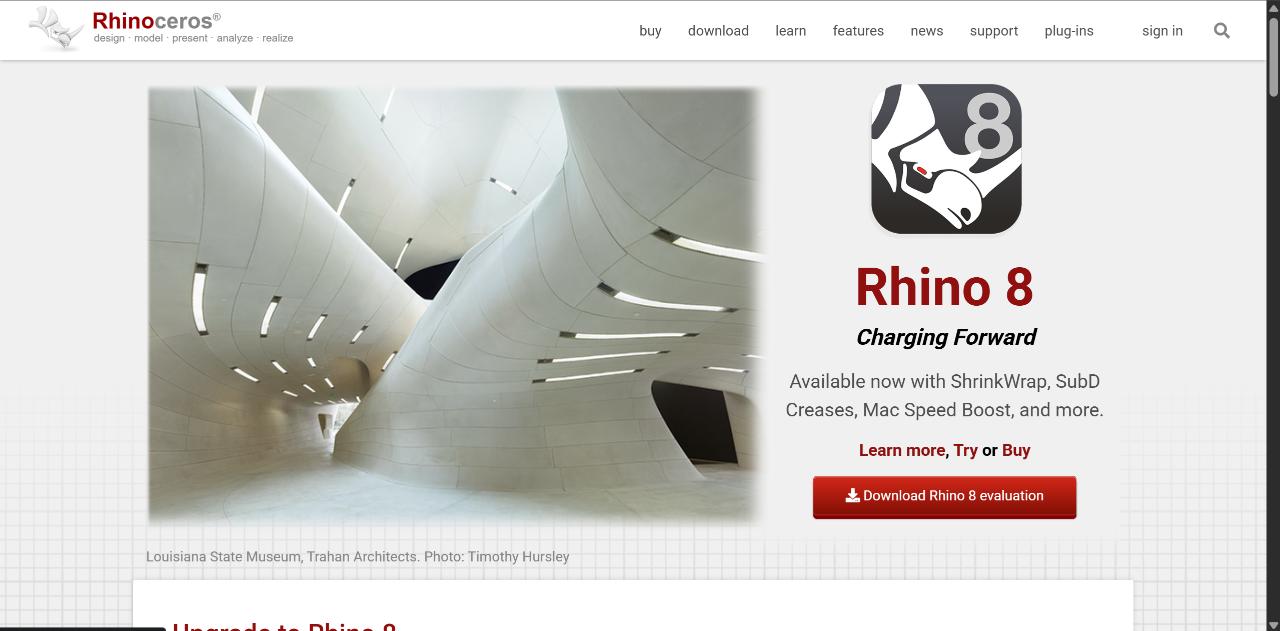
- Visit the Official Rhinoceros Website: Go to https://www.rhino3d.com to explore features, platform compatibility, and licensing options.
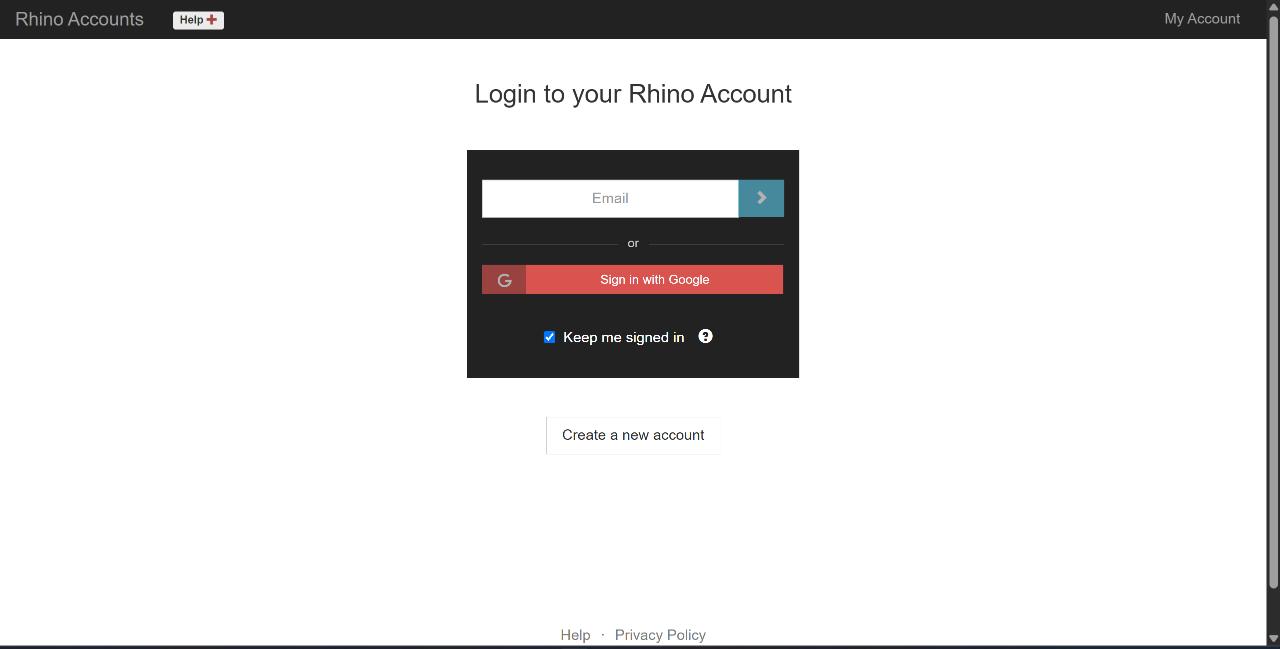
- Create a Rhino Account: Register a free account at https://accounts.rhino3d.com using your email address to manage trials, Cloud Zoo licenses, and product updates.
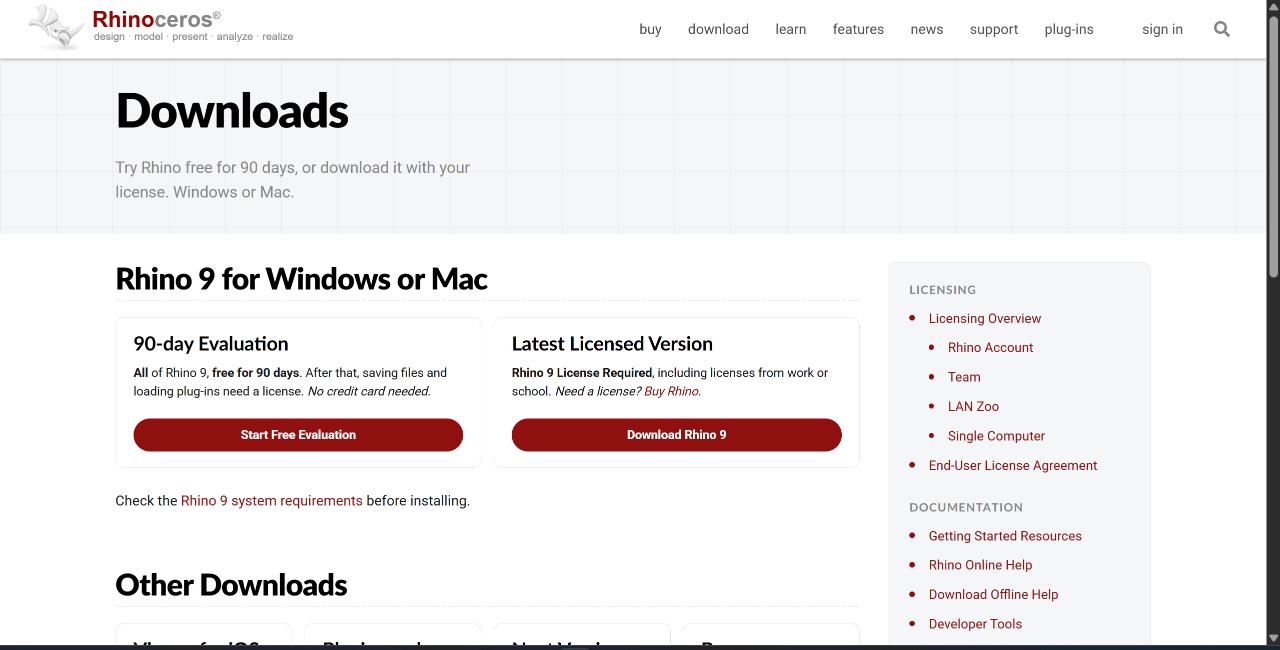
- Choose Your Official Licensing Path:
- Official 90-Day Evaluation (Free Trial): Download the full-featured evaluation installer at https://www.rhino3d.com/download/ to test saving, exporting, Grasshopper, and plugins for 90 days.
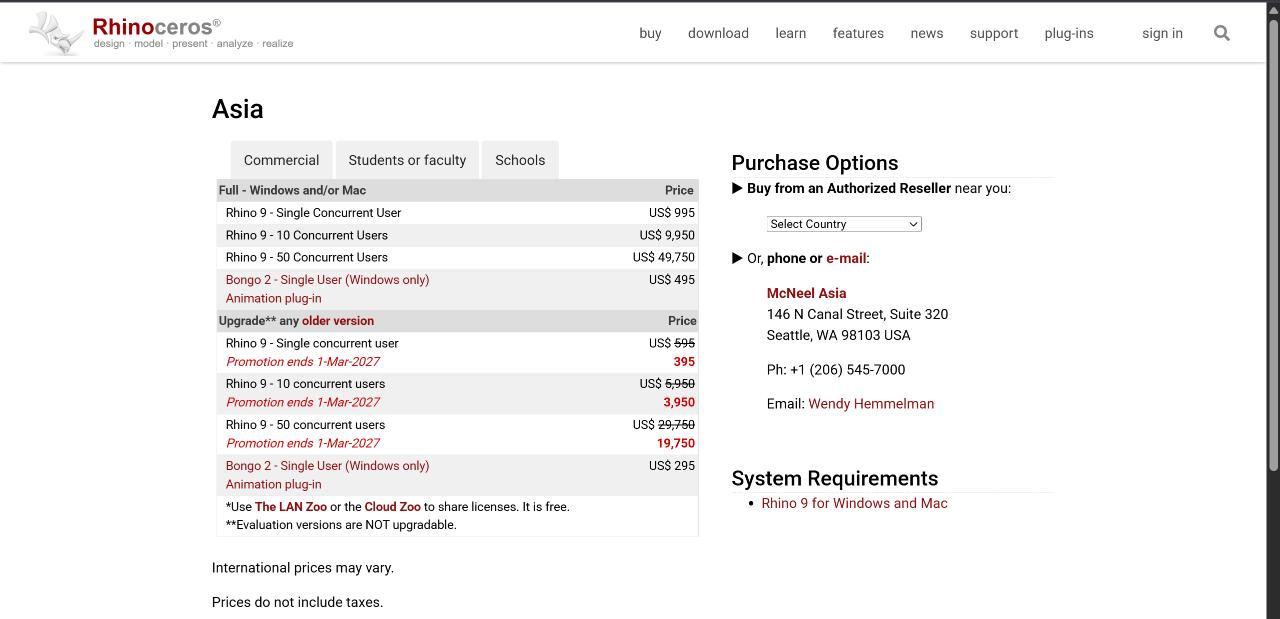
- Commercial License: Purchase a perpetual single-user or team license directly from https://www.rhino3d.com/sales/ or an authorized regional reseller without recurring monthly subscription fees.
- Educational License: Students and educators with valid academic credentials can apply for discounted educational licensing through the official McNeel sales portal.
4. Step-by-Step Installation Guide
- Verify System Requirements: Confirm that your workstation runs 64-bit Windows 10/11 (or supported macOS) with at least 8 GB RAM (16 GB+ recommended), a multi-core processor, an OpenGL 4.1+ or Apple Metal-compatible GPU with updated drivers, and sufficient SSD space.
- Download the Official Installer: Sign in to your Rhino Account on rhino3d.com and download the official 64-bit installer package (rhino_en-us_9.1.xxx.exe on Windows or .dmg on macOS).
- Run Setup & Customize Options: Double-click the downloaded installer file, click Install Now (or click the gear icon to choose installation directory and language packs), and wait for setup to complete.
- Sign In & Activate License: Launch Rhinoceros 9.1 and sign in using your registered Rhino Account credentials to activate your 90-day evaluation or license key automatically via Cloud Zoo.
5. How to Use Rhinoceros 9.1: Beginner Workflow
- Choose a Unit Template: When Rhino opens, select a template matching your project scale—such as Small Objects - Millimeters for product/jewelry design or Large Objects - Meters for architecture.
- Navigate the 4-Viewport Interface: Work across Top, Front, Right, and Perspective viewports simultaneously; double-click any viewport title to maximize or restore it, and hold Right-Click to orbit in Perspective view.
- Create Base Curves & Surfaces: Use the Command Line (by typing commands such as Polyline, Curve, ExtrudeCrv, Revolve, or Loft) or the left-hand toolbar icons to draw curves and generate precision 3D surfaces or solids.
- Explore SubD & Grasshopper Tools: Switch to the SubD tab for smooth organic sculpting, or type Grasshopper in the command line to open the visual node editor for parametric patterns and structures.
- Preview & Export Your Model: Switch the viewport display mode to Rendered or Raytraced (Cycles) to inspect lighting and materials, then go to File > Export Selected to export in .3DM, .DWG, .STEP, .OBJ, or .STL format.
6. Frequently Asked Questions (FAQ)
- What is Rhinoceros 9.1 (9.1.26315.13001 x64) used for?It is used for precision 3D NURBS modeling, parametric architecture via Grasshopper, organic SubD sculpting, product and jewelry design, marine/automotive surfacing, 3D printing preparation, and BIM integration with Revit.
- Does Rhinoceros require a recurring monthly subscription?No. McNeel offers perpetual licenses for Rhino, meaning you pay once for the version rather than paying an ongoing monthly subscription fee.
- How long does the official Rhino evaluation last?McNeel provides a full-featured 90-day evaluation on rhino3d.com so users can test real workflows, saving, exporting, and plugins before purchasing a license.