Blender Review: Free 3D Modeling, Animation, Rendering, Installation & Usage Guide
Blender is a free, open-source 3D creation suite developed and maintained by the Blender Foundation. Used by 3D artists, architectural visualizers, game developers, animators, product designers, and visual effects (VFX) studios worldwide, Blender supports the entirety of the 3D pipeline—including modeling, digital sculpting, rigging, animation, physics simulation, GPU ray-traced rendering, compositing, and video editing across Windows, macOS, and Linux.
1. In-Depth Review: Why 3D Artists & Studios Use Blender
- Complete End-to-End 3D Pipeline at Zero Cost: Licensed under the GNU General Public License (GPL), Blender gives solo creators, freelancers, and commercial studios unrestricted access to professional 3D modeling, animation, and rendering tools without subscription fees.
- Dual Real-Time & Photorealistic Render Engines: Pairs EEVEE—a fast, real-time physically based viewport renderer—with Cycles, a production-grade unbiased path-tracing engine supporting NVIDIA OptiX, AMD HIP, Intel oneAPI, and Apple Metal GPU acceleration.
- Non-Destructive Geometry Nodes & Rich Add-On Ecosystem: Empowers artists to build procedural environments, architectural arrays, and complex motion graphics with Geometry Nodes, while extending workflows through thousands of built-in and community add-ons.
2. Key Features & Capabilities
- Polygonal Modeling, Subdivision & Digital Sculpting: Create hard-surface mechanical parts or high-resolution organic characters using Bevel, Boolean, Subdivision Surface modifiers, and multi-resolution sculpting brushes.
- Cycles & EEVEE Rendering Engines: Render photorealistic lighting, global illumination, caustics, and volumetrics with Cycles, or preview real-time materials and shadows immediately in EEVEE.
- Geometry Nodes & Procedural Workflows: Design parametric architectural structures, terrain scattering, and animated particle effects using visual node networks without destructive mesh edits.
- Rigging, Character Animation & Grease Pencil 2D/3D: Build inverse-kinematics (IK) armatures, pose libraries, and nonlinear animations, or draw 2D illustrations and frame-by-frame animation directly inside 3D space with Grease Pencil.
- Physics & Fluid Simulations: Simulate realistic smoke, fire, liquid dynamics, cloth, rigid-body collisions, and soft-body deformation natively inside the viewport.
- UV Unwrapping, PBR Shading & Texture Painting: Unwrap clean UV layouts, build procedural shader graphs with Principled BSDF materials, and paint textures directly onto 3D meshes.
- Built-In Compositor, Motion Tracking & Video Editor: Track live-action camera footage, composite render passes with glare/color grading nodes, and edit final video sequences inside a single `.blend` file.
- How to Access & Download Blender from the Official Portal
Because Blender is open-source software, always download official, digitally signed installers directly from the Blender Foundation’s website to avoid modified third-party bundles:
- Visit the Official Blender Website: Go to https://www.blender.org to explore release highlights, open movie demos, documentation, and hardware benchmarks.

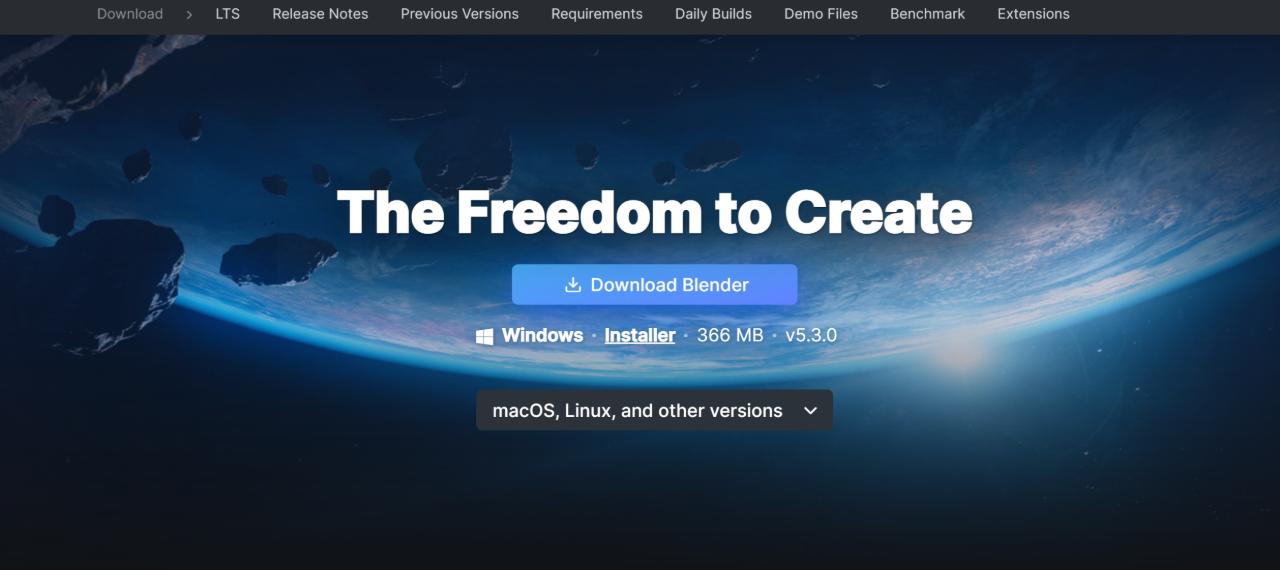
- Open the Official Download Portal: Navigate to https://www.blender.org/download/ to detect your operating system automatically or select Windows, macOS, or Linux installers.
- Choose Your Official Release Edition:
- Latest Release (Recommended for New Features): Download the newest stable Blender build from https://www.blender.org/download/ to access the latest EEVEE, Cycles, and Geometry Nodes improvements.
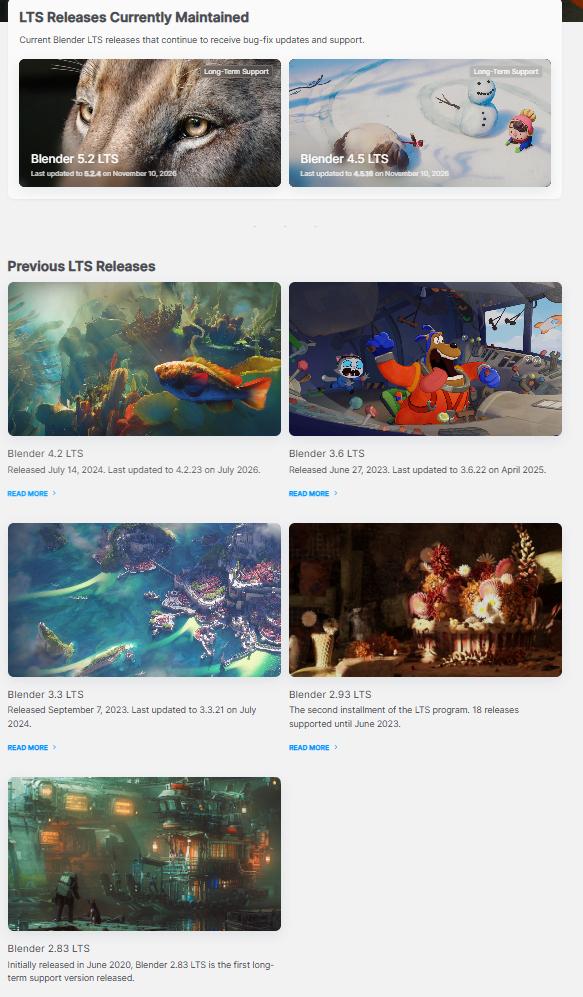
- Long-Term Support (LTS) Release: Studios and long-running productions can download Blender LTS builds via https://www.blender.org/download/lts/ for two years of stability and bug-fix updates.
- Portable `.ZIP` or Microsoft Store / Steam Builds: Windows users can also choose a portable `.zip` archive or install via the Microsoft Store or Steam for automatic background updates.
4. Step-by-Step Installation Guide
- Verify System & GPU Requirements: Confirm your computer runs a 64-bit OS (Windows 10/11, macOS 11+, or Linux) with at least 8 GB RAM (16 GB–32 GB recommended), a 4-core+ CPU, an OpenGL 4.3 / Vulkan-capable discrete GPU with 4 GB–8 GB+ VRAM, and 2 GB+ free SSD space.
- Download the Official Installer: Visit https://www.blender.org/download/ and download the official 64-bit Windows installer (`.msi`) or macOS Apple Silicon / Intel disk image (`.dmg`).
- Run the Setup Wizard: Double-click the downloaded `.msi` file, click Next, accept the GNU General Public License agreement, select your installation path, and click Install.
- Launch & Configure GPU Acceleration: Open Blender, go to Edit > Preferences > System, and select your dedicated GPU under Cycles Render Devices (CUDA, OptiX, HIP, oneAPI, or Metal) for faster rendering.
5. How to Use Blender: Beginner Workflow
- Navigate the 3D Viewport: Open Blender to start with the default Cube, Camera, and Light; hold Middle Mouse Button (MMB) to orbit, `Shift + MMB` to pan, and scroll the wheel to zoom.
- Transform & Edit Meshes: Select an object and press `G` (Grab/Move), `R` (Rotate), or `S` (Scale) followed by `X`, `Y`, or `Z` to constrain axes, or press `Tab` to switch between Object Mode and Edit Mode to extrude faces (`E`) and bevel edges (`Ctrl+B`).
- Add Modifiers for Non-Destructive Detail: Open the Properties panel on the right, click the blue wrench icon (Modifiers), and add Subdivision Surface, Mirror, or Solidify modifiers to refine geometry cleanly.
- Apply Materials & Lighting: Switch to the Shading workspace at the top, click New on the Principled BSDF shader to adjust Base Color, Metallic, and Roughness, and press `Z` in the viewport to switch to Rendered preview.
- Render & Save Your Image or Animation: Position your Camera (`Ctrl+Alt+0` to snap camera to view), check output resolution under Output Properties, and press `F12` to render a still image (or `Ctrl+F12` for animation) before saving via Image > Save As.
6. Frequently Asked Questions (FAQ)
- Is Blender completely free for commercial projects?Yes. Blender is free and open-source under the GNU GPL license, allowing individuals, studios, and companies to use it for commercial games, architectural visualizations, films, and 3D printing without royalties or subscriptions.
- Can Blender import CAD and architectural models from SketchUp, Rhino, or Revit?Yes. Blender natively imports standard 3D exchange formats including `.OBJ`, `.FBX`, `.GLTF/.GLB`, `.STL`, `.DAE` (Collada), and `.USD`, making it popular for rendering models created in SketchUp, Rhino, or Revit.
- Does Blender work well on laptops without a dedicated GPU?Blender runs on integrated graphics for basic modeling, though a dedicated NVIDIA RTX, AMD Radeon, or Apple Silicon GPU is strongly recommended for fast Cycles ray-traced rendering.