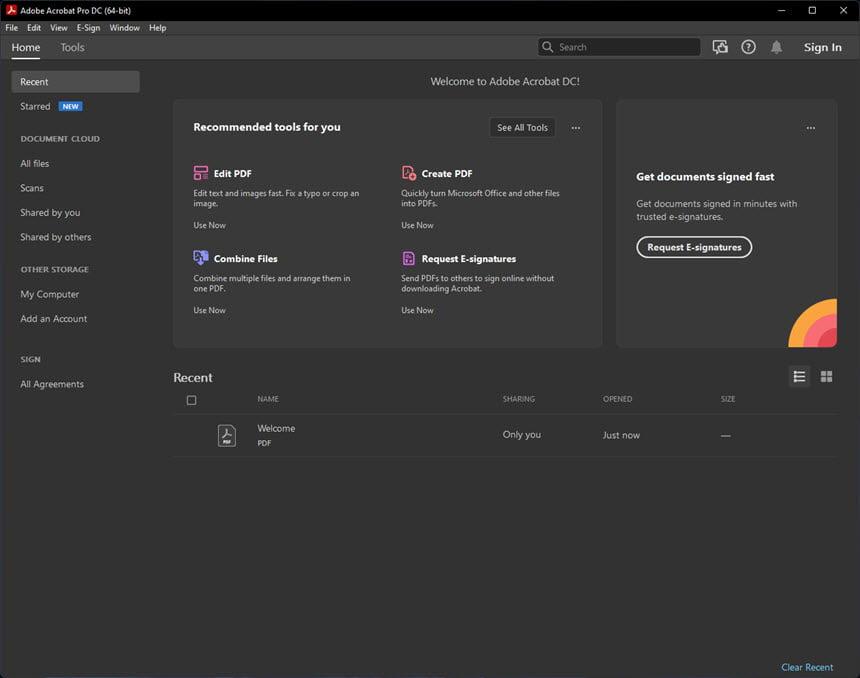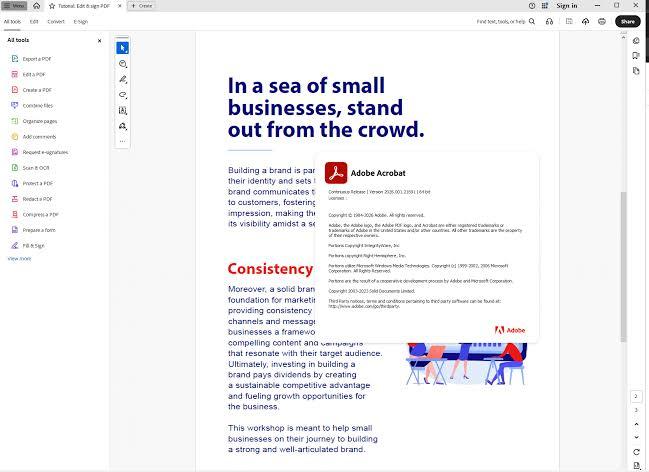
Adobe Acrobat Pro (build 26.003.22110, released November 2026) is a PDF editing, document conversion, and document management application developed by Adobe for business professionals, teams, educators, and organizations. Built to preserve layout fidelity across desktop, web, and mobile devices, it lets users create, edit, organize, sign, protect, and convert PDF files with high accuracy. Evaluating an official free trial allows individuals and teams to test PDF editing, OCR text recognition, AI-assisted document tools, and e-signature workflows on real files before choosing a subscription plan.
Why Professionals & Teams Use Adobe Acrobat Pro 26.003.22110
- Accurate Editing & Format Conversion: Modify PDF text and images directly, organize or reorder pages, and convert PDFs to and from Microsoft Word, Excel, and PowerPoint while keeping formatting intact.
- AI-Assisted Document Workflows & Cloud: Access: Use AI features to summarize long documents and ask questions across project files, while accessing and reviewing documents across desktop, browser, and mobile apps.
- Security, Redaction & Legally Valid E-Signatures: Permanently redact sensitive information, protect documents with passwords and encryption, compare document versions, and send files for electronic signatures with status tracking.
Key Features & Capabilities
- Acrobat AI Assistant & PDF SpacesSummarize long documents, ask questions about file contents, draft text, and explore insights across grouped project files.
- Edit &: Convert PDFsEdit text and images inside PDFs, organize pages, and convert files between PDF and Microsoft Word, Excel, and PowerPoint.
- Optical Character Recognition (OCR): Convert scanned paper documents and images into searchable, editable text to cut down manual retyping.Professional RedactionPermanently remove confidential, personal, or sensitive text and graphics before sharing documents.E-Sign & Signature TrackingFill, sign, and send PDFs for electronic signatures while tracking signing status in real time.Document ComparisonCompare two versions of a PDF automatically to spot text, layout, or content differences.
- PDF Accessibility Tools: Check and improve PDF structure and tagging to support accessibility standards.
- Cloud Collaboration & Reviews: Share review links, collect comments and annotations, and collaborate across desktop, web, and mobile devices.
- Forms & Encryption Security: Build interactive PDF forms and apply password protection, permission controls, and encryption to safeguard files.
Frequently Asked Questions (FAQ)
- What is Adobe Acrobat Pro 26.003.22110 used for? It is used for creating, editing, and converting PDFs (including to Word, Excel, and PowerPoint), running OCR on scanned documents, redacting confidential data, comparing files, managing electronic signatures, and protecting documents with passwords and encryption.
- How can I try Adobe Acrobat Pro before subscribing? Adobe offers an official 7-day free trial on its website (and free Acrobat Reader / free online PDF tools for basic viewing, commenting, filling forms, and simple signing), allowing you to test editing, conversion, and e-sign tools before a subscription starts.
- What should I check before starting a free trial? Review the trial duration, billing terms, cancellation steps, and any optional add-ons (such as AI Assistant) on Adobe's official trial page so you know when billing begins if you do not cancel.
How to Download & Evaluate Safely
- Use Official or Authorized Sources: Download the installer or update package directly from Adobe’s official website (adobe.com) or an authorized distributor to ensure authentic, malware-free files.
- Verify System & Platform Compatibility: Check that your Windows (64-bit or 32-bit, such as Windows 11) or macOS system meets Adobe’s requirements and close open applications or antivirus scanners if needed during installation.
- Test Your Document Workflow During the Trial: Evaluate OCR accuracy on your scanned files, Office conversions, redaction rules, and e-signature workflows before committing to a plan.
Screenshots