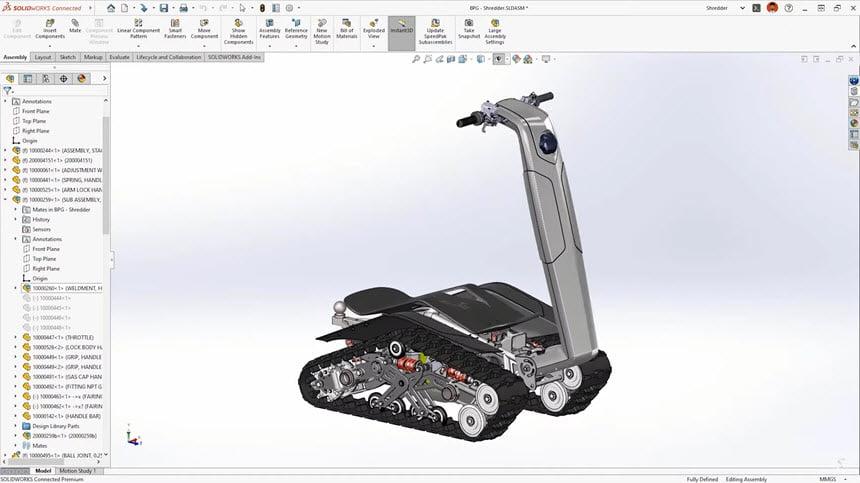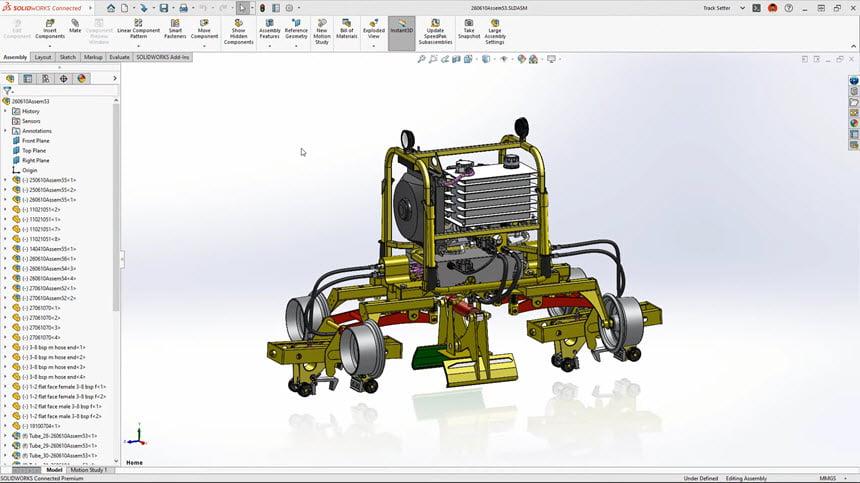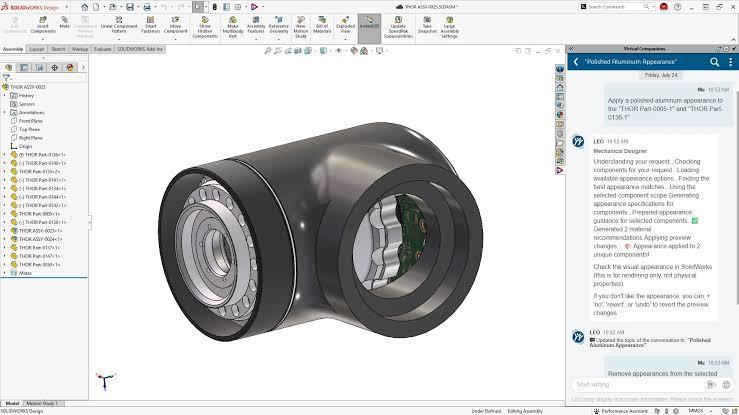
Dassault Systèmes SolidWorks 2026 SP5.2 (x64) is a 3D mechanical CAD, simulation, and product data management software platform built for mechanical engineers, industrial designers, manufacturers, and engineering students. Evaluating an official free trial lets design teams test AI-assisted modeling workflows, large-assembly responsiveness, structural/fluid simulations, and cloud collaboration on real product assemblies before selecting a commercial or academic license.
Why Engineering & Manufacturing Teams Use SolidWorks 2026 SP5.2
- AI-Assisted Modeling & Documentation: Streamlines repetitive engineering tasks with AI-assisted drawing generation, intelligent fastener recognition and assembly, and predictive command shortcuts so engineers spend more time on product innovation.
- Faster Large Assemblies & Smarter Rebuilds: Optimizes multi-core hardware utilization to speed up loading, model updates, and Smarter Rebuild operations across complex multi-part assemblies.
- Connected Engineering & Lifecycle Control: Integrates with the 3DEXPERIENCE cloud platform and Product Data Management (PDM/PLM) workflows to track model maturity states, design revisions, and cross-departmental approvals in one environment.
Key Features & Capabilities
Feature CategoryPractical CapabilitiesGenerative Design & AI OptimizationApply AI-driven topology optimization and generative tools to calculate lightweight, high-strength structural geometry.Large Assembly PerformanceLoad, navigate, and rebuild complex mechanical assemblies faster with improved memory and graphics handling.FEA & CFD Simulation-Driven DesignRun nonlinear structural stress analysis (FEA) and airflow/fluid simulations (CFD) directly within the CAD environment.Precision Sheet Metal & WeldmentsDesign complex sheet metal bends, flanges, and structural steel frames with accurate manufacturing rules and cut lists.Hybrid Mesh & Parametric ModelingCombine scanned mesh data seamlessly with parametric solid and surface geometry for reverse engineering and refinement.3DEXPERIENCE Cloud & PLMShare CAD data in real time, manage product lifecycles, and automate approval workflows across engineering and manufacturing teams.Modernized UX & Predictive ShortcutsCustomize workspaces and use AI-powered command prediction to speed up daily 3D drafting and detailing.Sustainability & Eco-DesignEvaluate material environmental impact and carbon footprint early in the design phase to support sustainable engineering targets.
Frequently Asked Questions (FAQ)
- What is SolidWorks 2026 SP5.2 used for? It is used for 3D mechanical part and assembly modeling, 2D manufacturing drawings, sheet metal and weldment fabrication, structural and fluid simulation (FEA/CFD), and product lifecycle management.
- What does the Service Pack (SP5.2) update provide? Service Pack releases deliver cumulative stability fixes, performance refinements, and bug resolutions across modeling, drawings, simulation, and data management for the SolidWorks 2026 release cycle.
- How can I evaluate SolidWorks 2026 before purchasing a license? Dassault Systèmes provides an official online/desktop trial through SolidWorks and authorized resellers so engineers and businesses can test CAD modeling, simulation, and PDM capabilities on sample projects.
How to Download & Evaluate Safely
- Use Official or Authorized Sources: Request or download the 64-bit installer directly through Dassault Systèmes’ official SolidWorks portal (
solidworks.com) or an authorized Value-Added Reseller (VAR) to ensure authentic, unmodified software. - Verify 64-Bit Hardware & GPU Certification: Confirm that your workstation runs 64-bit Windows with a supported multi-core processor, sufficient RAM (16 GB–32 GB+ recommended for large assemblies), and a certified workstation graphics card.
- Test Your Assemblies & Add-Ins First: Validate existing part libraries, simulation studies, and PDM/3DEXPERIENCE connections in a trial environment before deploying Service Pack updates across production teams.
screen