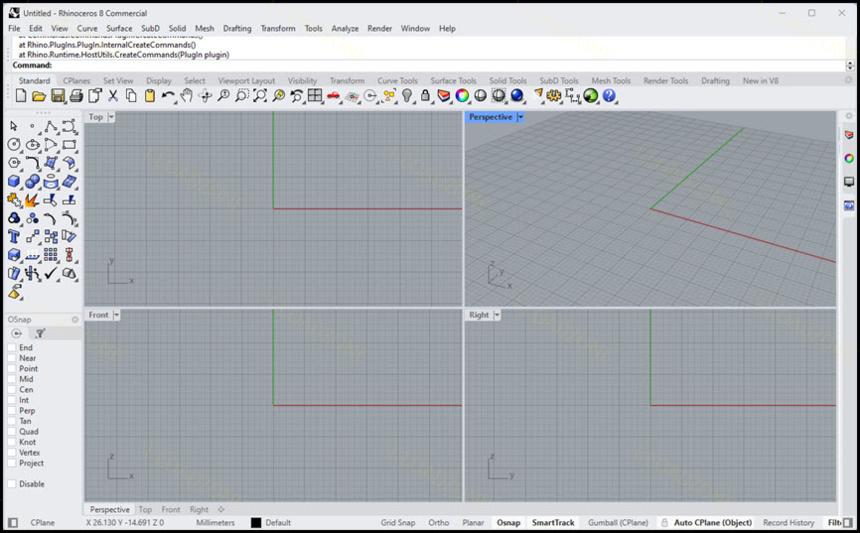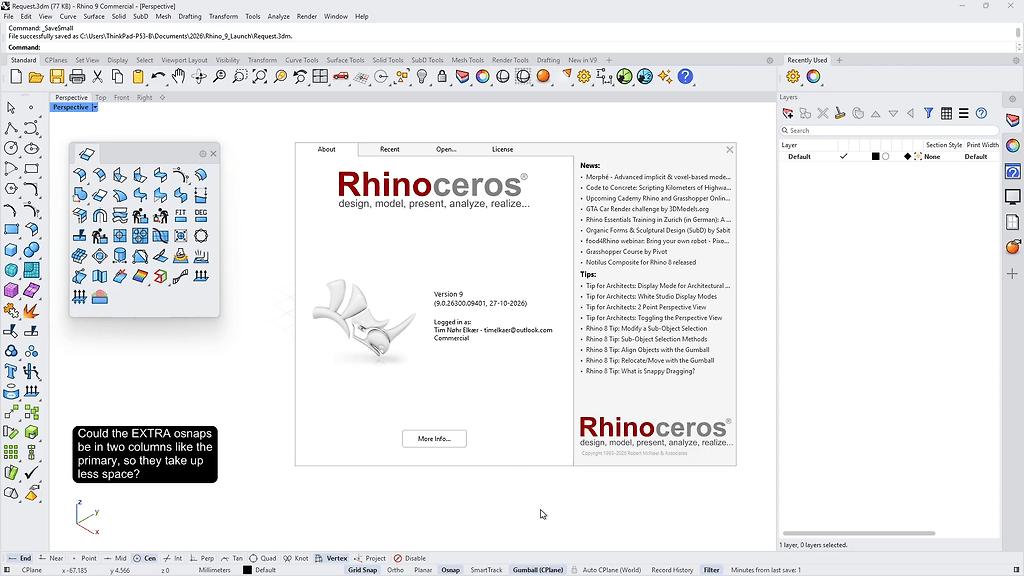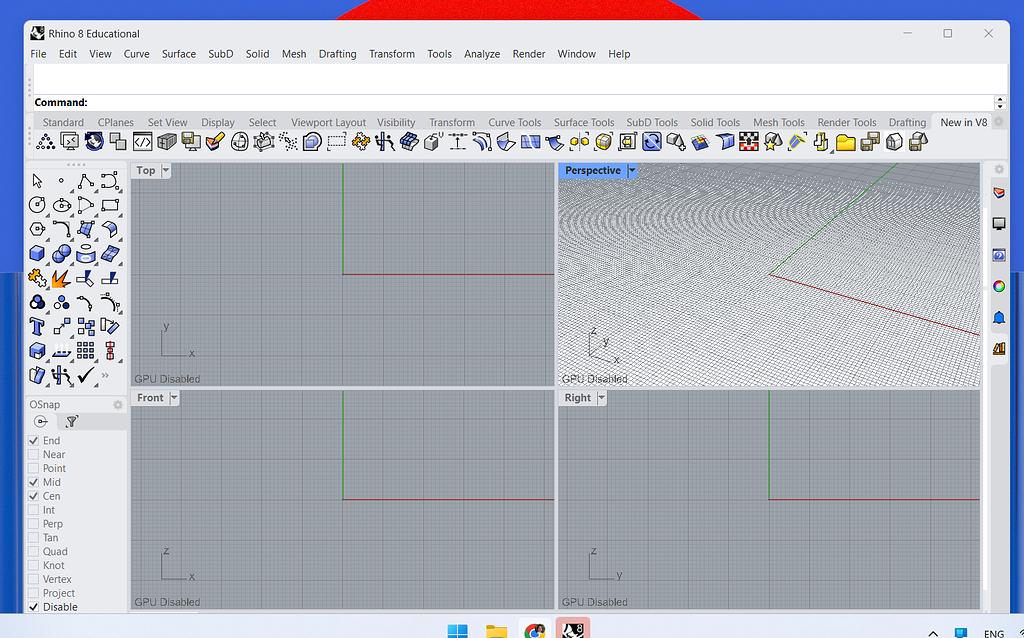
Rhinoceros 9.1 (build 9.1.26315.13001 x64)—widely known as Rhino 3D—is a 3D modeling, parametric design, and CAD software application developed by Robert McNeel & Associates for architects, industrial and product designers, jewelry makers, marine and automotive engineers, and 3D artists. Built around NURBS (Non-Uniform Rational B-Splines) geometry, Rhino enables accurate curves, surfaces, and solids from small consumer products up to large-scale architectural and aerospace structures. Evaluating an official free trial allows designers, engineering teams, and students to test NURBS modeling, Grasshopper parametric workflows, SubD organic sculpting, and BIM integration on real projects before choosing a commercial or educational license.
Why Designers & Engineers Use Rhinoceros 9.1
- Precision Free-Form NURBS Modeling: Models complex curves, double-curved surfaces, and solids with engineering-grade accuracy suitable for downstream manufacturing, prototyping, and fabrication.
- Built-In Grasshopper Parametric: Design & SubD Sculpting: Combines node-based visual programming in Grasshopper with smooth SubD (Subdivision Surface) editing so teams can iterate organic forms and data-driven geometry rapidly.
- Seamless BIM, 3D Printing & Rendering Interoperability: Runs directly inside Autodesk Revit via Rhino.Inside.Revit, prepares watertight meshes with ShrinkWrap for 3D printing, and delivers real-time viewport ray tracing with the integrated Cycles rendering engine.
Key Features & Capabilities
- Uninhibited Free-Form NURBS Modeling: Create, edit, analyze, and translate curves, surfaces, solids, and point clouds with high mathematical accuracy across scales.
- Grasshopper Visual Programming: Build parametric algorithms by connecting visual nodes to generate and adjust complex architectural, structural, or product forms instantly.SubD (Subdivision Surface) EditingSculpt organic, smooth forms quickly with clay-like flexibility while converting cleanly to and from precision NURBS surfaces.
- ShrinkWrap Mesh Technology: Generate clean, watertight meshes around open or complex geometry for 3D printing, reverse engineering, and manufacturing preparation.
- Rhino.Inside.Revit Integration: Run Rhino and Grasshopper directly inside Autodesk Revit to drive native BIM families and geometry without repetitive file conversions.Cycles GPU-Accelerated RenderingPreview realistic lighting, materials, and shadows directly in the viewport using hardware-accelerated ray tracing (NVIDIA RTX / Apple Metal).
- Broad File Exchange & Plugin Ecosystem: Import and export dozens of CAD, BIM, mesh, and graphics formats, and extend workflows with third-party rendering, CAM, and AI-assisted plugins.
Practical Workflow Tips for Evaluating Rhinoceros 9.1
- Test NURBS-to-SubD & ShrinkWrap Workflows: Try converting a SubD concept form into NURBS surfaces or wrapping complex multi-part assemblies with ShrinkWrap to check mesh cleanliness for 3D printing.
- Evaluate Grasshopper & Rhino.Inside.Revit: Load your parametric Grasshopper definitions or connect Rhino inside Revit during the trial to confirm add-on and BIM data behavior.
- Check Viewport Display & Raytraced Speed: Test large architectural or product assemblies in Shaded, Rendered, and Raytraced (Cycles) modes to verify graphics driver performance.
Frequently Asked Questions (FAQ)
- What is Rhinoceros 9.1 (9.1.26315.13001 x64) used for? It is used for precision 3D NURBS modeling, parametric architecture via Grasshopper, organic SubD sculpting, product and jewelry design, marine/automotive surfacing, 3D printing preparation, and BIM integration with Revit.
- How is Rhino different from mesh-only 3D modeling software? Rhino models using mathematically accurate NURBS geometry alongside SubD and meshes, making it suitable not only for visual rendering, but also for CAD drafting, CNC machining, tooling, and fabrication.
- How can I evaluate Rhinoceros 9 before purchasing a license? McNeel provides an official 90-day full-featured evaluation version on its website (
rhino3d.com), allowing users to test saving, exporting, Grasshopper, and plugins before buying a perpetual commercial or educational license.
How to Download & Evaluate Safely
- Use Official or Authorized Sources: Download the 64-bit installer directly from McNeel’s official Rhinoceros portal (rhino3d.com) or an authorized reseller to ensure signed, unmodified installation files.
- Verify 64-Bit System & GPU Requirements: Confirm that your Windows or macOS workstation meets Rhino’s 64-bit OS, processor, RAM, and OpenGL/Metal graphics driver requirements before installing.
- Test Your Models & Plugins During the Trial: Evaluate CAD file imports/exports, Grasshopper definitions, and rendering speed on sample projects during the evaluation period before deploying across production workstations.
Screenshots