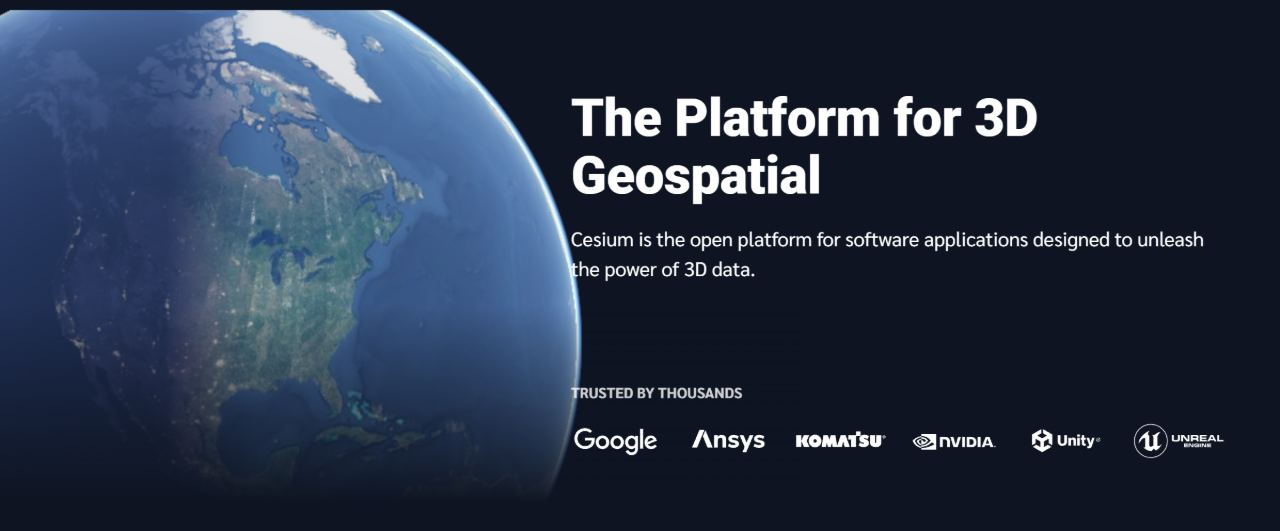
CesiumJS (maintained by Cesium GS under the Apache 2.0 License) is an open-source JavaScript library for creating interactive 3D globes and 3D spatial maps in web browsers without browser plugins. Built around the OGC 3D Tiles open standard and WebGL, CesiumJS is used across geospatial engineering, smart cities, digital twins, aviation/space visualization, and civil infrastructure to stream massive 3D terrain, photogrammetry meshes, buildings, BIM/CAD models, and point clouds.
1. In-Depth Review: Why 3D Web GIS & Digital Twin Teams Use CesiumJS
- Streaming Massive 3D Geospatial Data via OGC 3D Tiles: Renders huge 3D meshes, point clouds, vector tiles, and implicit tilesets smoothly on the web with dynamic level-of-detail streaming.
- Modular Packages, TypeScript Definitions & Sandcastle Tools: Organizes capabilities across modular packages (`@cesium/core` and `@cesium/engine` alongside `cesium`) with official TypeScript type generation and the interactive Sandcastle live code environment.
- Open-Source Core Paired with Optional Cesium ion & Engine Ecosystem: Combines an Apache 2.0 open-source JavaScript engine with optional Cesium ion cloud tiling/hosting and companion plugins for Unreal Engine, Unity, and Omniverse.
2. Key Features & Capabilities
- 3D Globes, Terrain & Dynamic Lighting: Visualize Earth—and planetary bodies such as the Moon—with terrain elevation, atmospheric sky/sun lighting, time-dynamic CZML/Entity trajectories, and camera flights.
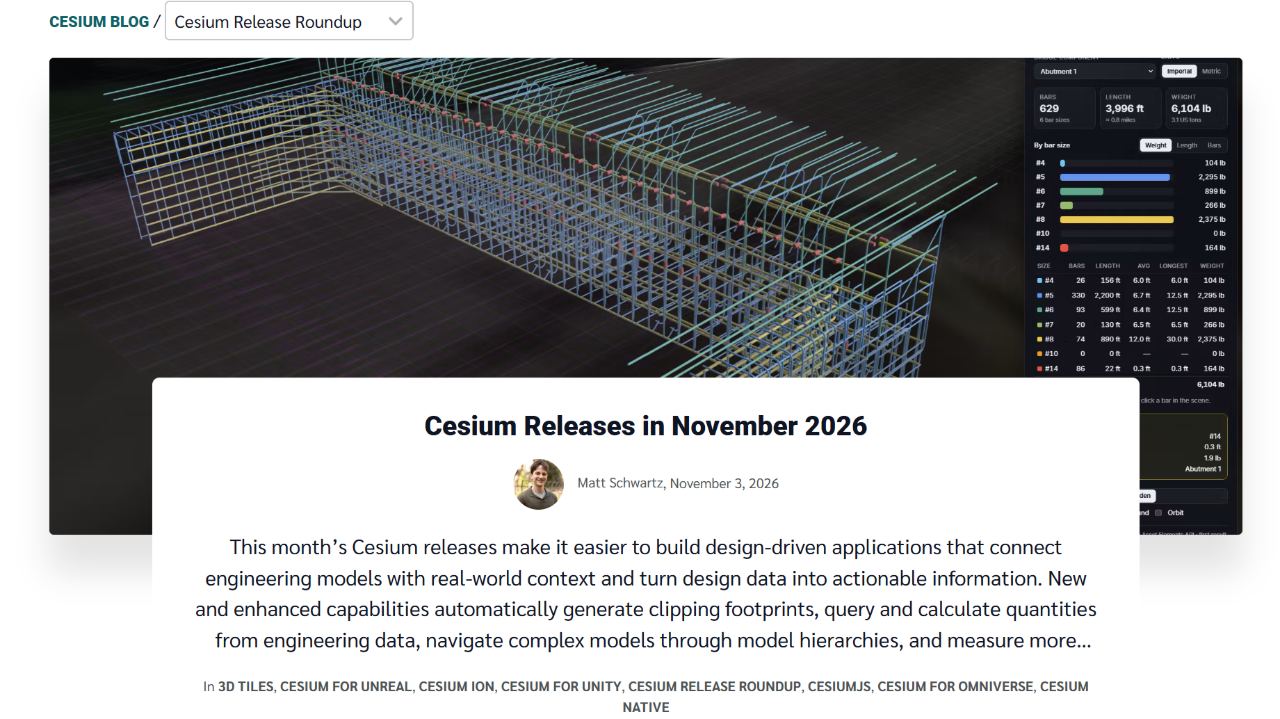
- 3D Tiles, Vector Tiles & Clipping Polygons: Load 3D Tilesets, vector tiles with property-based styling, glTF 3D models, and polygon clipping regions (including holes/islands) over wide areas.
- Measurement Tools & Metadata Queries: Measure distances, areas, and elevations with edge snapping and inspect per-feature or BIM/CAD element metadata.
- Imagery & WMS/WMTS/XYZ Overlays: Drape raster imagery layers, WMS services, and vector overlays over 3D terrain and 3D Tiles.
- Interactive Sandcastle Playground: Prototype, inspect, and test CesiumJS code snippets with live preview in Sandcastle.
- Cross-Browser & Bundler Compatibility: Supports ES modules (ESM) for tree-shaking in modern bundlers as well as prebuilt IIFE/CDN bundles.
- Official Links: Free Trial, Free / Education & Pricing
Always download CesiumJS packages, source code, and official documentation directly from Cesium's official portals:
- Official Cesium Website: https://cesium.com/
- Official Cesium Release Roundup & Downloads: https://cesium.com/blog/categories/cesium-release/
- Official CesiumJS GitHub Repository & Build/Doc Guides: https://github.com/CesiumGS/cesium
- Pricing & Licensing (Apache 2.0 Open-Source Library + Cesium ion Tiers): https://cesium.com/
4. Step-by-Step Installation Guide
- Verify Development Environment & Browser Support: Confirm your workstation has Node.js and `npm` installed for local development/bundling, along with a WebGL-capable desktop or mobile web browser.
- Install CesiumJS via npm or Clone Repository: Run `npm install cesium` in your project (or clone https://github.com/CesiumGS/cesium and run `npm install` and `npm run build`).
- Configure Static Assets & Stylesheet: Copy or serve CesiumJS's static `Workers`, `Assets`, `Widgets`, and `ThirdParty` directories alongside `widgets.css`, and set `window.CESIUM_BASE_URL` so Web Workers and assets resolve cleanly.
- Start Local Server & Verify 3D Viewer: Run your dev server (such as `npm start` for Cesium's built-in server on `http://localhost:8080/` or your Vite/webpack dev server) and confirm the 3D globe renders without console errors.
5. How to Use CesiumJS: Beginner Workflow
- Create a Full-Screen Viewer Container: Add a `<div id="cesiumContainer"></div>` element to your HTML page with full-width/height styling.
- Initialize the Cesium `Viewer`: Instantiate `const viewer = new Viewer('cesiumContainer');` and configure your terrain provider or imagery layers as needed.
- Load 3D Tiles, GeoJSON or CZML Data: Add 3D building/mesh tilesets with `Cesium3DTileset.fromUrl(...)` or load GeoJSON/CZML datasets into `viewer.dataSources`.
- Style Features & Enable Picking: Apply `Cesium3DTileStyle` rules for color/visibility and attach a `ScreenSpaceEventHandler` to pick clicked features and read their properties.
- Optimize & Deploy Production Build: Bundle your ES modules with tree-shaking enabled for production and host your tilesets/assets with proper CORS headers.
6. Frequently Asked Questions (FAQ)
- Is CesiumJS free for commercial and research projects?Yes. CesiumJS is an open-source JavaScript library released under the Apache 2.0 License, while optional cloud tiling/hosting services (Cesium ion) offer free starter and paid tiers.
- What is Sandcastle in CesiumJS?Sandcastle is CesiumJS's built-in interactive code editor and live preview environment for exploring examples and testing 3D geospatial code.
- Does CesiumJS require a browser plugin?No. CesiumJS runs natively in modern web browsers using standard HTML5 and WebGL without plugins.