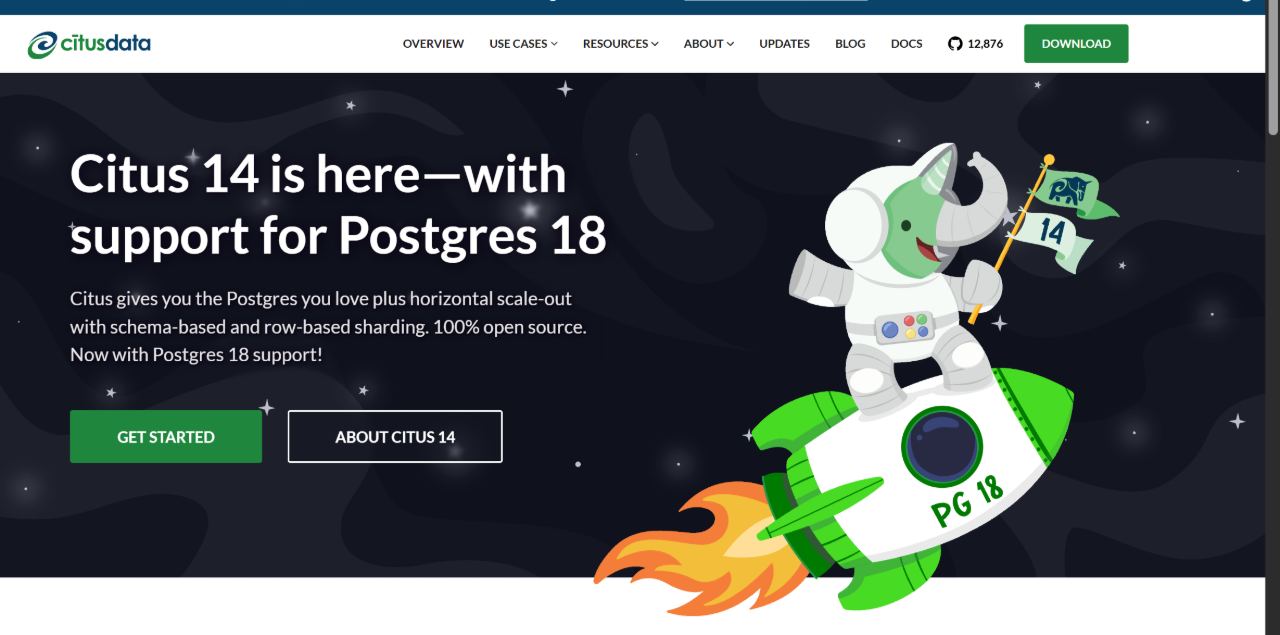
Citus (developed by the Citus open-source team and Microsoft for Linux, macOS, and Windows) is an open-source extension that transforms PostgreSQL into a distributed database across multiple nodes. Built for backend engineers, SaaS platforms, analytics teams, and PostGIS spatial architects scaling beyond a single machine's RAM or CPU, Citus shards tables horizontally across worker nodes while keeping standard SQL, transactions, and PostgreSQL extensions like PostGIS working seamlessly.
1. In-Depth Review: Why Backend & Spatial Teams Scale PostgreSQL with Citus
- Scale Out PostgreSQL Without Rewriting SQL or Apps: Distributes large tables across worker nodes using hash or reference sharding while exposing a single coordinator endpoint so applications speak standard PostgreSQL wire protocol and SQL.
- Runs Alongside PostgreSQL Extensions Including PostGIS: Combines PostgreSQL's rich ecosystem—JSONB, indexing, extensions, and PostGIS spatial data types/functions—with distributed query planning across shards.
- Flexible Deployment from Single-Node to Multi-Node Clusters: Supports local development, multi-node Linux clusters, and managed cloud PostgreSQL environments with online shard rebalancing.
2. Key Features & Capabilities
- Distributed Hash & Reference Tables: Shard high-volume tables by a distribution column (such as `tenant_id` or `region_id`) and replicate smaller lookup tables across nodes for fast joins.
- Parallelized Distributed Query Execution: Routes and parallelizes SELECT, INSERT, UPDATE, and DELETE workloads across worker shards to scale throughput and storage capacity.
- Online Shard Rebalancing: Add new worker nodes and rebalance shards live with minimal disruption to running applications.
- Full PostgreSQL & Extension Compatibility: Works with standard PostgreSQL drivers, ORMs, `psql`, and extensions while keeping familiar operational tooling.
- Real-Time Analytics & Multi-Tenant Scaling: Built for multi-tenant apps and high-concurrency analytical queries on large datasets.
- Open-Source Foundation (`AGPL-3.0` License): Free and open-source core extension available for Linux, Docker, and cloud deployments.
- Official Links: Download, Documentation & Source Code
Always install Citus and check version compatibility from official Citus and PostgreSQL portals:
- Official Citus Data Website & Overview: https://www.citusdata.com/
- Official Citus Documentation & Setup Guide: https://docs.citusdata.com/
- Official Citus GitHub Repository & Releases: https://github.com/citusdata/citus
- Official PostgreSQL Download & Release Portal: https://www.postgresql.org/download/
4. Step-by-Step Installation Guide
- Check PostgreSQL Version & OS Requirements: Confirm you run a supported `PostgreSQL` major version on Linux (Ubuntu, Debian, RHEL/Rocky), Docker, or macOS with matching `citus` packages available for your PostgreSQL version.
- Install Citus Packages or Pull Official Docker Image: On Debian/Ubuntu, configure the official Citus APT repository and install `postgresql-<version>-citus-<ver>`—or pull `docker pull citusdata/citus:latest` for fast local testing.
- Add Citus to `shared_preload_libraries` & Restart PostgreSQL: Edit `postgresql.conf` to include `shared_preload_libraries = 'citus'` and restart the PostgreSQL service so Citus initializes at startup.
- Enable the Extension & Verify Coordinator Status: Connect via `psql` to your target database, run `CREATE EXTENSION citus;`, and verify installation with `SELECT citus_version();`.
5. How to Use Citus: Beginner Workflow
- Connect to Your Coordinator Database: Open `psql` or your SQL client (`DBeaver` / `pgAdmin 4`) connected to the Citus coordinator node.
- Create a Standard Table & Distribute It: Create your table (for example with a partition/distribution key) and call `SELECT create_distributed_table('events', 'tenant_id');` to shard data across workers.
- Add Reference Tables for Shared Dimensions: For small shared tables (such as categories or lookup codes), run `SELECT create_reference_table('categories');` so every node has a copy.
- Load Data & Run Queries Normally: Insert rows and execute standard `SELECT` / `JOIN` / aggregate queries through the coordinator while Citus plans and dispatches shard work.
- Scale Out by Adding Worker Nodes: Register additional worker nodes using `citus_add_node` and rebalance shards (`rebalance_table_shards`) as storage and query volume grow.
6. Frequently Asked Questions (FAQ)
- Does Citus require changing my application's SQL queries or drivers?No. Citus speaks standard PostgreSQL SQL over the standard PostgreSQL port, so existing drivers, ORMs, and SQL tools connect directly to the coordinator.
- Can Citus be used with PostGIS spatial data?Yes. Because Citus runs as a PostgreSQL extension, you can use PostGIS spatial types and functions alongside distributed tables—taking care to choose distribution keys that match your spatial/tenant query patterns.
- Is Citus free and open-source?Yes. Citus is open-source software licensed under `AGPL-3.0`, with official documentation, packages, and Docker images freely available.