Apple Motion (developed by Apple Inc. for macOS on Apple Silicon and Intel Macs) is a real-time motion graphics, visual effects compositing, and template authoring application designed for video editors, motion designers, content creators, and Final Cut Pro users. Instead of waiting on slow background renders during timing tweaks, Apple Motion uses GPU-accelerated real-time playback and non-destructive behaviors so creators can build animated titles, transitions, rigs, and reusable Final Cut Pro templates at high speed.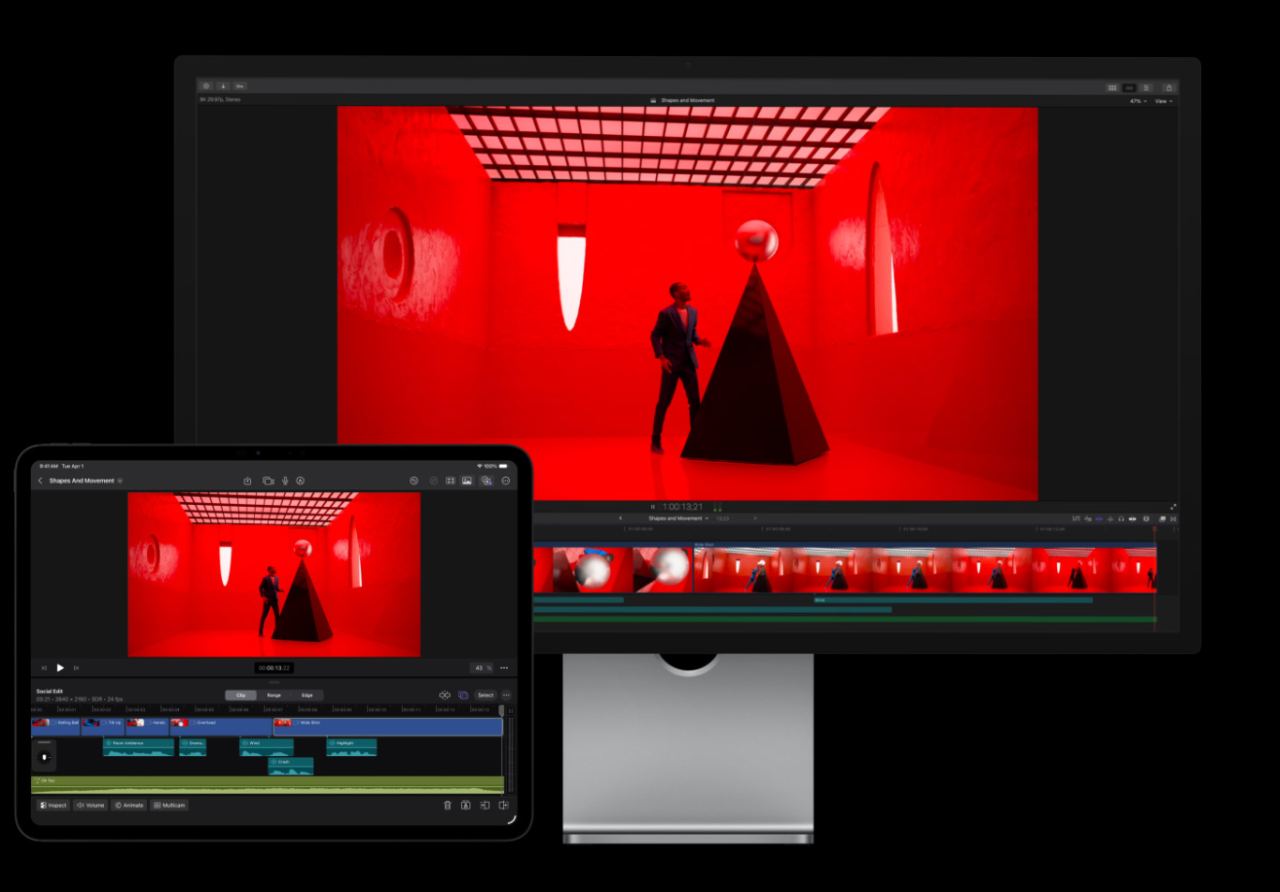
1. In-Depth Review: Why Mac Video & Motion Creators Use Apple Motion
- Real-Time GPU Playback During Animation & Tweaking: Evaluates keyframe curves, behaviors, filters, and 3D cameras in real time on Apple Silicon GPUs so you adjust timing and easing immediately without guesswork.
- Deep Final Cut Pro Template & Rig Integration: Lets you publish custom Titles, Transitions, Effects, and Generators directly into Final Cut Pro with exposed sliders, drop zones, and rig controls.
- Behavior-Driven Motion Without Heavy Keyframing: Pairs `Behaviors` (such as Ramp, Oscillate, Throw, and Gravity) with `Replicators` and `Emitters` to animate complex motion cleanly.
2. Key Features & Capabilities
- Real-Time 2D/3D Motion Graphics & Titles: Create animated text, callouts, lower thirds, and 3D camera-driven scenes with shadows, reflections, and lighting.
- Procedural `Behaviors`, `Replicators` & `Emitters`: Build repeating patterns, particle systems, and physics/oscillation motion without manual frame-by-frame keyframes.
- Final Cut Pro Template Authoring & Rigs: Publish custom templates with linked parameters (`Rig` widgets and checkboxes) for fast editing inside Final Cut Pro.
- Keying, Tracking, Masking & Optical Flow: Handle rotoscoping/masks, motion tracking, chroma/luma keying, and smooth speed/retiming workflows.
- High-Bit-Depth Color & ProRes / HDR Pipeline: Work inside a color-managed macOS pipeline supporting wide color, HDR workflows, and Apple ProRes formats.
- Low One-Time Mac App Store Purchase: Available as a one-time purchase on the Mac App Store with no recurring subscription fee.
- Official Links: Mac App Store, Documentation & Support
Always download Apple Motion and read official documentation directly from Apple portals:
- Official Apple Motion Product Page: https://www.apple.com/final-cut-pro/motion/
- Official Apple Motion User Guide & Documentation: https://support.apple.com/guide/motion/welcome/mac
- Official Apple Support Portal (Motion & Pro Apps): https://support.apple.com/
4. Step-by-Step Installation Guide
- Check macOS & Apple Silicon / GPU Requirements: Confirm your Mac runs a supported `macOS` release with `Apple Silicon` (M1/M2/M3/M4+ recommended) or a Metal-capable Mac and enough free SSD space for Motion and template content.
- Open the Mac App Store & Sign In: Launch the `Mac App Store` on your Mac and sign in with your `Apple Account`.
- Search & Install `Motion`: Search for `Motion` in the Mac App Store, review the listing, and purchase/download the official app.
- Launch Motion & Verify Template Folders: Open `Motion` from `Applications`, confirm the `Project Browser` loads, and verify `Motion Templates` folders exist under `~/Movies/Motion Templates/`.
<Image src="image_agent_tag_104299130309374148" alt="Software setup wizard screen showing installation steps" caption="Installer setup workflow reference" />
5. How to Use Apple Motion: Beginner Workflow
- Choose a Project Preset in the Project Browser: Launch `Motion`, select a project type (`Motion Project`, `Final Cut Title`, `Final Cut Transition`, `Final Cut Effect`, or `Final Cut Generator`), and match resolution and frame rate to your video timeline.
- Add Text, Shapes, Media or Drop Zones: Bring in text layers, vector shapes, video/stills, or a `Drop Zone` so editors can swap media easily later.
- Animate Using `Behaviors` or Keyframes: Apply `Behaviors` (such as `Ramp`, `Move`, or `Scale`) or animate parameters in the `Inspector` and `Keyframes` / `Timeline` panes.
- Build Replicators, Particles or Filters as Needed: Duplicate elements with `Replicators`, add particle `Emitters`, or layer color/blur/glow filters and inspect playback in real time.
- Save or Publish to Final Cut Pro: Save your `.motn` project—or click `File > Publish Template` (`Cmd+Ctrl+P`) to make the template available directly inside Final Cut Pro.
6. Frequently Asked Questions (FAQ)
- Is Apple Motion available on Windows or Linux?No. Apple Motion is an exclusive macOS application distributed through the Mac App Store.
- Does Apple Motion require a monthly subscription?No. Apple Motion is sold as a one-time purchase on the Mac App Store rather than a subscription.
- Can you use Motion templates inside Final Cut Pro?Yes. Templates published as `Final Cut Title`, `Transition`, `Effect`, or `Generator` appear directly in Final Cut Pro's browsers with customizable parameters.