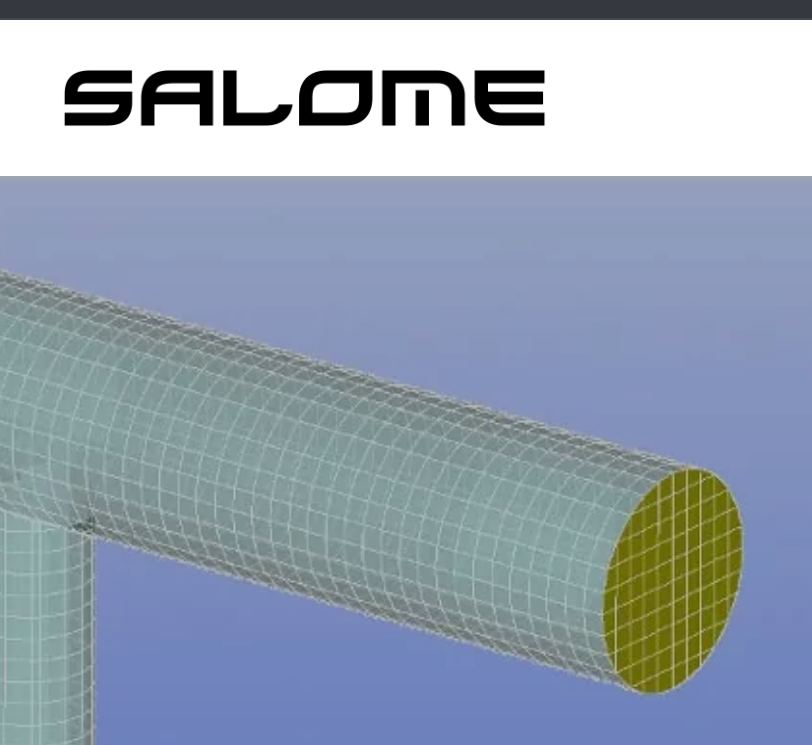
SALOME (developed by CEA, EDF, and Open Cascade under the GNU LGPL open-source license) is an integrated open-source 3D CAD modeling, numerical mesh generation, and scientific simulation pre/post-processing platform for Linux and Windows. Built for mechanical engineers, CFD/FEA simulation analysts, researchers, and industrial design teams, SALOME combines the Open CASCADE Technology (OCCT) 3D geometry kernel (`GEOM` / `SHAPER`), multi-algorithm 1D/2D/3D meshing (`SMESH`), and ParaView-based scientific visualization (`PARAVIS`) into one unified, Python-scriptable engineering environment.
1. In-Depth Review: Why Simulation & CAD Engineers Use SALOME
- Complete CAD-to-Mesh-to-Post-Processing Pipeline in One Platform: Eliminates fragile file hand-offs between separate geometry, meshing, and visualization tools by linking parametric 3D CAD (`SHAPER`/`GEOM`), structured/unstructured finite element meshing (`SMESH`), and field post-processing (`PARAVIS`) inside one study tree.
- Powered by Open CASCADE (`OCCT`) with Broad CAD Interoperability: Imports, repairs, defeatures, and exports industry CAD formats including `STEP`, `IGES`, `BREP`, `ACIS/SAT` (via plugins), `STL`, and `MED`/`UNV`/`CGNS` mesh standards.
- 100% Free & Open-Source with Full Python Automation: Every modeling, partitioning, grouping, and meshing operation can be dumped to Python scripts (`Dump Study`) for parametric optimization and batch simulation runs.
2. Key Features & Capabilities
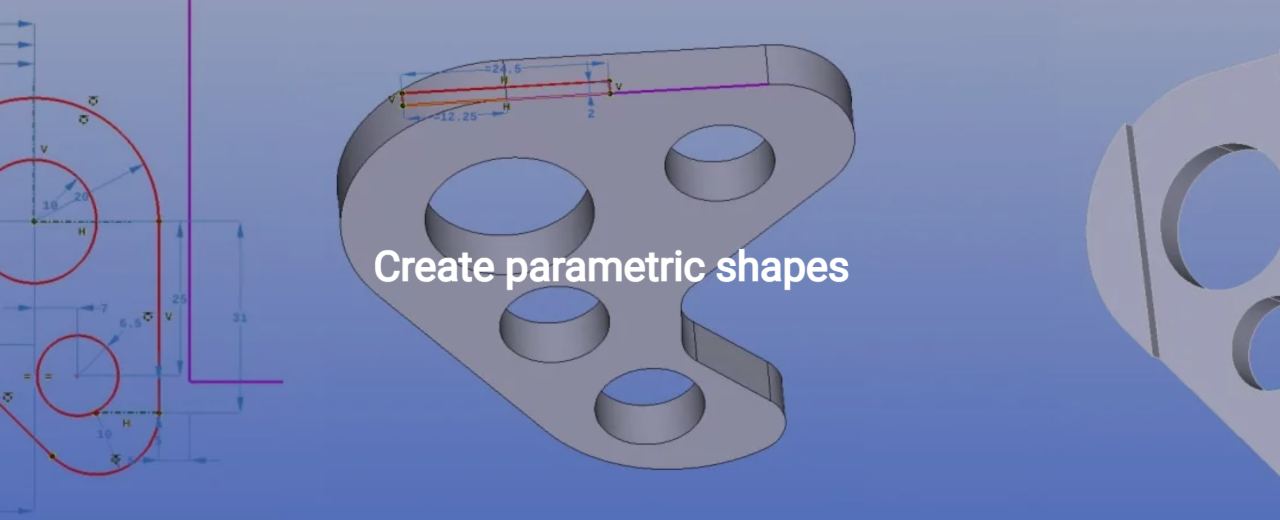
- Parametric & Direct 3D CAD Modeling (`SHAPER` & `GEOM`): Sketch constrained 2D profiles, extrude/revolve solids, run boolean operations, repair imported `STEP`/`IGES` assemblies, and define boundary condition groups.
- Multi-Algorithm 1D/2D/3D Mesh Generation (`SMESH`): Generate tetrahedral, hexahedral, prismatic, and hybrid meshes using Netgen, MG-CADSurf/GHS3D, Triangle, and structured extrusion/mapping algorithms with local sizing and viscous layers.
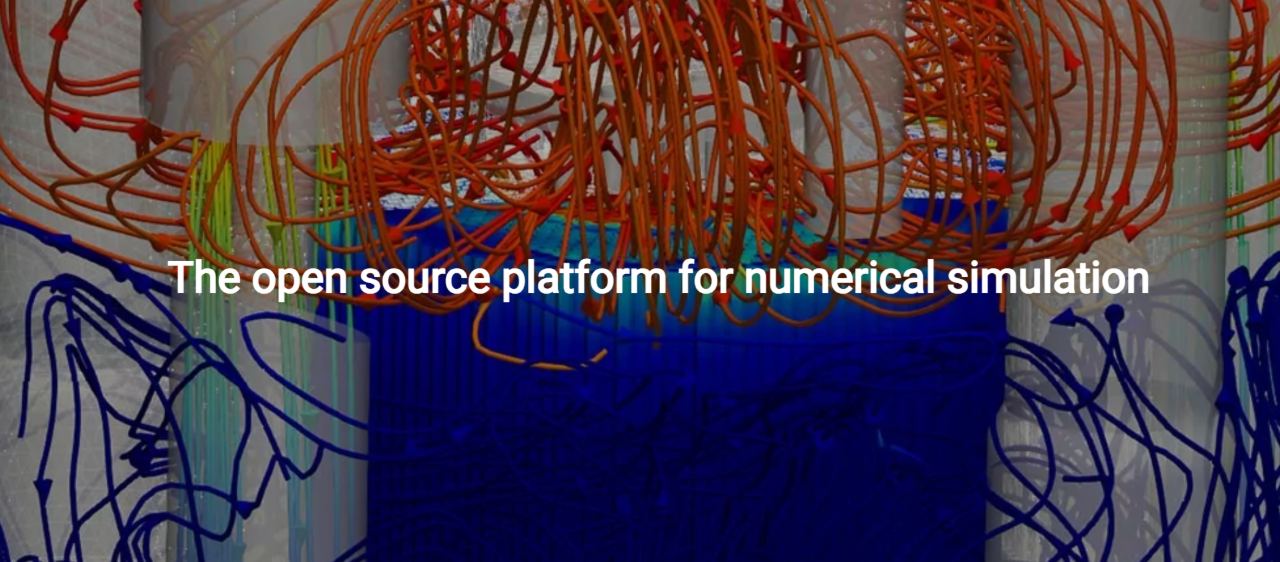
- Scientific Post-Processing & Visualization (`PARAVIS`): Inspect stress, temperature, velocity, and pressure fields using ParaView-powered scalar/vector filters, slices, streamlines, and animations.
- Solver Coupling & `YACS` Workflow Orchestration: Pairs seamlessly with open-source solvers like `code_aster` (salome_meca), OpenFOAM, and Elmer via `MED`, `UNV`, and `CGNS` mesh exports.
- Full Python API & Study Scripting: Record and replay entire CAD + meshing workflows automatically in Python for parametric design sweeps.
- 100% Free & Open-Source (LGPL License): Free to download and deploy on Linux and Windows without license servers or node limits.
- Official Links: Free Trial, Free / Education & Pricing
Always download SALOME binaries, universal Linux packages, Windows archives, and documentation directly from official portals:
- Official SALOME Platform Website & Downloads: https://www.salome-platform.org/
- Official SALOME Download Portal (Linux & Windows): https://www.salome-platform.org/?page_id=2430
- Official SALOME Documentation & Tutorials: https://docs.salome-platform.org/
- Official Open CASCADE Technology Portal: https://dev.opencascade.org/
4. Step-by-Step Installation Guide
- Check Operating System & Hardware Requirements: Confirm your 64-bit Linux (Ubuntu, Debian, Fedora, Rocky/AlmaLinux) or Windows 10/11 workstation has at least 8 GB RAM (16 GB–32 GB+ recommended for 3D meshing) and an OpenGL-capable GPU.
- Download the Official SALOME Release Package: Visit https://www.salome-platform.org/?page_id=2430 and download the matching universal Linux archive (`.tar.gz`) or Windows 64-bit ZIP package (`SALOME 9.13` / `9.14+`).
- Extract Archive to a Local Directory: Unpack the archive to a clean path without spaces (such as `/opt/SALOME` on Linux or `C:\SALOME` on Windows).
- Launch SALOME & Verify Modules: Run `./salome` (Linux) or `run_salome.bat` (Windows) and verify that `SHAPER`, `Geometry`, `Mesh`, and `ParaViS` modules load cleanly in the top toolbar.
5. How to Use SALOME Platform: Beginner Workflow
- Create a New Study & Open `SHAPER` or `Geometry`: Launch SALOME, click `File > New`, and switch to the `SHAPER` (parametric CAD) or `Geometry` (`GEOM`) module from the module dropdown.
- Build or Import 3D CAD Geometry: Create a parametric sketch and extrude/revolve a solid part—or choose `File > Import > STEP` to load an existing CAD assembly—then create named face/volume `Groups` for boundary conditions.
- Switch to the `Mesh` (`SMESH`) Module & Assign Algorithms: Select your 3D solid in the Object Browser, click `Mesh > Create Mesh`, assign 3D/2D/1D algorithms (such as `NETGEN 1D-2D-3D`), and set minimum/maximum element sizes.
- Compute & Inspect Mesh Quality: Right-click the mesh object, select `Compute`, inspect element counts and skewness/aspect ratio controls, and import your CAD boundary groups into the mesh.
- Export Mesh or Visualize Solver Results in `ParaViS`: Export the mesh to `.med`, `.unv`, `.cgns`, or `.stl` for FEA/CFD solvers, or open simulation results in `ParaViS` to plot contours and cross-sections.
6. Frequently Asked Questions (FAQ)
- Is SALOME Platform completely free for commercial engineering and consulting?Yes. SALOME is free and open-source software distributed under the GNU Lesser General Public License (LGPL) with zero licensing or core-count fees.
- Does SALOME include a built-in structural FEA solver?Core SALOME focuses on 3D CAD, meshing, and post-processing; if you want SALOME pre-bundled with the `code_aster` structural mechanics FEA solver, you can download `salome_meca` from the official EDF/code_aster portal.
- Can SALOME generate meshes for OpenFOAM CFD simulations?Yes. You can build geometry and boundary patches in SALOME, export the mesh in `.unv` format, and convert it directly into an OpenFOAM `polyMesh` using `ideasUnvToFoam`.