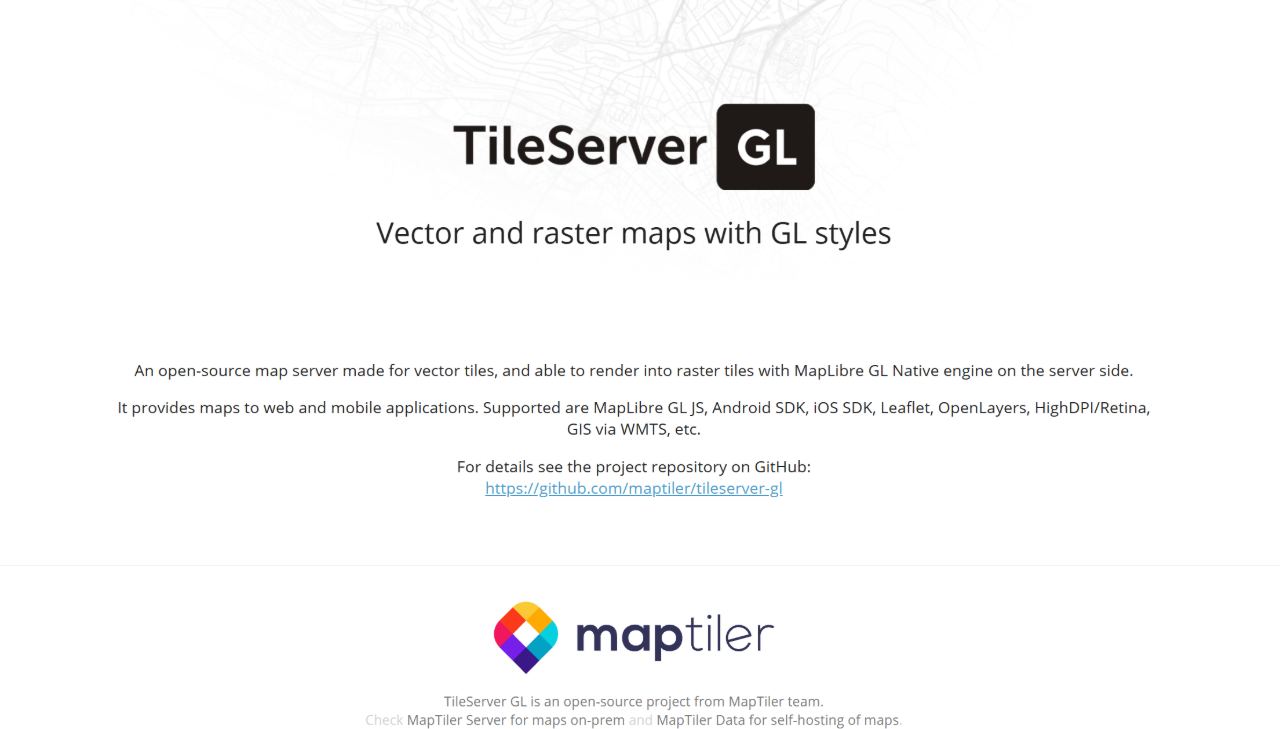
TileServer GL (maintained by MapTiler and open-source contributors) is a self-hosted vector and raster map tile server that serves `.mbtiles` and GL JSON map styles to web, mobile, and GIS clients. Powered by MapLibre GL Native for server-side rasterization alongside native vector tile delivery, TileServer GL lets developers and GIS teams host custom basemaps, static map images, and WMTS endpoints for MapLibre GL JS, Leaflet, OpenLayers, and desktop GIS applications without relying on external tile hosting services.
1. In-Depth Review: Why Web GIS & Mapping Teams Use TileServer GL
- Serves Both Vector Tiles & Server-Rendered Raster Tiles: Delivers vector tiles directly to MapLibre GL JS/Mapbox GL and mobile SDKs while rendering raster tiles on the server for Leaflet, OpenLayers, and WMTS clients.
- Supports GL JSON Styles, Fonts, Sprites & Static Maps: Hosts full MapLibre/Mapbox GL style sheets, glyphs/fonts, sprites, TileJSON metadata, and static map images from a single self-hosted server.
- Easy Docker & Node.js Deployment with Security Controls: Runs quickly via official Docker containers or `npm` (`tileserver-gl` or pure-JS `tileserver-gl-light`) and supports `--public_url` and `TILESERVER_GL_ALLOWED_HOSTS` configuration.
2. Key Features & Capabilities
- MBTiles Vector & Raster Tile Hosting: Serve pre-packaged `.mbtiles` tilesets (such as OpenMapTiles or custom generated tilesets) over HTTP.
- Server-Side Raster Rendering via MapLibre GL Native: Render vector tiles into raster PNG images and high-DPI/Retina tiles on the server for clients without client-side GL rendering.
- GL Style, Glyph & Sprite Endpoints: Host JSON styles, fonts, sprites, and TileJSON endpoints cleanly for web and mobile map SDKs.
- WMTS & Static Map Support: Expose WMTS and static map endpoints alongside interactive web inspection views.
- Docker & CLI / Node.js Deployment: Run locally or in production with Docker (`maptiler/tileserver-gl` or `maptiler/tileserver-gl-light`) or Node.js (`v20+`).
- Open-Source Software: Free to self-host and customize for internal networks, air-gapped environments, and custom mapping stacks.
- Official Links: Free Trial, Free / Education & Pricing
Always download TileServer GL packages, Docker images, and documentation directly from official TileServer GL and MapTiler portals:
- Official TileServer GL Website: https://tileserver.org/
- Official TileServer GL GitHub Repository & Releases: https://github.com/maptiler/tileserver-gl
- Official TileServer GL Documentation: https://tileserver.readthedocs.io/en/latest/
- Official Docker Hub (`maptiler/tileserver-gl`): https://hub.docker.com/r/maptiler/tileserver-gl
4. Step-by-Step Installation Guide
- Choose Docker or Node.js Runtime: Decide whether to run TileServer GL via Docker (recommended for quick isolated setup) or Node.js (`v20+`) with native dependencies (`tileserver-gl`) or pure JavaScript (`tileserver-gl-light`).
- Pull the Docker Image or Install via `npm`: Run `docker pull maptiler/tileserver-gl` (or `npm install -g tileserver-gl` / `npm install -g tileserver-gl-light` if using Node.js).
- Place Your `.mbtiles` & Config Files in a Data Folder: Put your `.mbtiles` tileset(s) and optional `config.json` / style files into a dedicated directory (such as `./data`).
- Start TileServer GL & Open the Preview Page: Start the container or CLI command (`tileserver-gl --file your.mbtiles`) and open `http://localhost:8080` in your browser to verify the map preview.

5. How to Use TileServer GL: Beginner Workflow
- Prepare an `.mbtiles` Tileset: Obtain or generate a valid `.mbtiles` file containing your vector or raster map tiles.
- Launch TileServer GL with Your Tileset: Run TileServer GL pointing to your `.mbtiles` file or `config.json` and specify `--public_url` or `TILESERVER_GL_ALLOWED_HOSTS` when exposing publicly.
- Inspect Tiles in the Built-In Viewer: Open the server URL in your browser to inspect the interactive map preview, TileJSON metadata, and vector/raster endpoints.
- Configure `config.json` for Multi-Source & Custom Styles: Add a `config.json` file when serving multiple tilesets, custom GL JSON styles, sprites, or fonts.
- Connect Web, Mobile or GIS Clients: Point your MapLibre GL JS, Leaflet, OpenLayers, or WMTS-capable GIS client to the TileServer GL tile or style URLs.
6. Frequently Asked Questions (FAQ)
- Is TileServer GL free to self-host?Yes. TileServer GL is an open-source project maintained by MapTiler and contributors that you can self-host on your own servers or Docker environment.
- What is the difference between `tileserver-gl` and `tileserver-gl-light`?`tileserver-gl` includes MapLibre GL Native for server-side rasterization of vector tiles, while `tileserver-gl-light` is a pure JavaScript package without native rendering dependencies for serving vector tiles.
- Which map clients work with TileServer GL?TileServer GL serves tiles and styles compatible with MapLibre GL JS, Mapbox GL JS, Android/iOS SDKs, Leaflet, OpenLayers, and GIS clients supporting WMTS.