Autodesk 3ds Max (x64) is a professional 3D modeling, animation, simulation, and rendering software platform developed by Autodesk. Widely used by architectural visualizers, interior designers, game developers, and visual effects (VFX) artists, 3ds Max combines a non-destructive modifier stack, precision polygonal and spline modeling, and built-in Arnold ray-traced rendering—while serving as the primary host for Chaos V-Ray and Chaos Corona.
1. In-Depth Review: Why Architectural Visualizers & 3D Artists Use 3ds Max
- Non-Destructive Modifier Stack & Spline Modeling: Enables artists to layer procedural modifiers (Edit Poly, TurboSmooth, Symmetry, Bend, UVW Map) and import CAD floor plans from AutoCAD or Revit to extrude clean architectural interiors and exteriors.
- Industry-Standard Ecosystem for Architectural Visualization: Supports the widest library of third-party plugins, commercial 3D furniture assets, and studio renderers—including Chaos V-Ray, Chaos Corona, Forest Pack, and RailClone.
- Built-In Arnold GPU/CPU Rendering & OpenUSD Workflows: Ships with Autodesk Arnold for physically based path-traced rendering alongside native OpenUSD, glTF, and FBX pipelines for real-time engines like Unreal Engine and Twinmotion.
2. Key Features & Capabilities
- Polygonal, Spline & Procedural Modeling: Build complex hard-surface assets, architectural facades, and organic furniture using Editable Poly tools, NURBS, procedural arrays, and boolean operations.
- Non-Destructive Modifier Stack: Experiment freely by reordering, toggling, or adjusting parameters on stacked modifiers without permanently altering underlying mesh topology.
- Integrated Autodesk Arnold Renderer: Render photorealistic lighting, global illumination, subsurface scattering, and volumetric atmospherics using CPU or NVIDIA RTX GPU acceleration.
- Retopology & Smart Extrude Tools: Automatically reconstruct clean quad-based topology from high-resolution 3D scans or CAD meshes, and cut/extrude faces interactively with Smart Extrude.
- Character Rigging, CAT & Crowd Simulation: Animate characters and mechanical assemblies using Biped, Character Animation Toolkit (CAT), skinning weights, and Populate crowd simulation.
- Material Editor & PBR Shader Workflows: Build node-based Slate Material graphs supporting Autodesk Physical Material, OpenPBR, OSL shaders, and UDIM textures.
- MAXScript & Python 3 Automation: Automate repetitive scene cleanup, batch asset conversion, and custom studio pipelines using MAXScript or Python 3 APIs.
3. How to Register & Access an Official Trial or License
To ensure software authenticity, workstation stability, and full compliance with licensing terms, always register and download 3ds Max through Autodesk’s official portals:
- Visit the Official Autodesk 3ds Max Website: Go to https://www.autodesk.com/products/3ds-max/overview to review features, architectural visualization workflows, and system requirements.
- Create or Sign In to an Autodesk Account: Register a free account at https://accounts.autodesk.com using your email address to manage trials, subscriptions, and product updates.
- Choose Your Official Licensing Path:
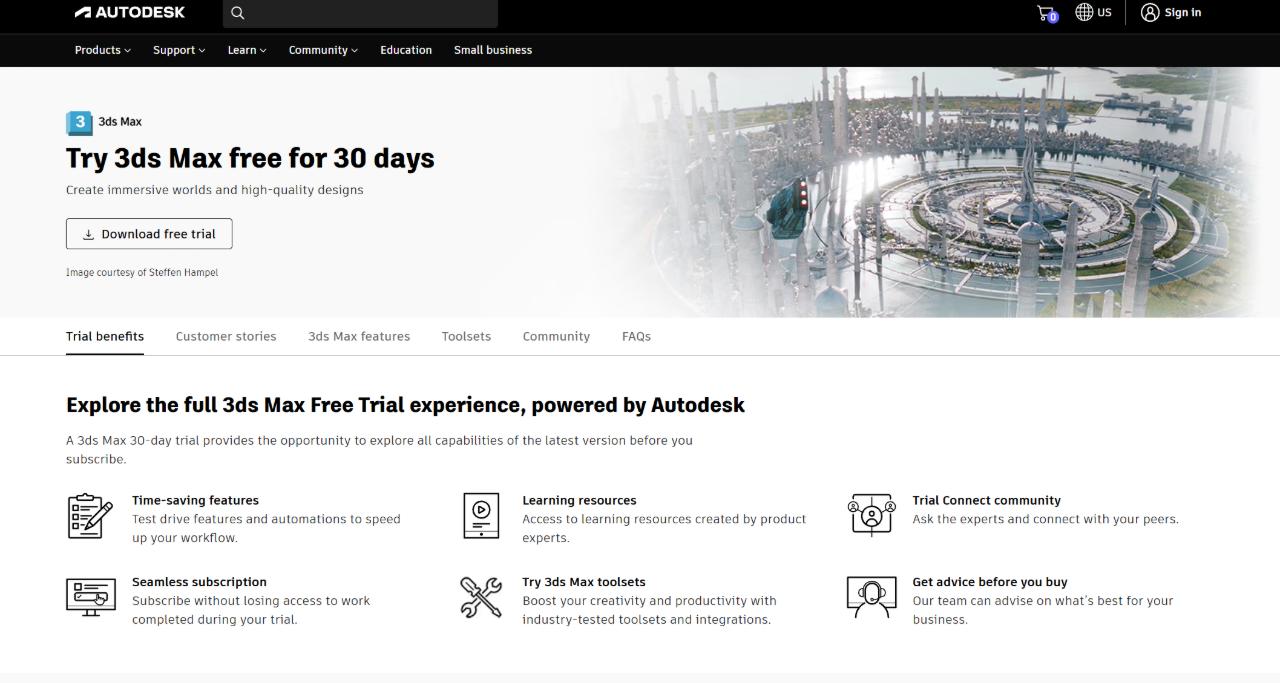
- Official Free Trial: Download the official 64-bit trial installer directly from https://www.autodesk.com/products/3ds-max/free-trial to evaluate 3ds Max on your Windows workstation.
- Educational Access (Students & Educators): Eligible students and faculty at accredited institutions can verify academic eligibility for free educational access at https://www.autodesk.com/education/edu-software/overview.
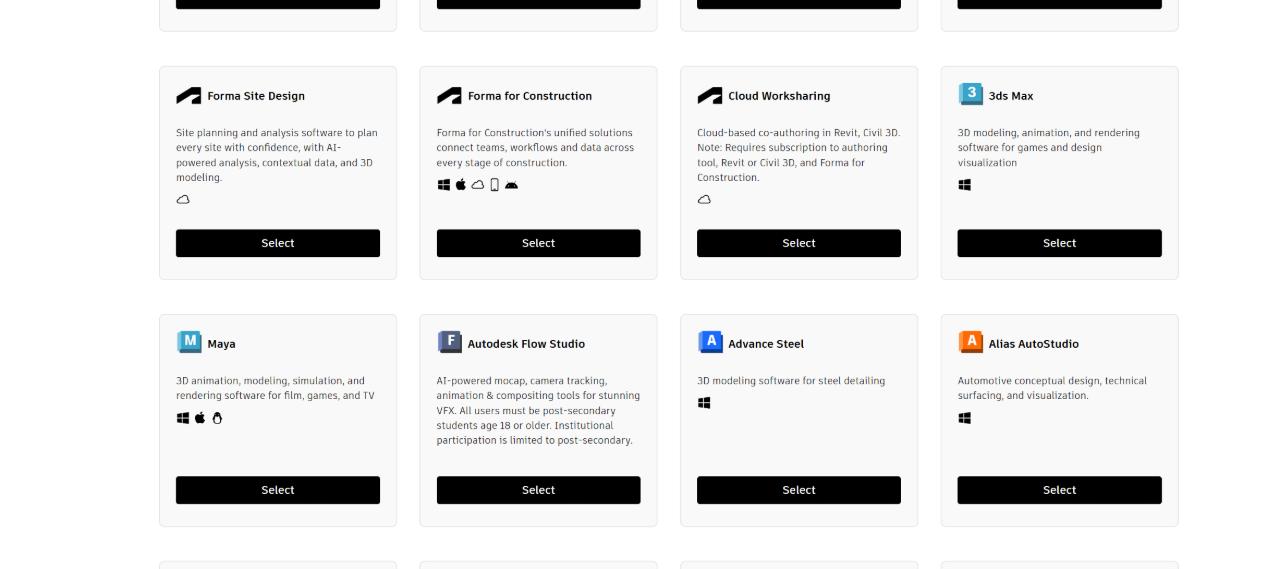
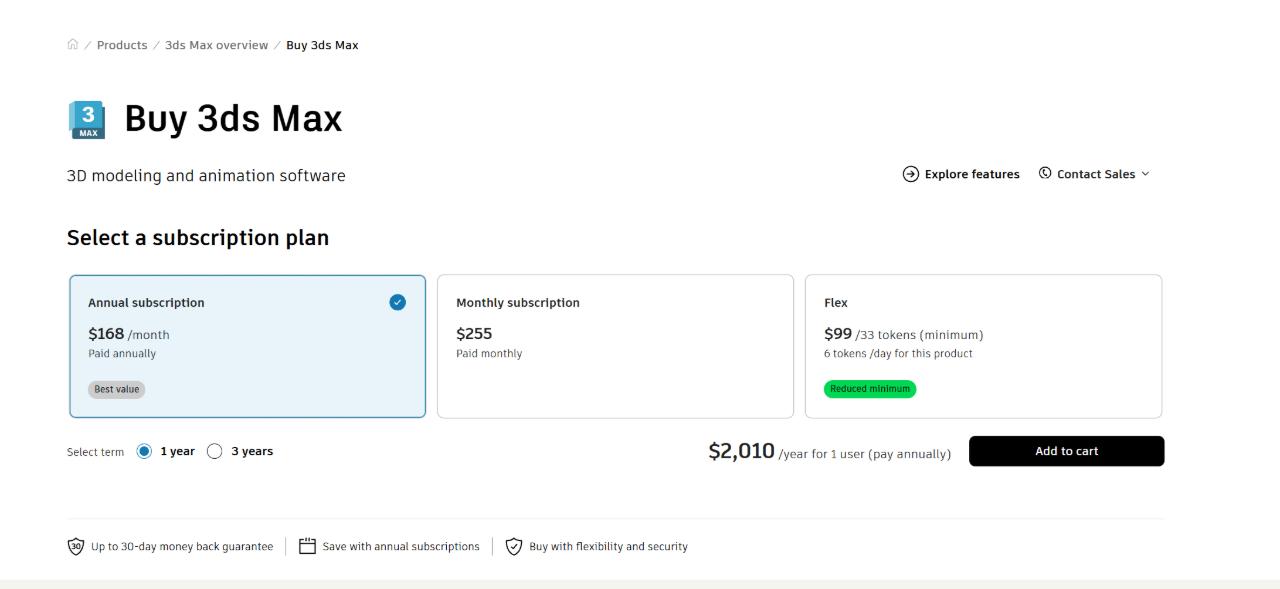
- Commercial Subscription (or Indie / M&E Collection): Freelancers and studios can subscribe to standalone 3ds Max, qualifying 3ds Max Indie plans, or the Media & Entertainment Collection on https://www.autodesk.com/products/3ds-max/overview#pricing.
4. Step-by-Step Installation Guide
- Verify System & GPU Requirements: Confirm your workstation runs 64-bit Windows 10 or Windows 11 with at least 16 GB RAM (32 GB–64 GB recommended for heavy architectural scenes), a multi-core Intel or AMD processor with SSE4.2, a DirectX 12 discrete GPU with 4 GB–8 GB+ VRAM, and 15 GB+ free NVMe SSD space.
- Download the Official Installer: Sign in to your Autodesk Account portal and download the official Autodesk 3ds Max 64-bit installer package.
- Run the Setup Wizard: Double-click the downloaded installer file, accept the license agreement, select your installation path and included components (such as Arnold for 3ds Max), and click Install.
- Sign In & Activate License: Launch Autodesk 3ds Max after installation finishes and sign in with your registered Autodesk Account credentials to activate your trial, educational, or commercial license automatically.
5. How to Use Autodesk 3ds Max: Beginner Workflow
- Configure Units & Viewport Navigation: Open 3ds Max, go to Customize > Units Setup to set Metric (Meters/Centimeters) or US Standard units, and navigate the 4-viewport layout using Middle Mouse Button to pan, `Alt + MMB` to orbit, and `Alt + W` to maximize the active viewport.
- Create Primitive Geometry or Import CAD Plans: Open the Create panel (`+` icon) on the right to place Standard Primitives (Box, Plane, Cylinder) or Shapes (Line, Rectangle), or go to File > Import to bring in an AutoCAD `.DWG` floor plan.
- Shape Geometry with the Modifier Stack: Switch to the Modify tab, apply an Edit Poly or Extrude modifier from the Modifier List, and press `1` (Vertex), `2` (Edge), or `4` (Polygon) to refine your 3D model.
- Assign Materials & Scene Lighting: Press `M` to open the Material Editor, create a Physical Material or Arnold Standard Surface shader, drag it onto your 3D object, and place a Arnold Skydome or Photometric light from the Create > Lights tab.
- Render & Save Your Image: Press `F10` (Render Setup) to select Arnold as your renderer and set output resolution (e.g., `1920 × 1080`), then press `F9` (Render) and click the floppy disk icon in the Rendered Frame Window to save as PNG, JPG, or EXR.
6. Frequently Asked Questions (FAQ)
- Does Autodesk 3ds Max run natively on macOS?No. Autodesk 3ds Max is developed natively for 64-bit Windows 10 and Windows 11 workstations.
- What is the difference between 3ds Max and Autodesk Maya?3ds Max is widely favored for architectural visualization, interior design, and hard-surface game asset modeling due to its modifier stack and plugin ecosystem, whereas Maya excels in character rigging, film animation, and studio VFX pipelines.
- Can 3ds Max import models from Revit, AutoCAD, and SketchUp?Yes. 3ds Max natively imports `.DWG`, `.DXF`, `.RVT` (Revit), `.SKP` (SketchUp), `.FBX`, `.OBJ`, and `.IFC` files cleanly.