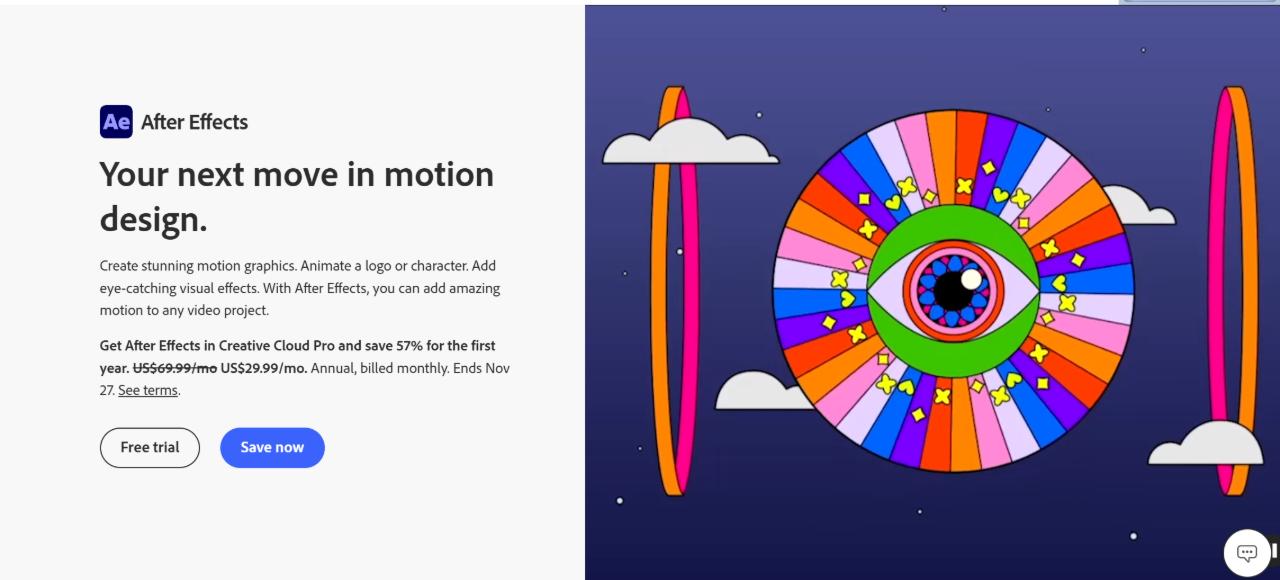
Adobe After Effects is a digital visual effects (VFX), motion graphics, and compositing software application developed by Adobe Inc. as part of Adobe Creative Cloud. Used extensively in film, television, YouTube production, and commercial advertising, After Effects enables motion designers and editors to animate typography, build 2D/3D character rigs, track camera movement, remove objects from footage, and composite multi-layer visual effects across Windows and macOS.
1. In-Depth Review: Why Motion Designers & VFX Artists Use After Effects
- Industry-Standard Keyframe & Graph Editor Control: Combines multi-layer timeline compositing with granular Bezier speed/value graph editors, expressions (JavaScript-based animation scripting), and parenting hierarchies for smooth, studio-grade motion design.
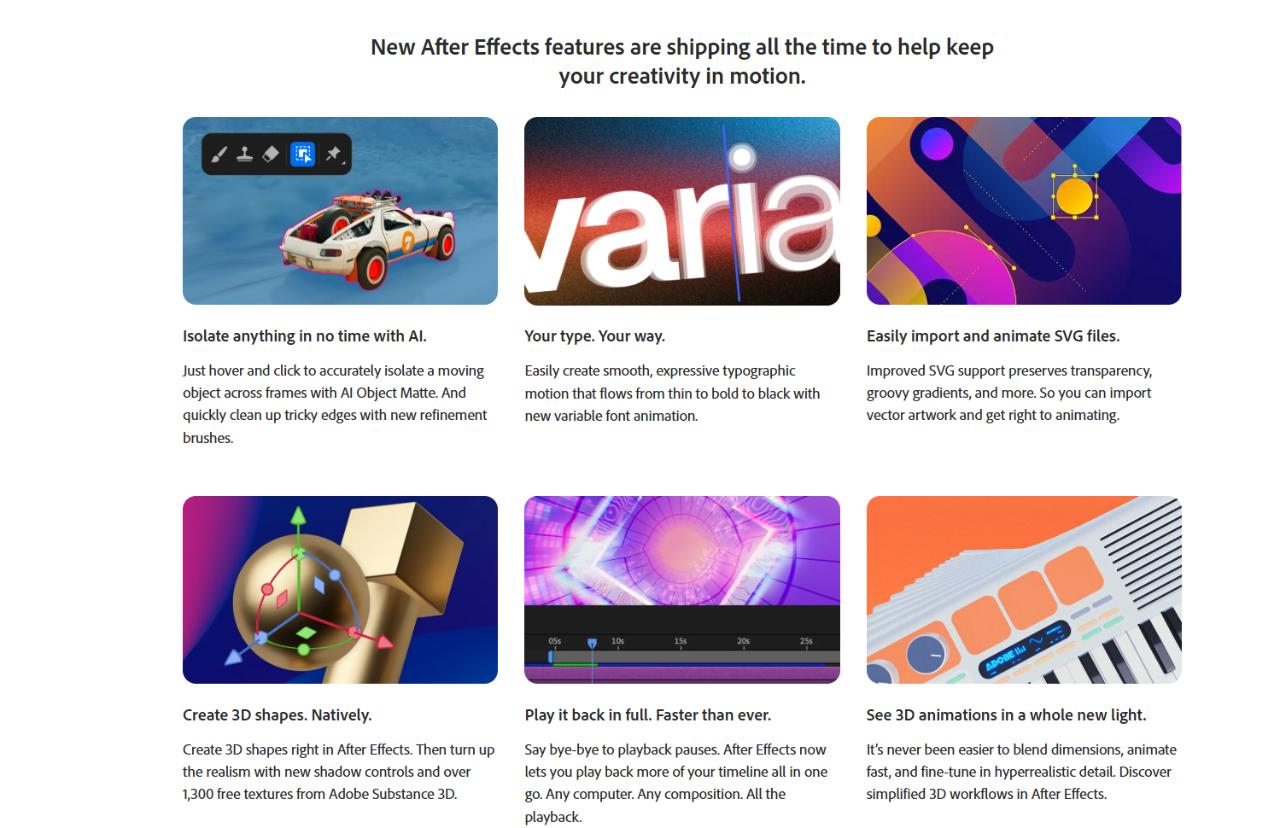
- AI-Assisted Rotoscoping & Object Removal: Speeds up complex masking and cleanup tasks with Next-Gen Roto Brush (isolating moving subjects like hair and limbs automatically) and Content-Aware Fill for video.
- Seamless Dynamic Link with Premiere Pro, Illustrator & Cinema 4D: Imports layered `.AI` and `.PSD` artwork with editable vectors/text, syncs live compositions into Premiere Pro via Dynamic Link, and includes Cinema 4D Lite for native 3D modeling and rendering.
2. Key Features & Capabilities
- Kinetic Typography & Motion Graphics: Animate titles, lower thirds, logos, and infographics using text animators, shape layers, trim paths, and reusable Motion Graphics Templates (`.MOGRT`).
- Multi-Layer Compositing & Blending Modes: Combine live-action footage, green-screen chroma keys (Keylight), adjustment layers, track mattes, and 3D camera layers inside a single composition.
- AI Roto Brush & Content-Aware Fill: Separate foreground subjects from complex backgrounds without manual frame-by-frame masking, and remove unwanted microphones, wires, or passersby from moving video clips.
- 3D Camera Tracker & Planar Tracking (Mocha AE): Analyze live-action camera motion to place 3D text, shadows, and visual elements accurately into real-world scenes, plus bundled Boris FX Mocha AE for planar screen replacements.
- Native 3D Workspace & Cinema 4D Lite: Import `.OBJ` and `.GLTF/.GLB` 3D models, light scenes with Image-Based Lighting (IBL), and build custom 3D geometry via integrated Cinema 4D Lite.
- Expressions & Scripting Automation: Link properties dynamically or automate procedural bounce, wiggle, and loop animations using JavaScript-based Expressions.
- Multi-Frame Rendering & GPU Acceleration: Utilizes all CPU cores simultaneously alongside GPU-accelerated effects to dramatically reduce preview and final render times.
3. How to Register & Access an Official Trial or License
To ensure software authenticity, security updates, and full compliance with licensing terms, always register and download After Effects through Adobe’s official portals:
- Visit the Official Adobe After Effects Website: Go to https://www.adobe.com/products/aftereffects.html to explore motion graphics features, VFX tools, and Creative Cloud plans.
- Create or Sign In to an Adobe Account: Register a free Adobe ID at https://account.adobe.com using your email address to manage trials, subscriptions, and cloud storage.
- Choose Your Official Licensing Path:
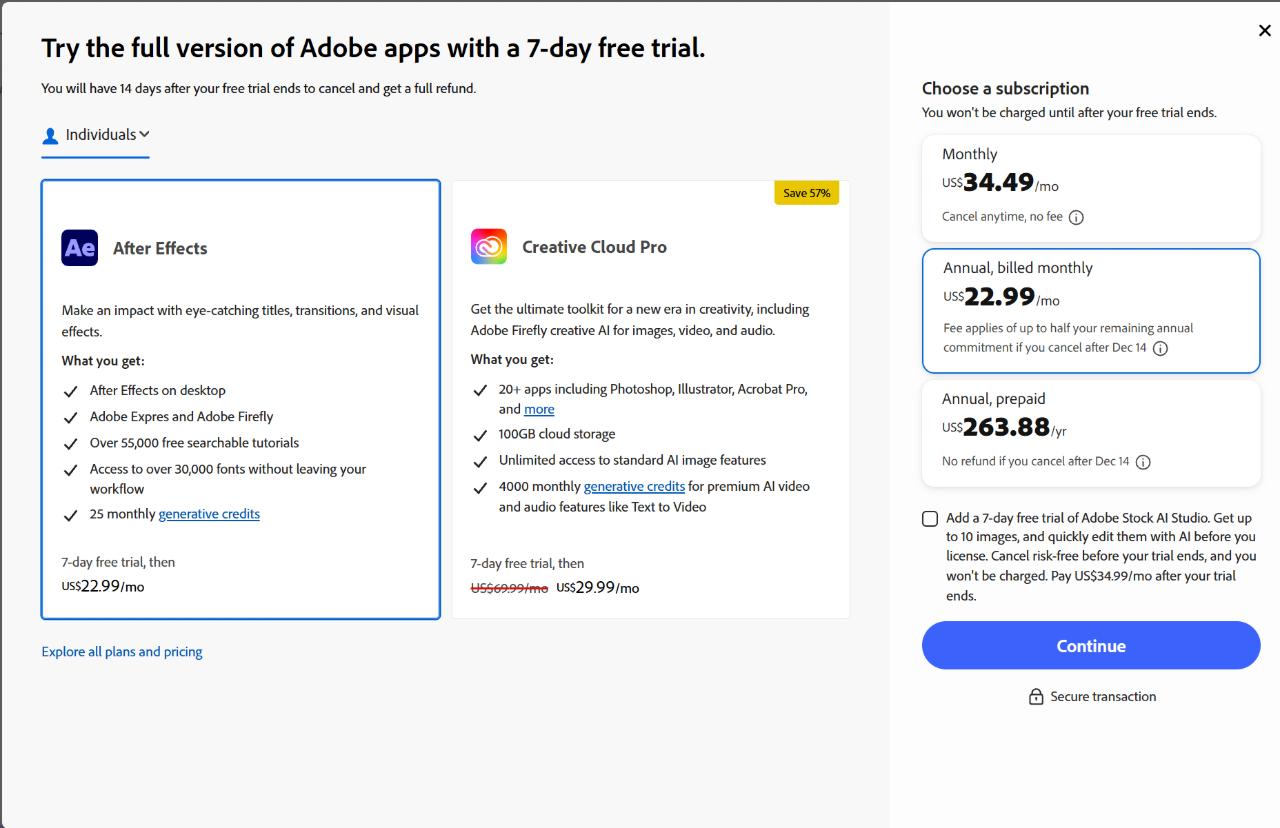
- Official 7-Day Free Trial: Start a full-featured 7-day evaluation via https://www.adobe.com/products/aftereffects/free-trial-download.html to test Adobe After Effects on Windows or macOS.
- Students & Teachers Discount: Eligible students and educators at accredited institutions can save over 60% on the Creative Cloud All Apps plan at https://www.adobe.com/creativecloud/buy/students.html.
- Commercial Subscription (Single App or Creative Cloud All Apps): Motion designers and studios can subscribe monthly or annually directly on https://www.adobe.com/creativecloud/plans.html.
4. Step-by-Step Installation Guide
- Verify System & GPU Requirements: Confirm your workstation runs 64-bit Windows 10/11 or macOS 13+ with at least 16 GB RAM (32 GB–64 GB recommended for 4K compositions and 3D workflows), a multi-core Intel/AMD or Apple Silicon CPU, a discrete GPU with 4 GB–8 GB+ VRAM, and 15 GB+ free NVMe SSD space.
- Download the Creative Cloud Desktop Installer: Sign in to your Adobe Account and download the official Adobe Creative Cloud desktop installer (`Creative_Cloud_Set-Up.exe` on Windows or `.dmg` on macOS).
- Install Creative Cloud & After Effects: Run the installer to set up the Creative Cloud desktop app, open the Apps tab, locate After Effects, and click Install (or Try).
- Launch & Activate License: Click Open inside the Creative Cloud app to launch Adobe After Effects; your trial or Creative Cloud subscription activates automatically through your signed-in Adobe ID.
5. How to Use Adobe After Effects: Beginner Workflow
- Create a New Composition: Open After Effects, click New Composition (`Ctrl+N`), set Resolution to `1920 × 1080`, Frame Rate to `30` or `60 fps`, and Duration to `0:00:10:00` (10 seconds), then click OK.
- Import Artwork, Video & Audio Assets: Double-click inside the Project panel (`Ctrl+I`) to import video clips, logos, or layered `.AI`/`.PSD` files (choose Import As: Composition - Retain Layer Sizes for multi-layer graphics).
- Arrange Layers & Set Keyframes: Drag layers onto the Timeline, press `P` (Position), `S` (Scale), `R` (Rotation), or `T` (Opacity), click the stopwatch icon to set a starting keyframe, move the playhead forward, and adjust values to create animation.
- Smooth Motion with Easy Ease: Select your keyframes, press `F9` (Easy Ease) to smooth acceleration and deceleration, and open the Graph Editor to refine motion curves.
- Render & Export Your Video: Go to Composition > Add to Render Queue (`Ctrl+M`) or Add to Adobe Media Encoder Queue, select High Quality or H.264 MP4 output, choose your destination folder, and click Render.
6. Frequently Asked Questions (FAQ)
- Can I buy Adobe After Effects as a one-time purchase?No. Adobe After Effects is available exclusively via Adobe Creative Cloud subscriptions (Single App or Creative Cloud All Apps), which include regular feature updates and Cinema 4D Lite.
- How long is the official Adobe After Effects free trial?Adobe provides an official 7-day free trial via adobe.com with unrestricted access to After Effects features without watermarks.
- Why does After Effects recommend 32 GB or more of RAM?After Effects caches rendered frames directly into system RAM for real-time playback; more RAM allows longer, smoother 4K and multi-layer VFX previews.