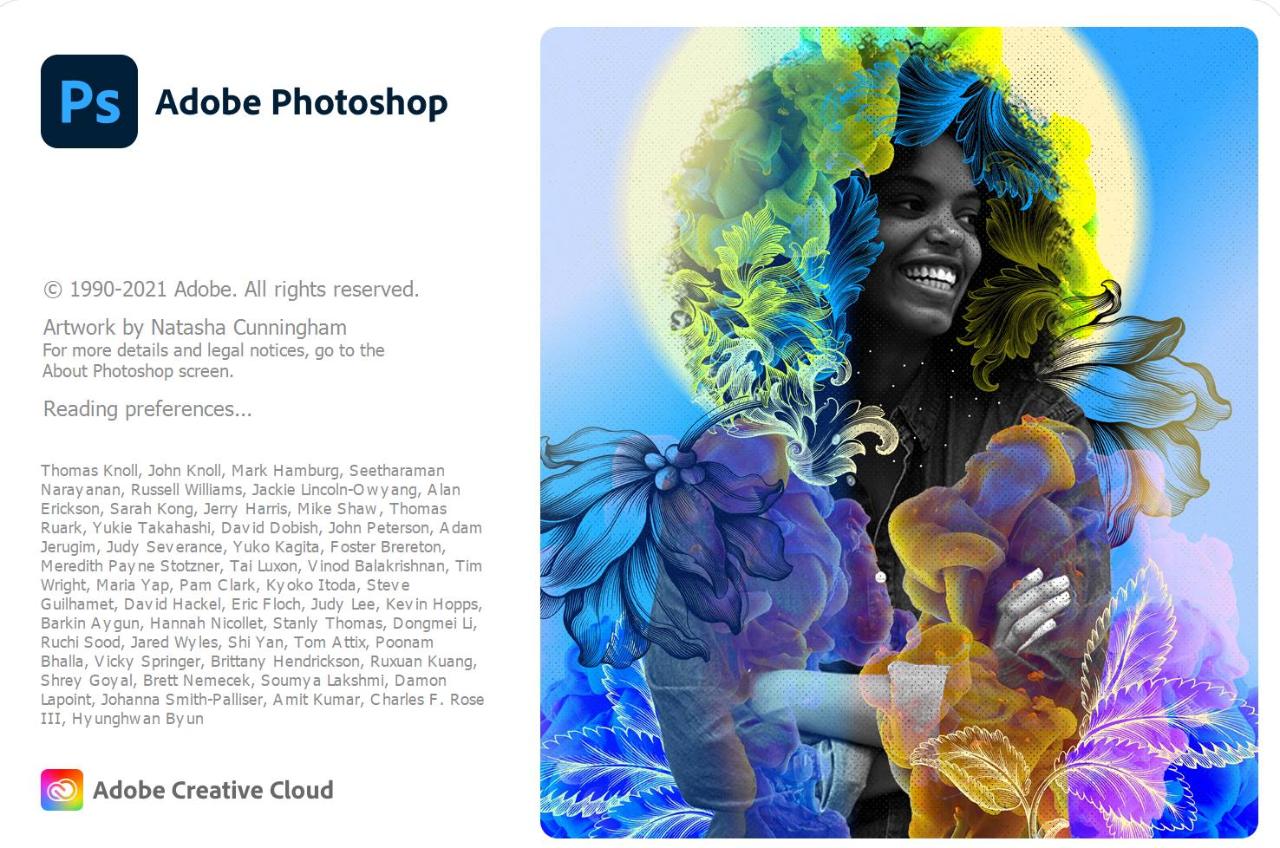
Adobe Photoshop is an industry-standard raster graphics editor, photo retouching, and digital art software application developed by Adobe Inc. as part of Adobe Creative Cloud. Used worldwide by photographers, graphic designers, UI/UX creators, digital illustrators, and architectural visualizers, Photoshop combines non-destructive layer editing, Camera RAW color grading, and Adobe Firefly Generative AI tools across Windows, macOS, and iPad.
1. In-Depth Review: Why Designers & Photographers Use Adobe Photoshop
- Unmatched Non-Destructive Layer & Masking Architecture: Allows creators to stack adjustment layers, smart objects, vector shapes, and precision alpha masks so every edit remains reversible without degrading original image pixels.
- Commercially Safe Adobe Firefly Generative AI: Integrates Generative Fill, Generative Expand, Distraction Removal, and AI-assisted subject selection directly inside the Contextual Task Bar to speed up complex photo retouching and compositing.
- Seamless Creative Cloud & Architectural Post-Production Workflow: Connects directly with Adobe Lightroom, Illustrator, Premiere Pro, and After Effects, and serves as the standard post-processing tool for architectural renders exported from V-Ray, Enscape, and Rhino.
2. Key Features & Capabilities
- Generative Fill & Generative Expand (Adobe Firefly): Add, remove, or replace objects and extend image borders using natural text prompts that automatically match lighting, shadows, and perspective.
- Non-Destructive Layers, Masks & Smart Objects: Organize complex multi-layer compositions with blend modes, clipping masks, layer styles, and embedded Smart Objects that preserve resolution during scaling.
- Precision Selection & Remove Tool: Isolate hair, fur, and intricate edges automatically with Select Subject and Select and Mask, or erase unwanted wires, bystanders, and blemishes in one brushstroke using the Remove Tool.
- Adobe Camera RAW Filter: Develop RAW camera files and grade 16-bit/32-bit images with tone curves, color grading wheels, lens blur, dehaze, and AI Denoise controls.
- Typography, Vector Shapes & Mockup Tools: Design posters, social media graphics, and product packaging mockups using variable fonts, pen paths, warp transforms, and perspective grids.
- Neural Filters & Colorization: Restore vintage photographs, smooth skin tones, transfer color palettes, and adjust portrait lighting non-destructively using built-in AI Neural Filters.
- Cloud Documents & Multi-Device Sync: Save `.PSDC` cloud documents with automatic version history to continue editing seamlessly between desktop PCs, Macs, and iPad.
3. How to Register & Access an Official Trial or License
To ensure software authenticity, security updates, and full compliance with licensing terms, always register and download Photoshop through Adobe’s official portals:
- Visit the Official Adobe Photoshop Website: Go to https://www.adobe.com/products/photoshop.html to explore features, Firefly AI capabilities, and Creative Cloud plans.
- Create or Sign In to an Adobe Account: Register a free Adobe ID at https://account.adobe.com using your email address to manage trials, subscriptions, and cloud storage.
- Choose Your Official Licensing Path:
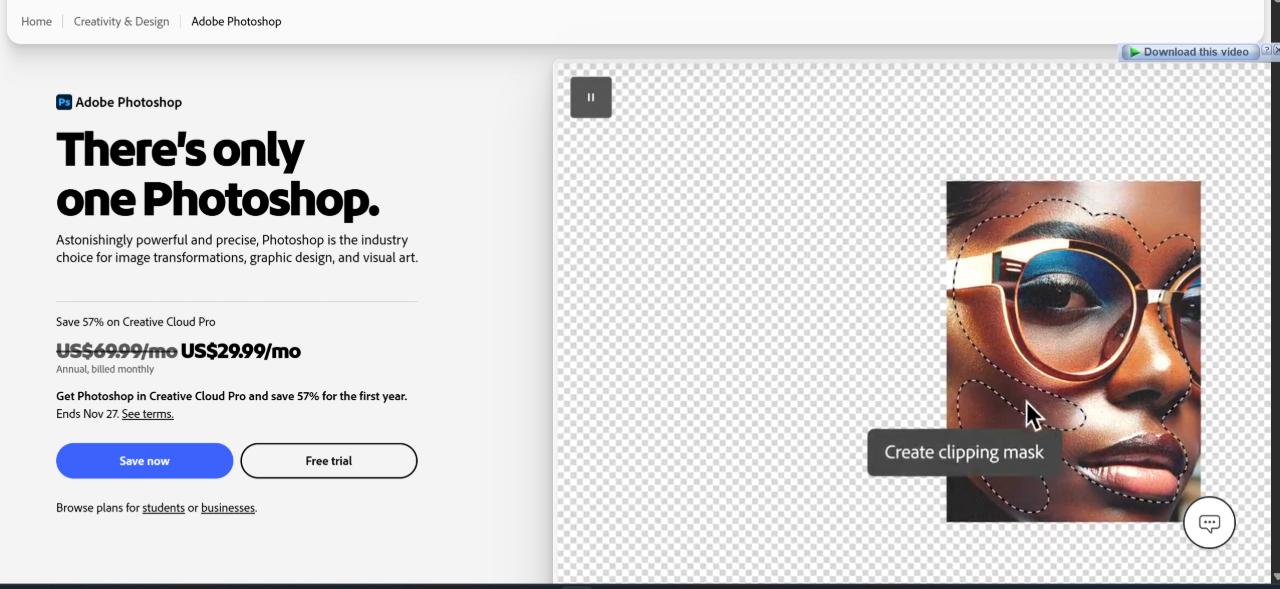
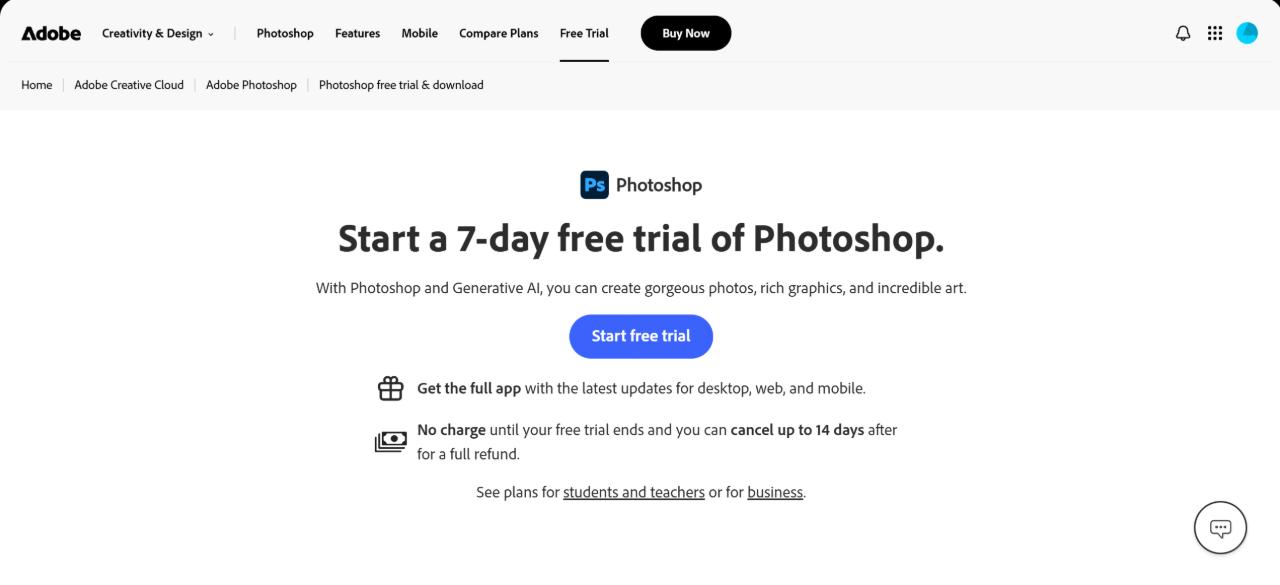
- Official 7-Day Free Trial: Start a full-featured 7-day evaluation via https://www.adobe.com/products/photoshop/free-trial-download.html to test Adobe Photoshop on Windows or macOS.
- Students & Teachers Discount: Eligible students and educators at accredited institutions can save over 60% on the Creative Cloud All Apps plan at https://www.adobe.com/creativecloud/buy/students.html.
- Commercial Subscription (Photography Plan / Single App / All Apps): Creators and businesses can choose the affordable Creative Cloud Photography Plan (Photoshop + Lightroom) or Single App plan on https://www.adobe.com/creativecloud/plans.html.
4. Step-by-Step Installation Guide
- Verify System & GPU Requirements: Confirm your workstation runs 64-bit Windows 10/11 or macOS 13+ with at least 8 GB RAM (16 GB–32 GB recommended for multi-layer RAW files), a multi-core Intel/AMD or Apple Silicon CPU, a DirectX 12 / Metal GPU with 1.5 GB–4 GB+ VRAM, and 10 GB+ free SSD space.
- Download the Creative Cloud Desktop Installer: Sign in to your Adobe Account and download the official Adobe Creative Cloud desktop installer (`Creative_Cloud_Set-Up.exe` on Windows or `.dmg` on macOS).
- Install Creative Cloud & Photoshop: Run the installer to set up the Creative Cloud desktop app, open the Apps tab, locate Photoshop, and click Install (or Try).
- Launch & Activate License: Click Open inside the Creative Cloud app to launch Adobe Photoshop; your trial or Creative Cloud subscription activates automatically through your signed-in Adobe ID.
5. How to Use Adobe Photoshop: Beginner Workflow
- Create a Canvas or Open an Image: Open Photoshop and click New File (`Ctrl+N`) to configure canvas width, height, and resolution (72 PPI for web or 300 DPI for print), or click Open (`Ctrl+O`) to load a JPG, PNG, PSD, or RAW photo.
- Unlock & Duplicate the Background Layer: In the Layers panel on the bottom right, click the lock icon on the Background layer or press `Ctrl+J` to duplicate it so your original photo remains untouched.
- Make Selections & Use Layer Masks: Use the Object Selection Tool (`W`) or Lasso Tool (`L`) to isolate a subject, then click the Add Layer Mask icon at the bottom of the Layers panel to hide backgrounds non-destructively.
- Apply Adjustment Layers & Retouching: Click the half-black/half-white Adjustment Layer icon to add Curves, Hue/Saturation, or Brightness/Contrast adjustments, or select the Remove Tool (`J`) to clean up distracting elements.
- Save Editable PSD & Export for Web or Print: Press `Ctrl+S` to save a layered `.PSD` master file, then go to File > Export > Export As (`Alt+Shift+Ctrl+W`) to export compressed JPG, transparent PNG, or WebP images.
6. Frequently Asked Questions (FAQ)
- What is the most affordable official way to get Adobe Photoshop?Adobe’s Creative Cloud Photography Plan includes both Adobe Photoshop and Adobe Lightroom at a lower monthly rate than purchasing Photoshop as a standalone Single App subscription.
- How long is the official Adobe Photoshop free trial?Adobe offers an official 7-day free trial via adobe.com with full access to Photoshop desktop, iPad, and Firefly Generative AI features.
- Does Adobe Photoshop work on both Windows and macOS?Yes. Adobe Photoshop runs natively on 64-bit Windows 10/11 PCs and macOS (both Apple Silicon M1/M2/M3/M4 and Intel Macs).