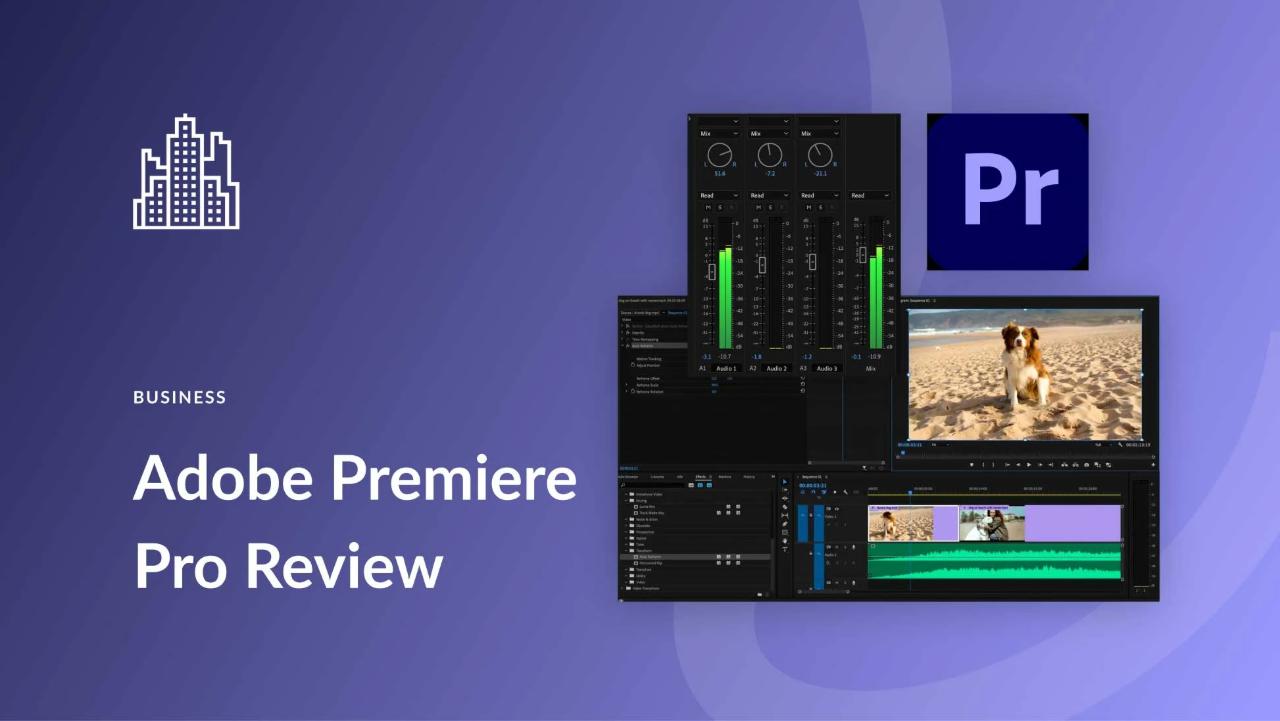
Adobe Premiere Pro is a timeline-based professional video editing software application developed by Adobe Inc. as part of Adobe Creative Cloud. Used by filmmakers, YouTube creators, broadcast editors, and commercial agencies worldwide, Premiere Pro provides end-to-end tools for multi-camera editing, AI-powered speech-to-text workflows, Lumetri color grading, audio mixing, and native integration with After Effects, Photoshop, and Audition.
1. In-Depth Review: Why Video Editors & Creators Use Adobe Premiere Pro
- Industry-Standard Non-Linear Timeline Editing: Supports virtually every camera format natively—from smartphone H.264/HEVC clips to cinema RAW codecs (RED, ARRI, Sony XAVC, ProRes)—without mandatory transcoding.
- Adobe Sensei & Firefly AI Workflows: Accelerates rough cuts and post-production with Text-Based Editing (editing video by deleting or rearranging transcribed text), AI Enhance Speech, Auto Reframe for vertical social video, and Generative Extend.
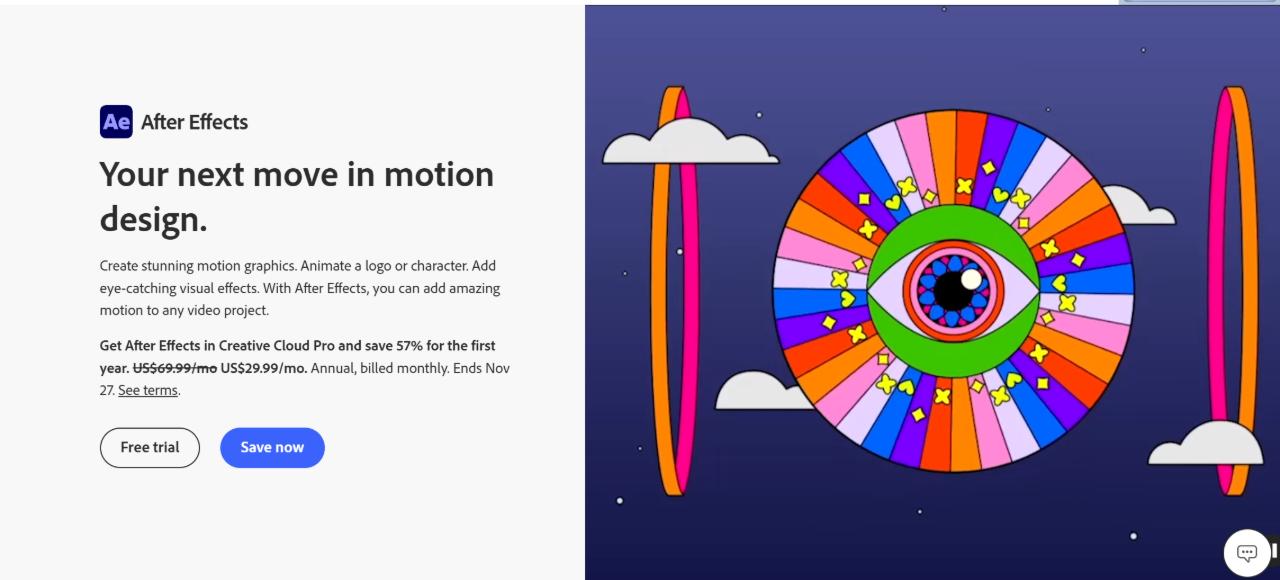
- Tight Creative Cloud Ecosystem Integration: Uses Dynamic Link to send sequences directly to Adobe After Effects for motion graphics or Adobe Audition for audio restoration without rendering intermediate files.
2. Key Features & Capabilities
- Text-Based Editing & Automated Transcription: Automatically transcribe dialogue in dozens of languages and assemble rough cuts simply by copying, pasting, or deleting text in the Transcript panel.
- Lumetri Color Grading & HDR Scopes: Adjust exposure, white balance, creative LUTs, HSL Secondary qualifiers, and color wheels while monitoring broadcast-accurate Vectorscope and Waveform scopes.
- Essential Sound & AI Enhance Speech: Automatically categorize dialogue, music, SFX, and ambience, balance loudness levels, and remove background room noise with AI Enhance Speech.
- Auto Reframe & Social Media Aspect Ratios: Intelligently track main subjects to convert 16:9 horizontal timelines into 9:16 vertical or 1:1 square formats for YouTube Shorts, Reels, and TikTok.
- Multi-Camera & Proxy Editing Workflows: Sync multiple camera angles automatically via audio waveforms or timecode, and toggle lightweight proxies on or off with one click for smooth 4K/8K playback.
- Dynamic Link with After Effects & Photoshop: Round-trip animated titles, lower thirds, and layered `.PSD` graphics live between Creative Cloud desktop applications.
- Frame.io Cloud Review & Collaboration: Share work-in-progress cuts directly from Premiere Pro to collect timecode-stamped client feedback inside the timeline.
3. How to Register & Access an Official Trial or License
To ensure software authenticity, security updates, and full compliance with licensing terms, always register and download Premiere Pro through Adobe’s official portals:
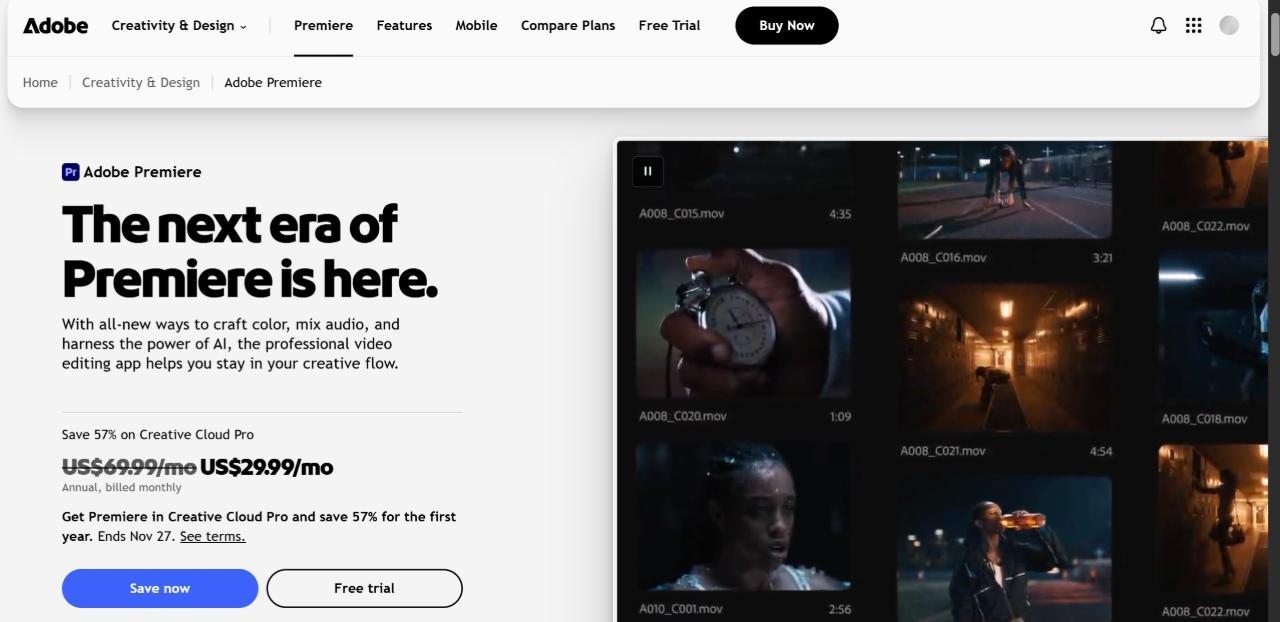
- Visit the Official Adobe Premiere Pro Website: Go to https://www.adobe.com/products/premiere.html to review features, AI tools, and Creative Cloud plans.
- Create or Sign In to an Adobe Account: Register a free Adobe ID at https://account.adobe.com using your email address to manage trials, subscriptions, and cloud storage.
- Choose Your Official Licensing Path:
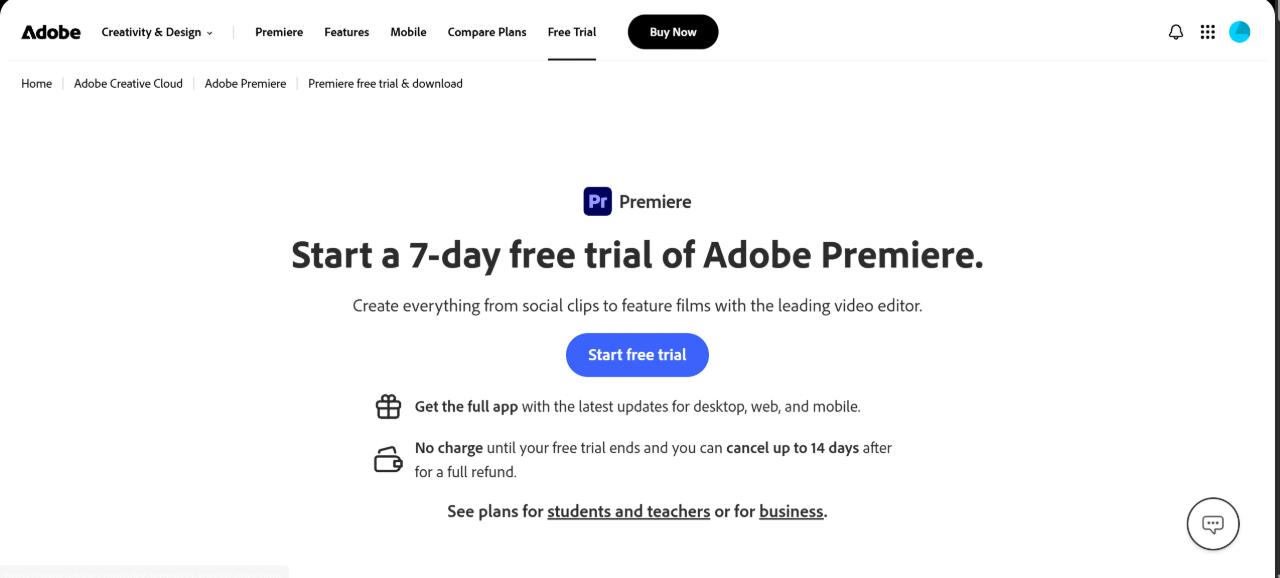
- Official 7-Day Free Trial: Start a full-featured 7-day evaluation via https://www.adobe.com/products/premiere/free-trial-download.html to test Adobe Premiere Pro on Windows or macOS.
- Students & Teachers Discount: Eligible students and educators at accredited institutions can save over 60% on the full Creative Cloud All Apps plan at https://www.adobe.com/creativecloud/buy/students.html.
- Commercial Subscription (Single App or Creative Cloud All Apps): Video editors and studios can subscribe monthly or annually directly on https://www.adobe.com/creativecloud/plans.html.
4. Step-by-Step Installation Guide
- Verify System & GPU Requirements: Confirm your workstation runs 64-bit Windows 10/11 or macOS 13+ with at least 16 GB RAM (32 GB+ recommended for 4K/8K workflows), a multi-core Intel/AMD or Apple Silicon CPU, a discrete GPU with 4 GB–8 GB+ VRAM, and 10 GB+ free SSD space.
- Download the Creative Cloud Desktop Installer: Sign in to your Adobe Account and download the official Adobe Creative Cloud desktop installer (`Creative_Cloud_Set-Up.exe` on Windows or `.dmg` on macOS).
- Install Creative Cloud & Premiere Pro: Run the installer to set up the Creative Cloud desktop app, open the Apps tab, locate Premiere Pro, and click Install (or Try).
- Launch & Activate License: Click Open inside the Creative Cloud app to launch Adobe Premiere Pro; your trial or Creative Cloud subscription activates automatically through your signed-in Adobe ID.
5. How to Use Adobe Premiere Pro: Beginner Workflow
- Create a New Project & Import Footage: Open Premiere Pro, click New Project, enter a project name and save location, select your video clips from the Import screen, and click Create.
- Organize Media & Build a Sequence: In the Project panel, organize footage into bins, then drag your primary video clip onto the Timeline panel to automatically create a sequence matching your footage resolution and frame rate.
- Trim Clips & Add Transitions: Use the Razor tool (`C`) to cut clips, Selection tool (`V`) to trim edges, and drag video/audio transitions (such as Cross Dissolve or Constant Power) from the Effects panel onto clip cuts.
- Add Titles, Color Grade & Clean Audio: Select the Type tool (`T`) to type titles directly on the Program Monitor, refine colors in the Lumetri Color panel, and enhance dialogue clarity in the Essential Sound panel.
- Export Your Final Video: Click the Export tab at the top-left of the workspace, choose a preset (such as Match Source - Adaptive High Bitrate MP4), confirm your output path, and click Export.
6. Frequently Asked Questions (FAQ)
- Can I buy Adobe Premiere Pro as a one-time purchase?No. Adobe Premiere Pro is licensed exclusively through Adobe Creative Cloud subscriptions (either as a Single App plan or inside the Creative Cloud All Apps bundle), which include continuous feature and AI updates.
- How long is the official Adobe Premiere Pro free trial?Adobe provides an official 7-day free trial via adobe.com that includes full access to Premiere Pro features without watermarks.
- What is the difference between Premiere Pro and After Effects?Premiere Pro is designed for multi-track video editing, cutting, audio mixing, and color grading, whereas After Effects specializes in frame-by-frame visual effects (VFX), compositing, and complex 2D/3D motion graphics.