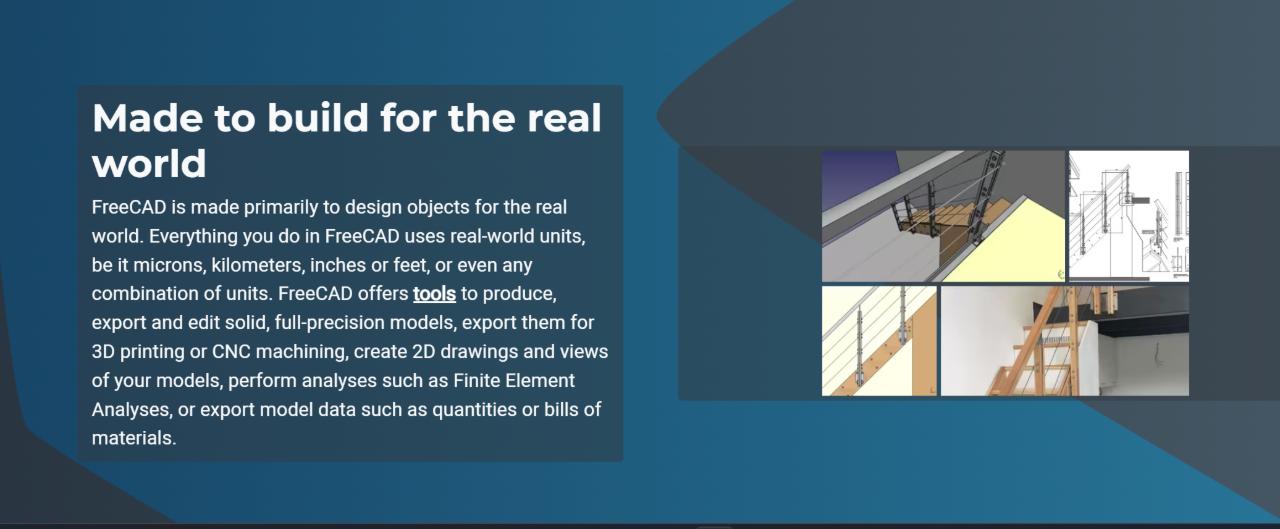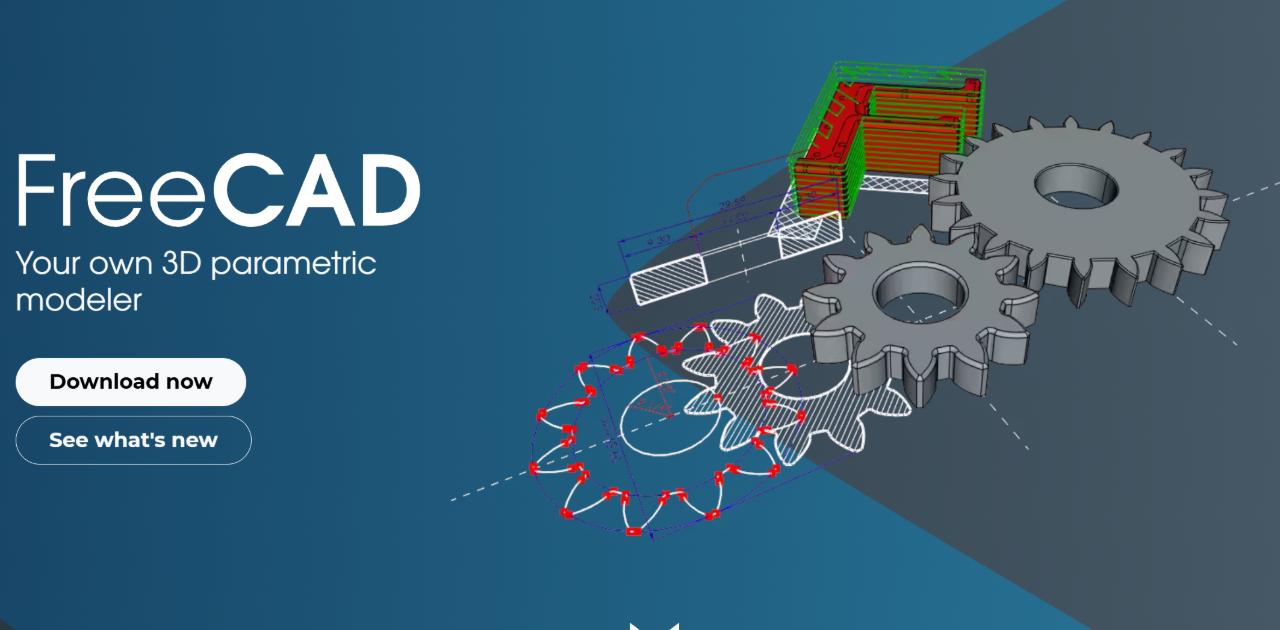
FreeCAD is a free, open-source parametric 3D computer-aided design (CAD) and building information modeling (BIM) software application licensed under the LGPL. Used by mechanical engineers, makers, product designers, architects, and students, FreeCAD lets you design real-world parts and assemblies parametrically—meaning dimensions, constraints, and feature history stay editable as designs evolve.
1. In-Depth Review: Why Engineers & Makers Use FreeCAD
- True Parametric Modeling Without Vendor Lock-In: Models parts using constrained 2D sketches and feature trees (`Pad`, `Pocket`, `Revolution`, `Fillet`, `Chamfer`) so changing a parameter or sketch dimension updates downstream geometry cleanly.
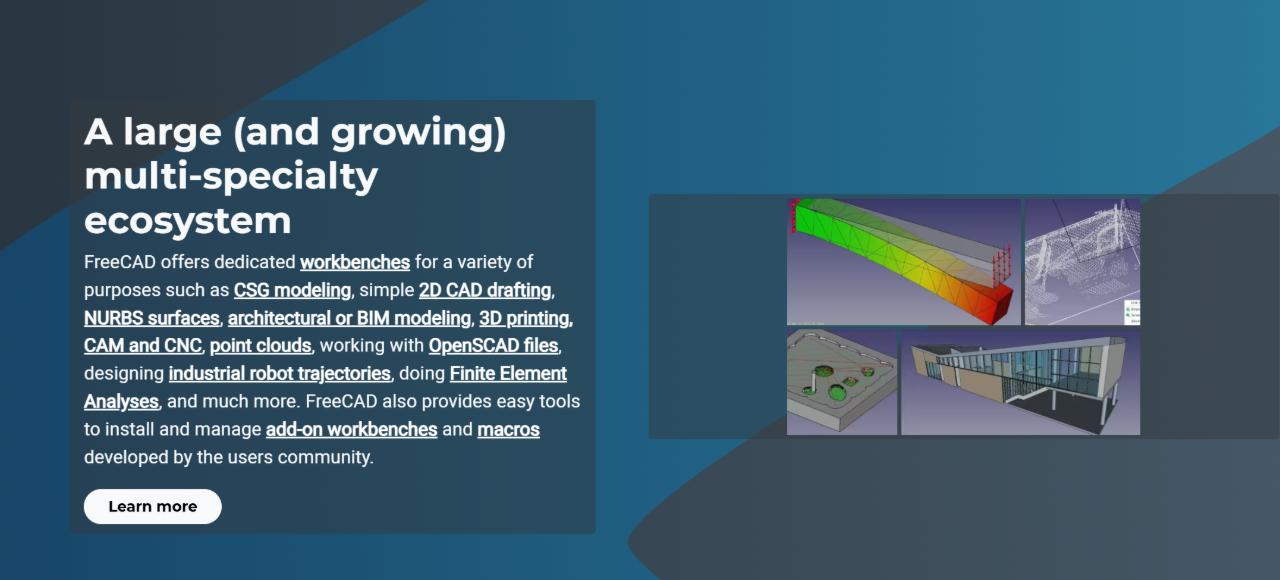
- Modular Workbenches for CAD, BIM, CAM & FEM: Switches between specialized workbenches—including `Sketcher`, `PartDesign`, `Part`, `Assembly`, `BIM`, `TechDraw`, `CAM`, and `FEM`—plus community add-ons via the built-in Addon Manager.
- Cross-Platform & Commercial-Friendly Open Source: Runs natively on Windows, macOS, and Linux under an LGPL license that permits personal, educational, and commercial use without subscription seats or registration requirements.
2. Key Features & Capabilities
- Constrained 2D Sketching (`Sketcher`): Draw 2D profiles with geometric and dimensional constraints (`horizontal`, `vertical`, `tangent`, `coincident`, `distance`, `angle`) before extruding into 3D.
- Parametric Part & Assembly Modeling (`PartDesign`, `Part`, `Assembly`): Build single parts, boolean solid operations, and multi-part assemblies with editable feature histories.
- Technical 2D Drawings & Dimensioning (`TechDraw`): Generate orthographic projections, section views, dimensions, and title-block sheets for manufacturing and documentation.
- Architectural BIM & IFC Support (`BIM`): Create walls, windows, doors, structural elements, and architectural layouts with `.IFC` interoperability.
- 3D Printing & Engineering Exports: Export `.STEP`, `.IGES`, `.STL`, `.3MF`, `.OBJ`, and `.DXF` files for 3D printing, CNC/CAM workflows, and collaboration with other CAD tools.
- Addon Manager & Python Scripting: Extend capabilities with community workbenches, macros, and built-in Python console automation.
- Official Links: Free Trial, Free / Education & Pricing
Always download FreeCAD and verify checksums from the official project portals:
- Official FreeCAD Website: https://www.freecad.org/
- Official FreeCAD Downloads: https://www.freecad.org/downloads.php
- Free / Education & Documentation Wiki: https://wiki.freecad.org/Download
- Pricing & Licensing (Free & Open-Source under LGPL): https://www.freecad.org/
4. Step-by-Step Installation Guide
- Verify Operating System & Hardware: Confirm your workstation runs a supported 64-bit OS (Windows 10/11 64-bit, macOS Intel or Apple Silicon, or 64-bit Linux) with a multi-core processor, at least 8 GB RAM (16 GB+ recommended for larger assemblies and BIM models), an OpenGL-capable graphics card, and free SSD storage.
- Download the Official Installer or Package: Visit https://www.freecad.org/downloads.php (or https://wiki.freecad.org/Download), select the official installer, portable archive, DMG, or AppImage for your OS, and optionally verify the SHA256 checksum.
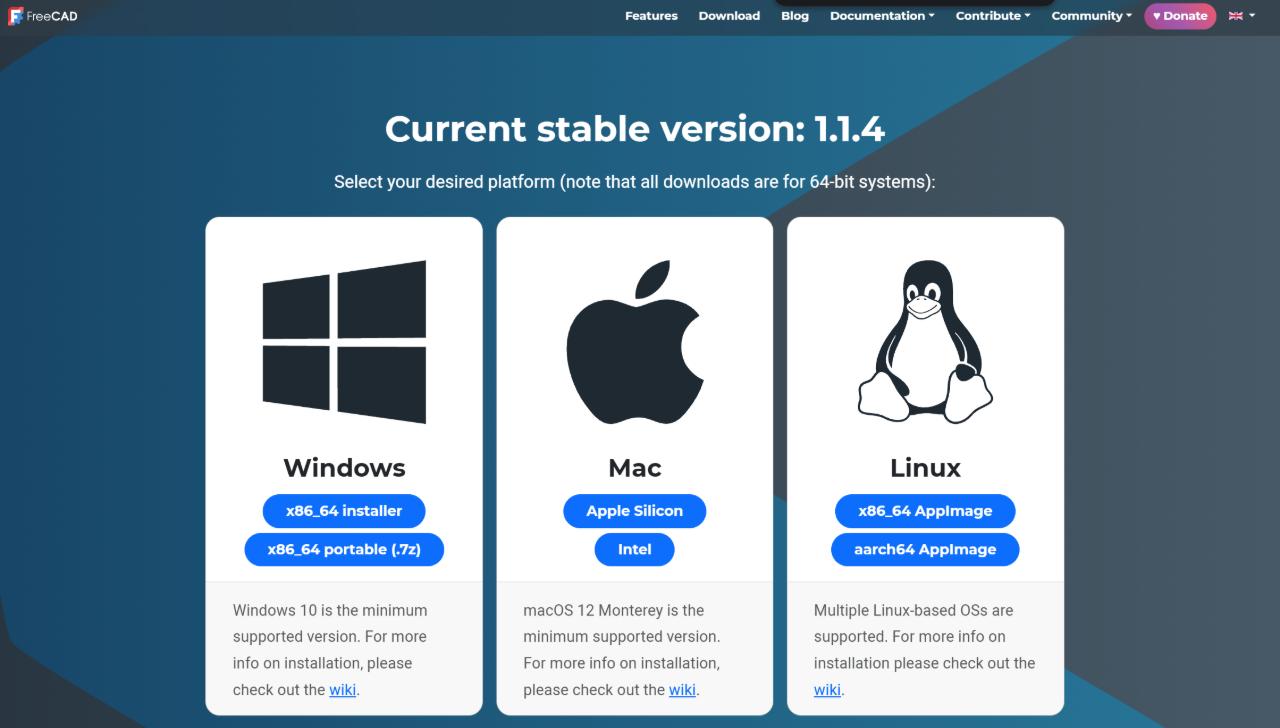
- Run the Setup Wizard: Launch the installer (or extract/mount the package) and follow the installation prompts to place FreeCAD on your system drive.
- Launch & Set Units / Navigation: Open FreeCAD, select your preferred measurement units (such as metric `mm`) and mouse navigation style in Preferences, and start designing.
5. How to Use FreeCAD: Beginner Workflow
- Create a New Document & Switch to PartDesign: Open FreeCAD, create a new document (`Ctrl+N` / `Cmd+N`), select the `PartDesign` workbench, and click `Create body` and `Create sketch` on a base plane (such as XY).
- Draw & Constrain Your 2D Profile: Sketch your base shape (such as a rectangle or circle) in the `Sketcher` workbench and apply dimensional and geometric constraints until the sketch is properly constrained, then close the sketch.
- Extrude into 3D & Add Features: Use `Pad` to extrude the 2D sketch into a 3D solid, then add cutouts (`Pocket`), rounded edges (`Fillet`), or bevels (`Chamfer`) in the model tree.
- Save Your Native Project & Create Drawings: Save your editable parametric model as `.FCStd`, or switch to `TechDraw` to place projected views and dimensions on a drawing sheet.
- Export Manufacturing or 3D Print Files: Select your final body/part and export to `.STEP` for CAD exchange or `.STL`/`.3MF` for 3D slicing and printing.
6. Frequently Asked Questions (FAQ)
- Is FreeCAD completely free for commercial and educational use?Yes. FreeCAD is open-source software under the LGPL license, allowing free use in personal, educational, and commercial work without licensing fees.
- Does FreeCAD run on Windows, macOS, and Linux?Yes. FreeCAD provides official 64-bit builds for Windows, macOS (Intel and Apple Silicon), and Linux.
- Can FreeCAD open and export STEP and STL files?Yes. FreeCAD supports `.STEP` for CAD data exchange and `.STL`/`.3MF` for 3D printing, alongside `.FCStd` for native parametric models.