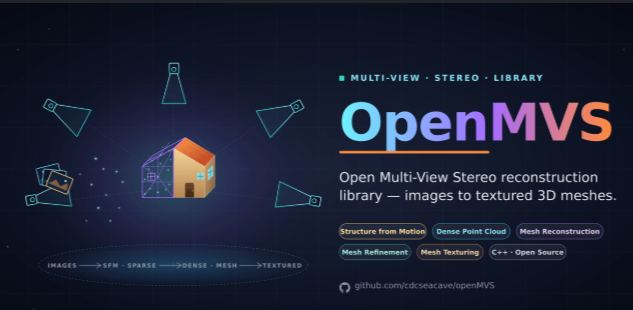
OpenMVS (Open Multi-View Stereo, created by cDc / Dan Cernea and open-source contributors under the AGPL-3.0 open-source license) is a high-precision C++ photogrammetry and 3D computer vision pipeline for dense point cloud generation, surface reconstruction, mesh refinement, and photorealistic texture mapping. Built for photogrammetry researchers, drone mapping engineers, 3D scanning artists, and cultural heritage/surveying teams, OpenMVS picks up directly where Structure-from-Motion (SfM) tools like COLMAP, OpenSfM, or OpenMVG finish—turning sparse camera poses and calibrated photos into detailed, watertight, UV-textured 3D models (`PLY`, `OBJ`, `GLTF`).
1. In-Depth Review: Why Photogrammetry & 3D Reconstruction Teams Use OpenMVS
- Bridges Sparse SfM to Production-Ready Textured 3D Meshes: Connects seamlessly with COLMAP, OpenSfM, OpenMVG, and AliceVision/Bundler outputs (`InterfaceCOLMAP`, `InterfaceOpenMVG`) to run depth-map fusion, surface meshing, detail refinement, and seamless multi-view texture atlasing.
- Modular Command-Line Pipeline with Fine-Grained Control: Separates `DensifyPointCloud`, `ReconstructMesh`, `RefineMesh`, and `TextureMesh` into distinct CLI executables so engineers can inspect intermediate `.mvs` stages, tune resolution/decimation, and script batch reconstructions.
- High-Quality Texture Atlasing & CUDA GPU Acceleration: Computes view-dependent seamless textures with color balancing across overlapping aerial or close-range photos, leveraging multi-core CPUs and optional NVIDIA CUDA acceleration.
2. Key Features & Capabilities
- Multi-View Stereo Dense Point Cloud Generation (`DensifyPointCloud`): Computes per-view depth maps and fuses them into clean, high-density colored 3D point clouds (`PLY` / `.mvs`).
- Surface Mesh Reconstruction (`ReconstructMesh`): Generates clean triangular surface meshes from dense point clouds with configurable detail and hole-filling controls.
- Photometric Mesh Refinement (`RefineMesh`): Sharpens geometric edges and fine surface relief directly against input image gradients.
- Seamless Multi-View Texture Mapping (`TextureMesh`): Projects high-resolution input images onto UV-unwrapped meshes with seam leveling and color harmonization (`OBJ` / `PLY` / `GLTF`).
- SfM Ecosystem Importers & Interactive `.mvs` Viewer: Includes `InterfaceCOLMAP`, `InterfaceOpenMVG`, `InterfaceVisualSFM`, and `Viewer` for inspecting intermediate `.mvs` scenes.
- 100% Free & Open-Source (AGPL-3.0 License): Free to compile, customize, and run across Linux, Windows, and macOS.
- Official Links: Free Trial, Free / Education & Pricing
Always download OpenMVS source code, pre-built release binaries, and documentation directly from official portals:
- Official OpenMVS GitHub Repository & Releases: https://github.com/cdcseacave/openMVS
- Official OpenMVS Wiki & Build Documentation: https://github.com/cdcseacave/openMVS/wiki
- Official OpenMVS Usage & Pipeline Guide: https://github.com/cdcseacave/openMVS/wiki/Usage
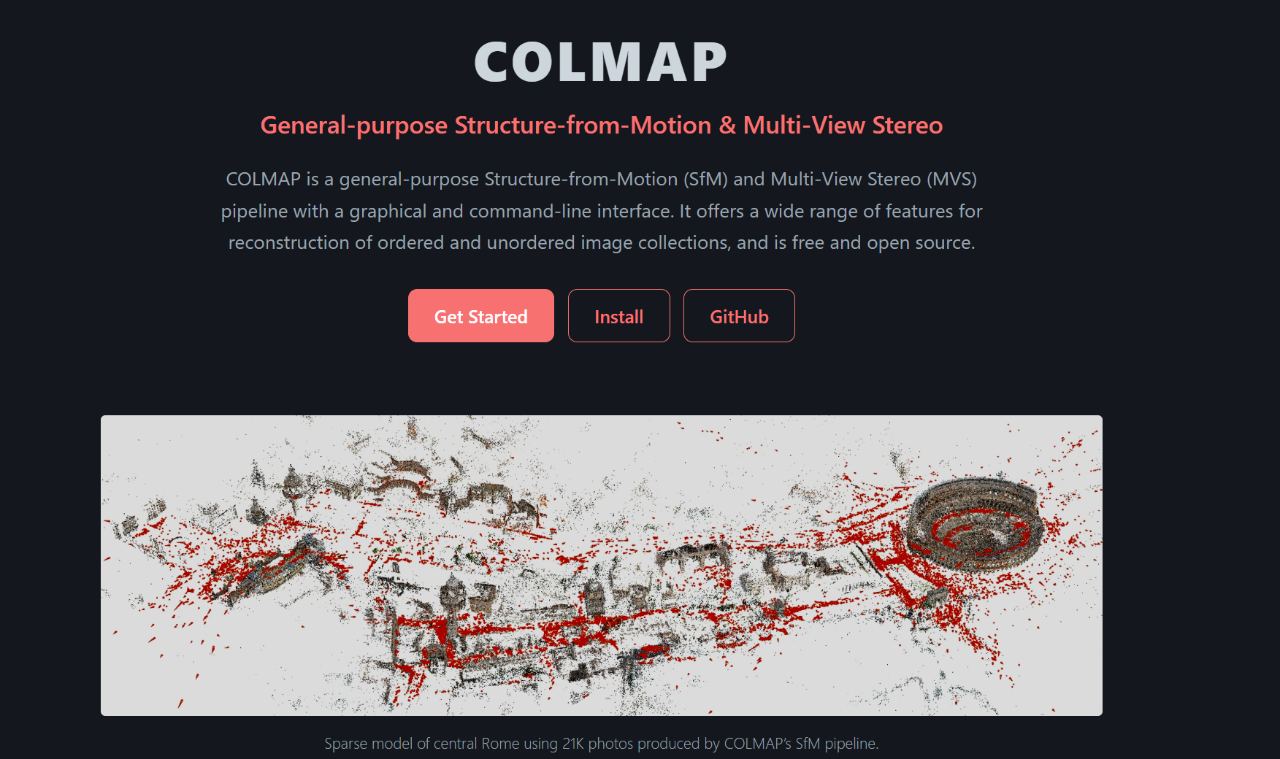
- Official COLMAP Structure-from-Motion Companion Portal: https://colmap.github.io/
4. Step-by-Step Installation Guide
- Check OS, Compiler & GPU Requirements: Confirm your 64-bit Linux, Windows, or macOS workstation has adequate RAM, fast SSD storage, and (optionally) an NVIDIA GPU with CUDA Toolkit for accelerated dense matching.
- Download Pre-Built Release Binaries or Clone Source: Visit https://github.com/cdcseacave/openMVS/releases to download pre-compiled Windows/Linux archives, or build from source via CMake/vcpkg following https://github.com/cdcseacave/openMVS/wiki/Building.
- Extract Binaries & Add to System PATH: Unpack the OpenMVS executables (`DensifyPointCloud`, `ReconstructMesh`, `RefineMesh`, `TextureMesh`, `InterfaceCOLMAP`) into a folder added to your system `PATH`.
- Verify Installation in Terminal: Open a terminal or Command Prompt and run `DensifyPointCloud --help` to confirm the OpenMVS CLI tools are active.
5. How to Use OpenMVS: Beginner Workflow
- Run Sparse SfM in COLMAP or OpenSfM: Process your overlapping image set in COLMAP (or OpenSfM/OpenMVG) to obtain undistorted images and calibrated camera poses.
- Convert SfM Output to `.mvs` Format: Run `InterfaceCOLMAP -i path/to/colmap_undistorted -o scene.mvs` to package camera parameters and image paths into an OpenMVS scene file.
- Generate Dense Point Cloud: Execute `DensifyPointCloud scene.mvs` to compute depth maps and output `scene_dense.mvs` and `scene_dense.ply`.
- Reconstruct & Refine 3D Surface Mesh: Run `ReconstructMesh scene_dense.mvs` to create `scene_dense_mesh.mvs`, followed by `RefineMesh scene_dense_mesh.mvs` for crisp geometric detail.
- Apply Photorealistic Textures & Export: Run `TextureMesh scene_dense_mesh_refine.mvs --export-type obj` (or `ply`/`gltf`) to produce your final UV-textured 3D model for Blender, MeshLab, CloudCompare, or GIS viewers.
6. Frequently Asked Questions (FAQ)
- Is OpenMVS completely free and open-source?Yes. OpenMVS is open-source software distributed under the GNU Affero General Public License v3.0 (AGPL-3.0) with no licensing fees.
- Can OpenMVS run on raw photos by itself without COLMAP or OpenSfM?No. OpenMVS is a Multi-View Stereo (dense reconstruction, meshing, and texturing) engine that requires pre-calibrated camera poses from a Structure-from-Motion tool such as COLMAP, OpenSfM, or OpenMVG.
- Does OpenMVS require an NVIDIA GPU to work?No. OpenMVS runs on multi-core CPUs across Linux, Windows, and macOS, while supporting NVIDIA CUDA acceleration on compatible GPUs for faster dense depth-map estimation.