LibreCAD is a free, open-source 2D computer-aided design (CAD) application distributed under the GNU General Public License v2 (GPLv2). Used by engineers, architects, students, CNC/laser-cutting makers, and technical drafters, LibreCAD provides a lightweight, cross-platform 2D drafting environment for Windows, macOS, and Linux without subscription fees, trials, or vendor lock-in.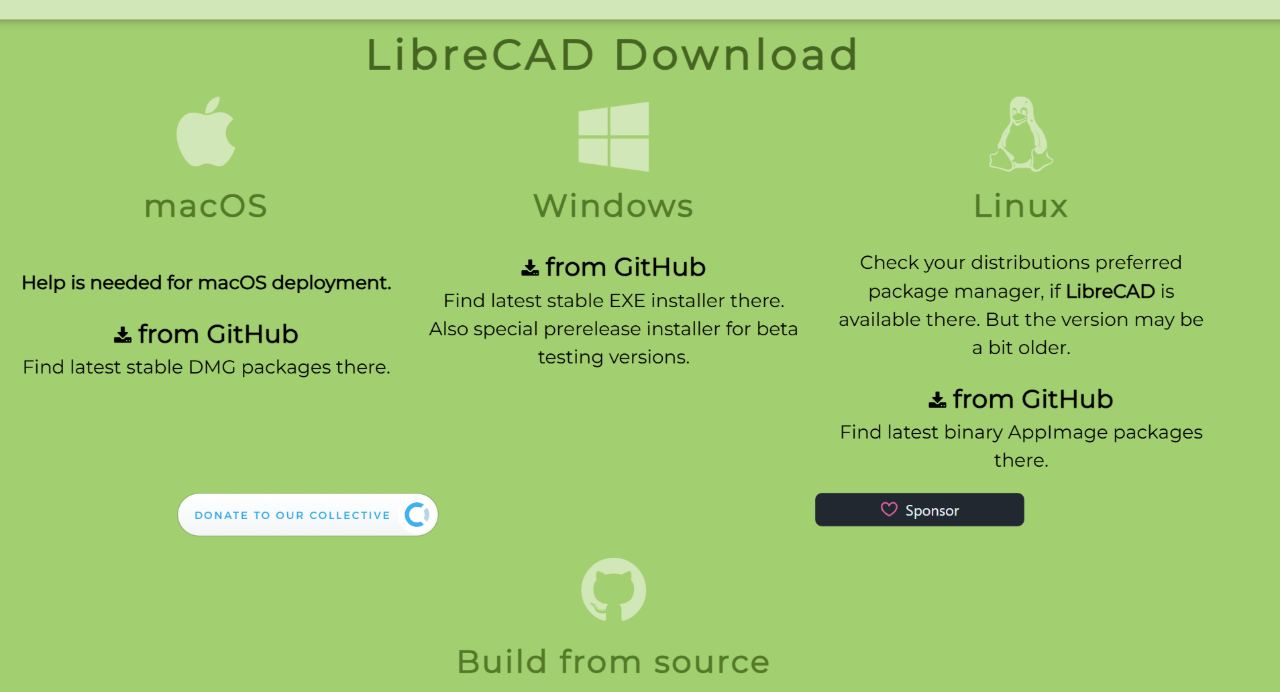
1. In-Depth Review: Why Drafters & Makers Use LibreCAD
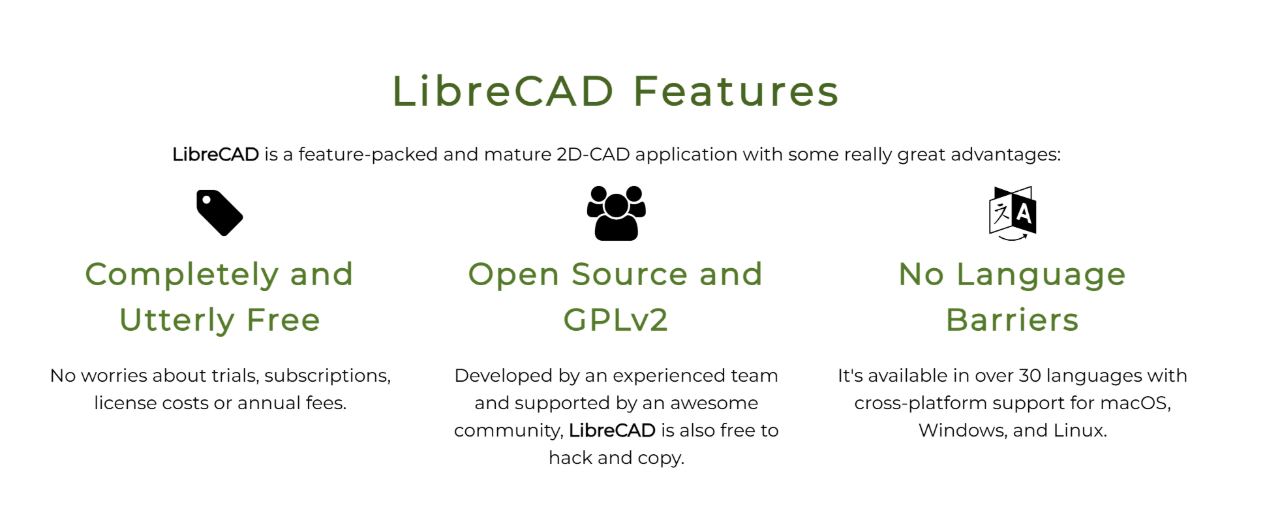
- Completely Free & Open-Source Under GPLv2: Offers unrestricted personal, academic, and commercial 2D CAD drafting with no license costs, account sign-ups, or annual renewals.
- Lightweight Performance on Any Computer: Installs in under 100 MB and runs smoothly even on older or modest laptops where heavyweight 3D CAD suites feel sluggish.
- Native DXF & DWG Read Support with Multi-Language UI: Uses AutoCAD DXF natively for saving/editing, reads DWG drawings via `libdxfrw`, exports clean PDF and SVG files, and supports over 30 languages.
2. Key Features & Capabilities
- Precision 2D Geometry & Snapping Tools: Draft lines, polylines, circles, arcs, ellipses, splines, and polygons using endpoint, midpoint, center, intersection, grid, and orthogonal snaps.
- Layer Management & Block Libraries: Organize drawings into structured layers with custom lineweights, colors, and linetypes, and reuse symbols via custom block libraries.
- Dimensioning, Hatching & Annotations: Add linear, aligned, radial, angular, and leader dimensions alongside standard hatch patterns and technical text labels.
- Native DXF Workflow & Vector/PDF Exports: Read and write `.DXF` files natively, import `.DWG` files, and export drawings to `.PDF`, `.SVG`, and high-resolution bitmap formats (`.PNG`, `.JPG`, `.TIFF`).
- Customizable Toolbars & Command-Line Input: Work with dockable tool widgets, custom menus, and fast keyboard coordinate entry (`@dx,dy` and polar `@dist<angle`).
- Cross-Platform Availability: Official installers and packages are available for Windows, macOS, and Linux (AppImage and distribution repositories).
- Official Links: Free Trial, Free / Education & Pricing
Always download LibreCAD installers and source packages from the official project portals:
- Official LibreCAD Website: https://librecad.org/
- Official LibreCAD Releases & Installers (GitHub): https://github.com/LibreCAD/LibreCAD/releases
- Free / Education & Official User Manual: https://docs.librecad.org/
- Pricing & Licensing (100% Free & Open-Source under GPLv2): https://librecad.org/
4. Step-by-Step Installation Guide
- Verify Operating System & Hardware: Confirm your computer runs Windows 10/11 (64-bit), macOS, or Linux with at least 4 GB–8 GB RAM, a 1.9 GHz+ processor, and at least 1 GB of free disk space.
- Download the Official Stable Installer: Visit https://librecad.org/ or https://github.com/LibreCAD/LibreCAD/releases and download the latest stable release (such as LibreCAD 2.2.1.6 `.exe` for Windows, `.dmg` for macOS, or `.AppImage` for Linux).
- Run the Setup Wizard: Launch the downloaded installer (or mount the `.dmg` / mark the `.AppImage` executable on Linux) and follow the installation prompts to install LibreCAD to its default directory.
- Configure Initial Units & Language: Open LibreCAD for the first time, select your preferred interface language, default measurement units (such as `Millimeter` or `Inch`), and paper size, and start drafting.
5. How to Use LibreCAD: Beginner Workflow
- Configure Drawing Preferences: Open `Options > Current Drawing Preferences` to set your drawing units (`Millimeter`, `Meter`, or `Inch`), grid spacing, and page format (such as `A4` or `A3`).
- Create Organized Layers: Open the `Layer List` dock widget, click `+` to add layers (such as `Outline`, `Centerlines`, `Dimensions`, and `Text`), and assign distinct colors and line widths.
- Draw Base Geometry with Snaps: Enable `Snap on Endpoints`, `Snap on Grid`, or `Restrict Orthogonal` on the bottom snap toolbar, then draw shapes using the left CAD toolbar or command line.
- Trim, Offset & Dimension Your Drawing: Use `Modify` tools (`Trim`, `Extend`, `Offset`, `Fillet`, `Mirror`) to clean intersections, then add `Dimension` annotations on your dimensions layer.
- Save DXF & Export to PDF or SVG: Save your editable master drawing as `.DXF` (`File > Save As`) and use `File > Export > Export as PDF` (or `Print Preview`) to produce scaled technical sheets.
6. Frequently Asked Questions (FAQ)
- Is LibreCAD completely free for commercial and educational use?Yes. LibreCAD is 100% free and open-source software licensed under the GNU GPLv2, with no trials, subscriptions, or commercial restrictions.
- Does LibreCAD support 3D modeling?No. LibreCAD is dedicated specifically to 2D CAD drafting; users needing open-source parametric 3D CAD can pair it with FreeCAD.
- Can LibreCAD open AutoCAD DWG and DXF files?Yes. LibreCAD uses `.DXF` as its native format and supports reading `.DWG` drawings, exporting directly to `.DXF`, `.PDF`, and `.SVG`.