CorelDRAW Graphics Suite 2026 is a professional vector illustration, page layout, typography, and photo-editing software suite developed by Corel (Alludo). Used by graphic designers, sign-makers, print shops, apparel decorators, and marketing teams, CorelDRAW combines precision Bezier vector drawing, multi-page layout tools, bitmap-to-vector tracing (PowerTRACE), and Corel PHOTO-PAINT with both subscription and one-time perpetual licensing options.
1. In-Depth Review: Why Print & Vector Designers Use CorelDRAW 2026
- Precision Vector Illustration & Multi-Page Layout in One App: Combines freehand/Bezier curve control, dimension lines, perspective drawing, and multi-page brochure/signage layout inside a single workspace without jumping between separate apps.
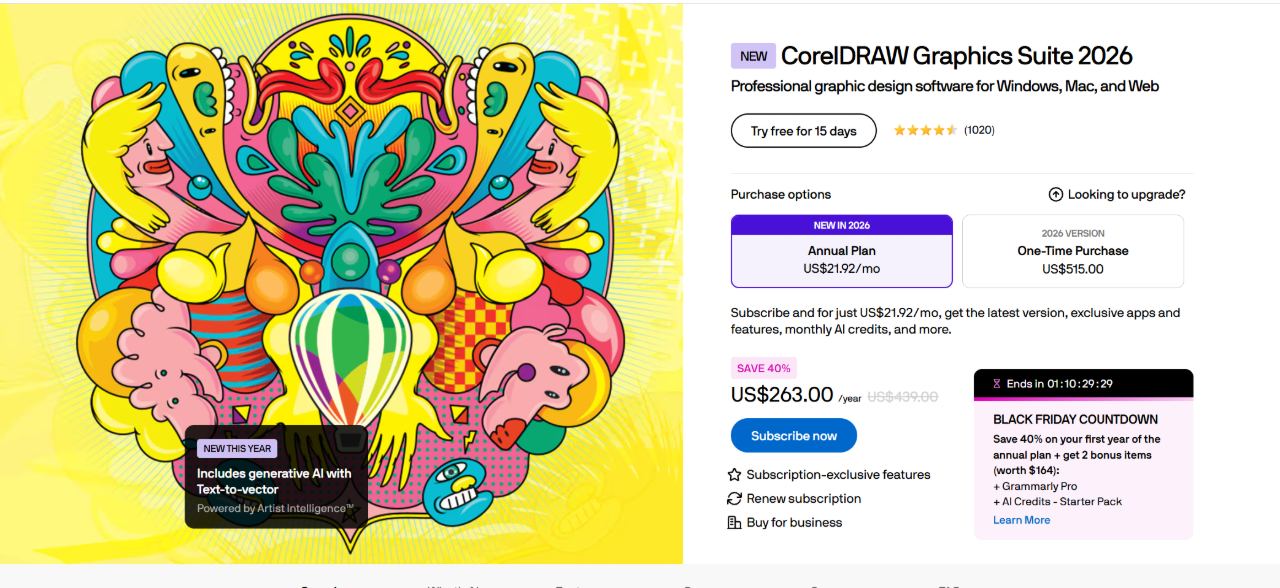
- Flexible Licensing (Subscription or One-Time Purchase): Stands out among commercial creative suites by offering both annual/monthly subscriptions (with CorelDRAW Web and cloud AI credits) and a perpetual one-time purchase option.
- Strong Print, Signage & CAD/DWG Format Compatibility: Supports CMYK/Pantone color workflows, PDF/X print exports, SVG, EPS, AI, PSD, and DWG/DXF import and export for vinyl cutting, laser engraving, and large-format printing.
2. Key Features & Capabilities
- Vector Illustration & Typography Tools: Create logos, icons, technical graphics, and typographic layouts with node-level curve shaping, variable fonts, and Corel Font Manager.
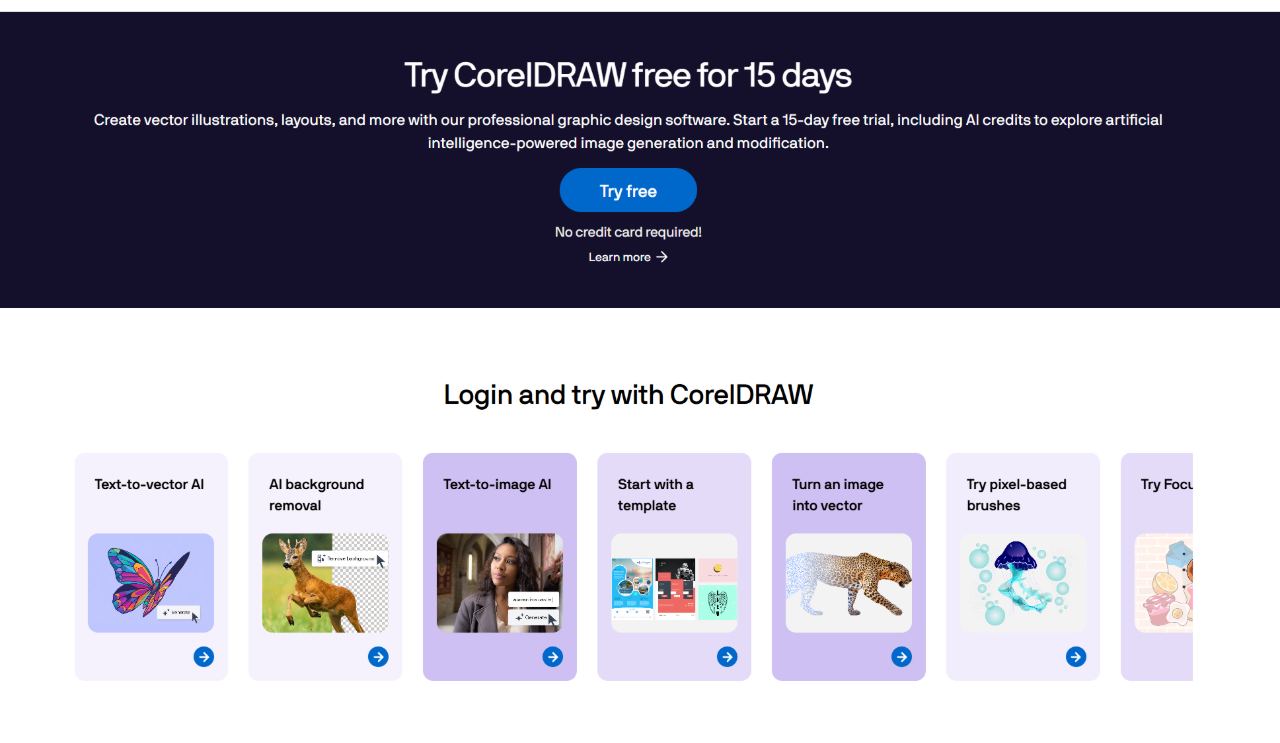
- AI-Assisted PowerTRACE & Creative Tools: Convert raster bitmaps into editable vector paths with PowerTRACE and utilize generative text-to-vector, text-to-image, and one-click AI background removal features.
- Corel PHOTO-PAINT Integration: Edit raster images, retouch photos, apply non-destructive effects, and create masks seamlessly alongside vector layouts.
- Multi-Page & Multi-Asset Export Workflows: View and arrange multiple pages simultaneously and batch-export assets across web, print, and social specifications.
- CorelDRAW Web & Cross-Platform Access: Work natively on Windows and macOS, with browser-based CorelDRAW Web access available for active subscribers.
- Extensive Industry File Exchange: Open, edit, and export CDR, AI, PDF, EPS, SVG, DWG, DXF, TIFF, PNG, and JPG files cleanly.
- Official Links: Free Trial, Free / Education & Pricing
Always download and license CorelDRAW Graphics Suite through Corel's official portals:
- Official Product Overview & Features: https://www.coreldraw.com/en/product/coreldraw/
- Official Free Trial (15-Day Evaluation): https://www.coreldraw.com/en/free-trials/
- Free / Education (Academic & Student/Teacher Licensing): https://www.coreldraw.com/en/product/education/
- Pricing & Licensing Plans (Subscription & One-Time Purchase): https://www.coreldraw.com/en/product/coreldraw/
4. Step-by-Step Installation Guide
- Verify Operating System & Hardware: Confirm your computer runs a supported 64-bit OS (Windows 10/11 64-bit or supported macOS) with an Intel Core i3/i5/i7/i9 (7th Gen+) or AMD Ryzen processor, at least 8 GB RAM (16 GB+ recommended), an OpenCL 1.2 GPU with 3 GB+ VRAM, and 5.5 GB+ free disk space.
- Download the Official Trial or Installer: Visit https://www.coreldraw.com/en/free-trials/ (or sign in to your Corel account if purchased) and download the official CorelDRAW Graphics Suite 2026 installer for Windows or macOS.
- Run the Setup Wizard: Launch the downloaded installer, sign in or create your Corel account, enter your serial number if activating a purchased license (or choose the 15-day free trial), and select Typical or Custom installation.
- Launch & Configure Workspace: Open CorelDRAW, select your preferred workspace preset (such as Default, Lite, or Illustration) and default color profile (CMYK for print or RGB for digital), and start designing.
5. How to Use CorelDRAW 2026: Beginner Workflow
- Create a New Document & Set Color Mode: Open CorelDRAW, click `New Document`, choose page dimensions (such as A4, Poster, or custom banner size), resolution (300 dpi for print), and Primary Color Mode (`CMYK` or `RGB`).
- Draw & Shape Vector Objects: Use shape tools (`Rectangle`, `Ellipse`, `Polygon`) or curve tools (`Pen`, `Bezier`, `Freehand`) and refine anchor nodes with the `Shape Tool (F10)`.
- Add Typography & Brand Colors: Insert Artistic Text or Paragraph Text, apply fonts via Font Manager, and assign fills and outlines from document or Pantone/CMYK color palettes.
- Trace Raster Artwork or Import Photos: Import reference images (`Ctrl+I` / `Cmd+I`) and run `Trace Bitmap > Outline Trace (PowerTRACE)` when converting logos or line art into scalable vectors.
- Export Production-Ready Files: Save your master `.CDR` project file and export `.PDF` (for print), `.SVG`/`.PNG` (for web), or `.DXF`/`.EPS` (for cutting/engraving machines).
6. Frequently Asked Questions (FAQ)
- Can you buy CorelDRAW Graphics Suite 2026 as a one-time purchase?Yes. Corel offers both a one-time perpetual license and annual/monthly subscription plans for CorelDRAW Graphics Suite 2026.
- How long is the official CorelDRAW free trial?Corel provides a 15-day free trial through its official trial portal at https://www.coreldraw.com/en/free-trials/.
- Does CorelDRAW 2026 run on both Windows and macOS?Yes. CorelDRAW Graphics Suite 2026 supports 64-bit Windows 10/11 and supported macOS systems.