Adobe InDesign is a professional page layout and desktop publishing software application developed by Adobe for graphic designers, editorial teams, publishers, and marketing professionals. Built for multi-page documents and typographic precision, InDesign is widely used to design books, magazines, technical reports, brochures, catalogs, posters, EPUB eBooks, and interactive PDFs across print and digital formats.
1. In-Depth Review: Why Publishers & Designers Use Adobe InDesign
- Built for Multi-Page Editorial & Print Precision: Uses parent (master) pages, paragraph/character styles, baseline grids, and bleed/slug controls to keep long books, reports, and magazines consistent across dozens or hundreds of pages.
- Print-Ready Preflight & Color Management: Checks fonts, image resolution, overset text, and CMYK/spot color profiles in real time so files export cleanly to press-ready PDF/X standards.
- Seamless Creative Cloud & Digital Publishing Workflow: Links live assets from Photoshop and Illustrator while exporting both high-resolution print deliverables and reflowable/fixed-layout EPUBs or interactive PDFs.
2. Key Features & Capabilities
- Parent Pages, Grids & Multi-Column Layouts: Structure recurring headers, footers, page numbers, margins, and modular grids across multi-page publications.
- Advanced Typography & Style Sheets: Control kerning, tracking, hyphenation, OpenType features, and reusable Paragraph, Character, and Object Styles for fast global formatting updates.
- Live Preflight & Package Export: Automatically detect missing links, missing fonts, or low-resolution images and package all project assets and fonts for printers or collaborators.
- Tables, Footnotes & Automated Table of Contents: Generate dynamic tables of contents, running headers, cross-references, and structured multi-page tables for technical reports and catalogs.
- Interactive PDFs & EPUB Digital Publishing: Add hyperlinks, bookmarks, buttons, and cross-references to export interactive PDFs, reflowable/fixed-layout EPUBs, or web-ready HTML.
- Creative Cloud Libraries & Adobe Fonts Integration: Sync brand colors, logos, styles, and licensed typefaces across desktop and iPad workflows.
- Official Links: Free Trial, Free / Education & Pricing
To keep your workstation compliant and avoid unofficial installers, always access Adobe InDesign through Adobe's official portals:
- Official Product Overview: https://www.adobe.com/products/indesign.html
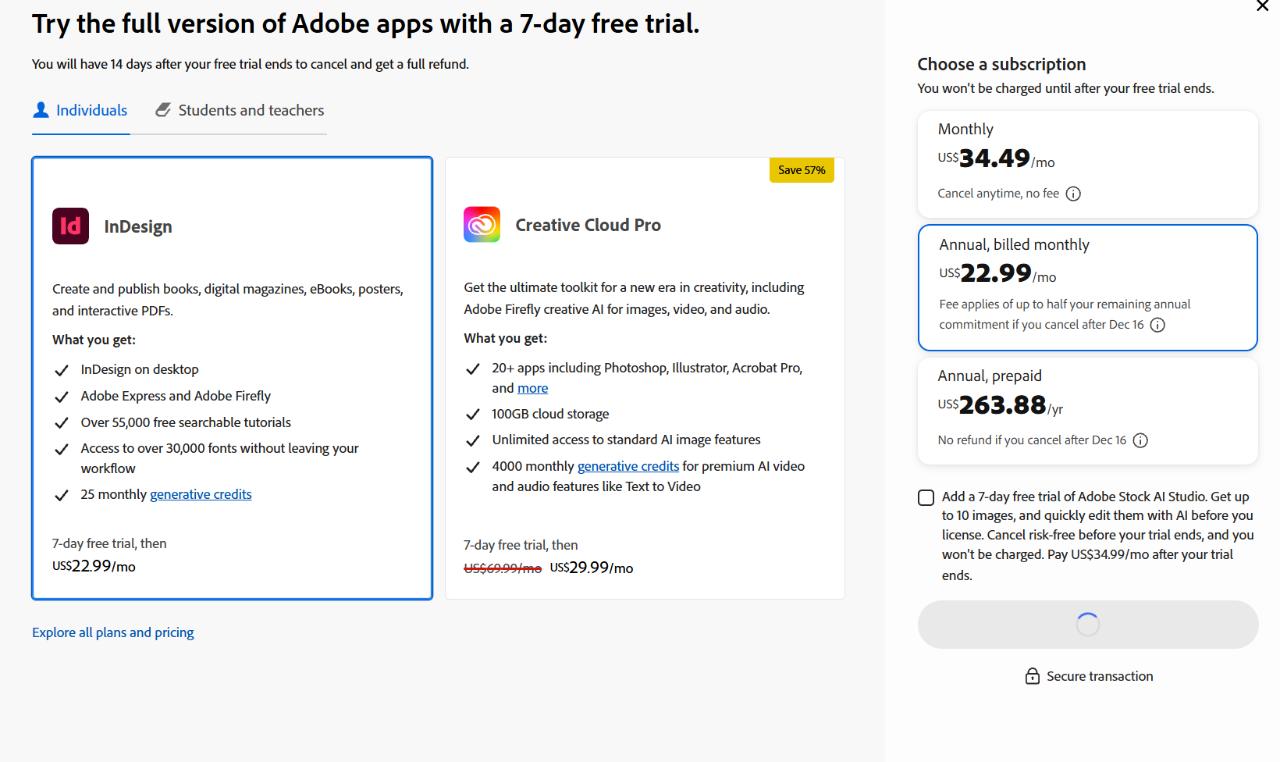
- Official Free Trial (7-Day Evaluation): https://www.adobe.com/products/indesign/free-trial-download.html
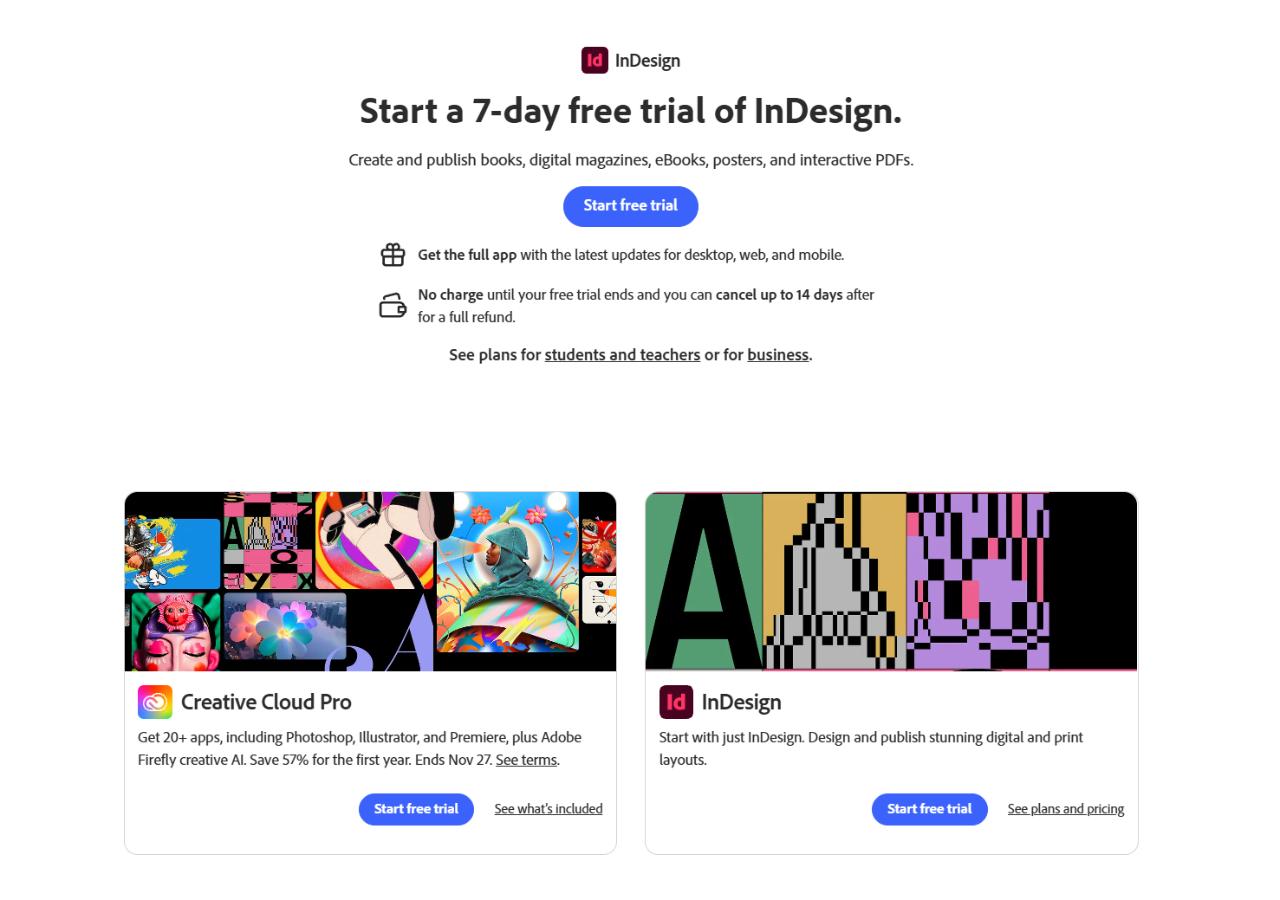
- Free / Education (Students & Teachers via Creative Cloud): https://www.adobe.com/education/students/creativecloud.html
- Pricing & Subscription Plans: https://www.adobe.com/products/indesign/plans.html
4. Step-by-Step Installation Guide
- Verify Operating System & Hardware: Confirm your computer runs a supported 64-bit version of Windows (such as Windows 10 or Windows 11) or macOS with a multi-core 64-bit processor (or Apple Silicon), at least 8 GB RAM (16 GB+ recommended for large multi-page documents), a supported GPU, and free SSD storage space.
- Start Trial or Sign In to Adobe: Visit https://www.adobe.com/products/indesign/free-trial-download.html (or sign in to your Adobe account at https://www.adobe.com/products/indesign.html) and download the Creative Cloud desktop installer.
- Install via Creative Cloud Desktop: Launch the installer, sign in with your Adobe ID, find InDesign in the Creative Cloud app list, and click Install.
- Launch & Activate: Open Adobe InDesign from your Start menu or Applications folder to start your 7-day free trial, educational plan, or active subscription.
5. How to Use Adobe InDesign: Beginner Workflow
- Create a New Document & Set Margins/Bleeds: Launch InDesign, click `New File`, choose Print or Web/Digital presets, set page size, columns, margins, and print bleed (typically 3 mm / 0.125 in), and save your `.indd` file.
- Set Up Parent Pages & Grids: Open the `Pages` panel, double-click `A-Parent`, and add recurring elements such as page numbers (`Type > Insert Special Character > Markers > Current Page Number`), headers, and guide grids.
- Place Text & Linked Graphics: Use `File > Place` (`Ctrl+D` / `Cmd+D`) to flow copy into text frames and link high-resolution images or vector graphics from Photoshop and Illustrator.
- Apply Paragraph & Character Styles: Format headings, body text, and captions using `Paragraph Styles` so typography stays uniform throughout the document.
- Run Preflight & Export Deliverables: Check the Preflight indicator at the bottom of the window for zero errors, then use `File > Export` to produce a press-ready PDF (`PDF/X-1a` or `PDF/X-4`), interactive PDF, or EPUB.
6. Frequently Asked Questions (FAQ)
- Does Adobe InDesign run on both Windows and macOS?Yes. Adobe InDesign supports 64-bit Windows and macOS workstations (with iPad companion support).
- How long is the official Adobe InDesign free trial?Adobe provides a 7-day free trial for InDesign through https://www.adobe.com/products/indesign/free-trial-download.html.
- When should I use Adobe InDesign instead of Illustrator or Photoshop?Use InDesign for multi-page layouts, books, magazines, reports, and print/digital publications; use Illustrator for logos and standalone vector illustrations, and Photoshop for pixel-based photo editing.