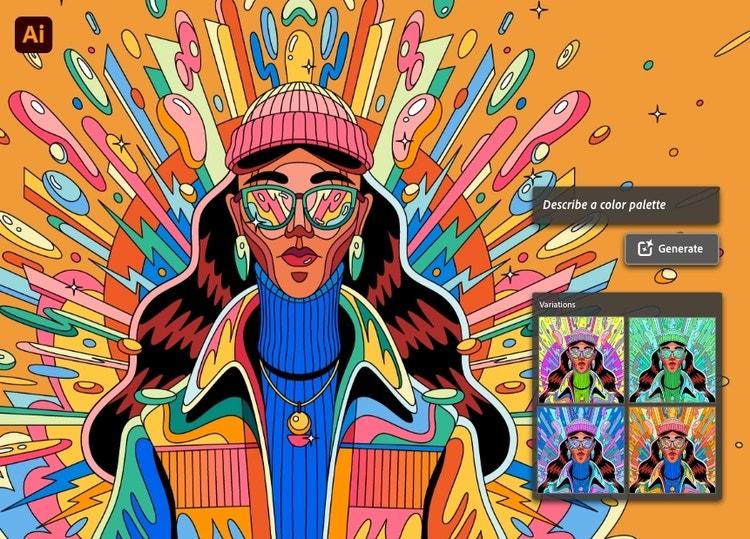
Adobe Illustrator is a vector graphics and illustration software application developed by Adobe for graphic designers, brand creators, illustrators, and digital artists. Built around resolution-independent vector paths, precision typography, and creative workflows across desktop, web, and iPad, Illustrator is widely used to design logos, icons, packaging, technical diagrams, editorial artwork, and brand identity systems.
1. In-Depth Review: Why Designers & Creators Use Adobe Illustrator
- Resolution-Independent Vector Precision: Creates crisp shapes, curves, and artwork using anchor points and paths that scale cleanly from small mobile icons and business cards to large billboards without losing sharpness.
- Strong Typography & Branding Workflows: Combines fine-grained text controls, OpenType features, and reusable color swatches/libraries to keep brand identity assets consistent across print and digital deliverables.
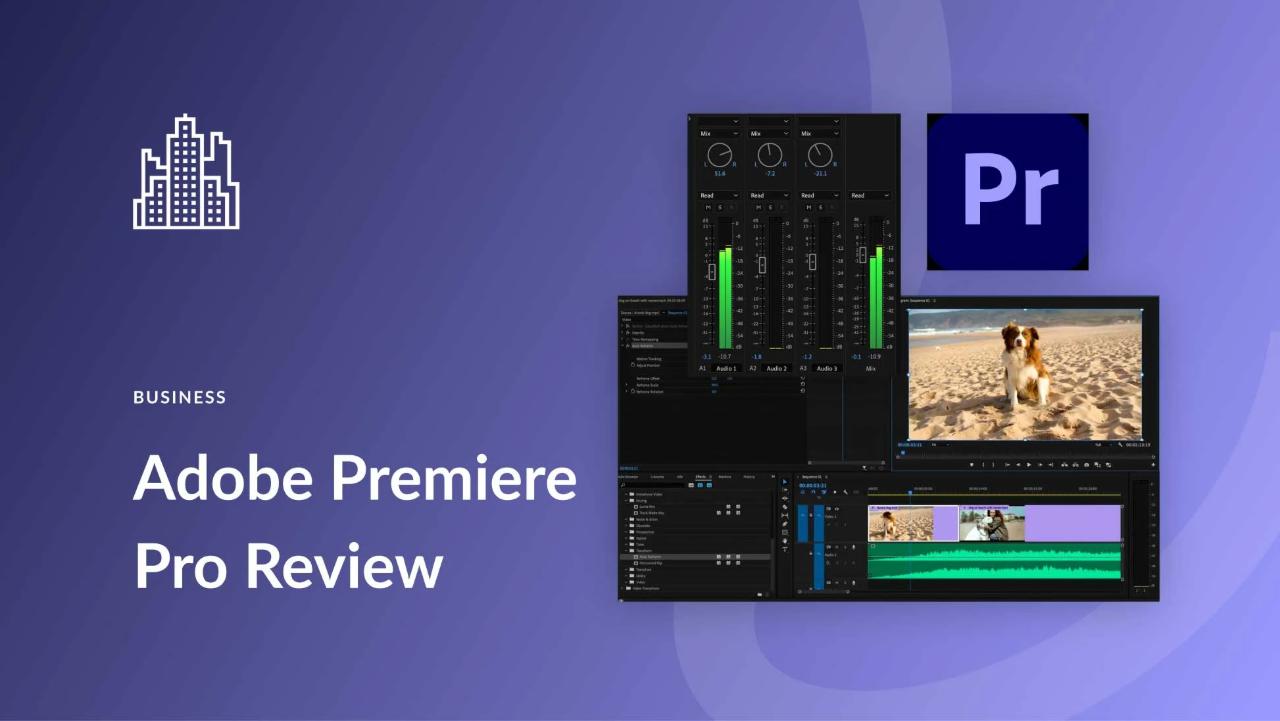
- Seamless Creative Cloud & AI Integration: Works smoothly with Photoshop, InDesign, After Effects, and Premiere Pro while incorporating Adobe Firefly-powered vector and creative tools.
2. Key Features & Capabilities
- Pen, Shape & Curvature Path Tools: Draw and refine clean anchor points, Bézier curves, geometric shapes, and compound paths with smart guides and alignment tools.
- Typography & Font Management: Format headlines and body copy, convert text to outlines, work with variable/OpenType fonts, and access Adobe Fonts.
- Gradients, Brushes & Pattern Fills: Apply freeform/linear/radial gradients, calligraphic or pattern brushes, and custom seamless patterns across vector artwork.
- Artboards & Multi-Asset Export: Organize multiple page sizes, screens, or logo variations on artboards and export `.SVG`, `.PDF`, `.EPS`, `.PNG`, `.JPG`, and `.AI` files.
- Generative Vector & Creative AI Features: Generate and explore vector concepts, color palettes, and visual variations within supported Creative Cloud workflows.
- Cross-Device Creative Cloud Continuity: Move between desktop, web, and iPad workflows and sync assets and libraries via Creative Cloud.
- Official Links: Free Trial, Free / Education & Pricing
To keep your workstation compliant and avoid unofficial installers, always access Adobe Illustrator through Adobe's official portals:
- Official Product Overview: https://www.adobe.com/products/illustrator.html
- Official Free Trial (7-Day Evaluation): https://www.adobe.com/products/illustrator/free-trial-download.html
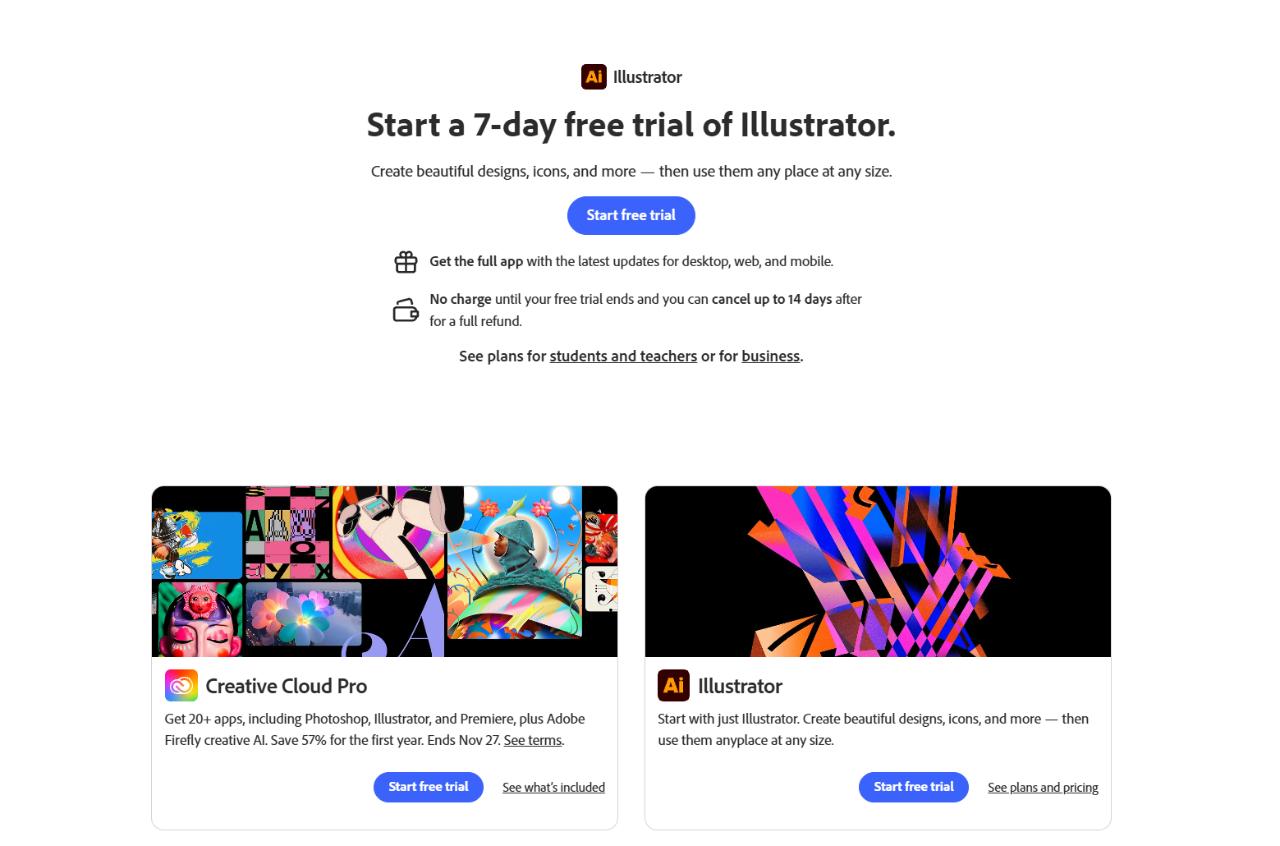
- Free / Education (Students & Teachers): https://www.adobe.com/education/students/creativecloud.html
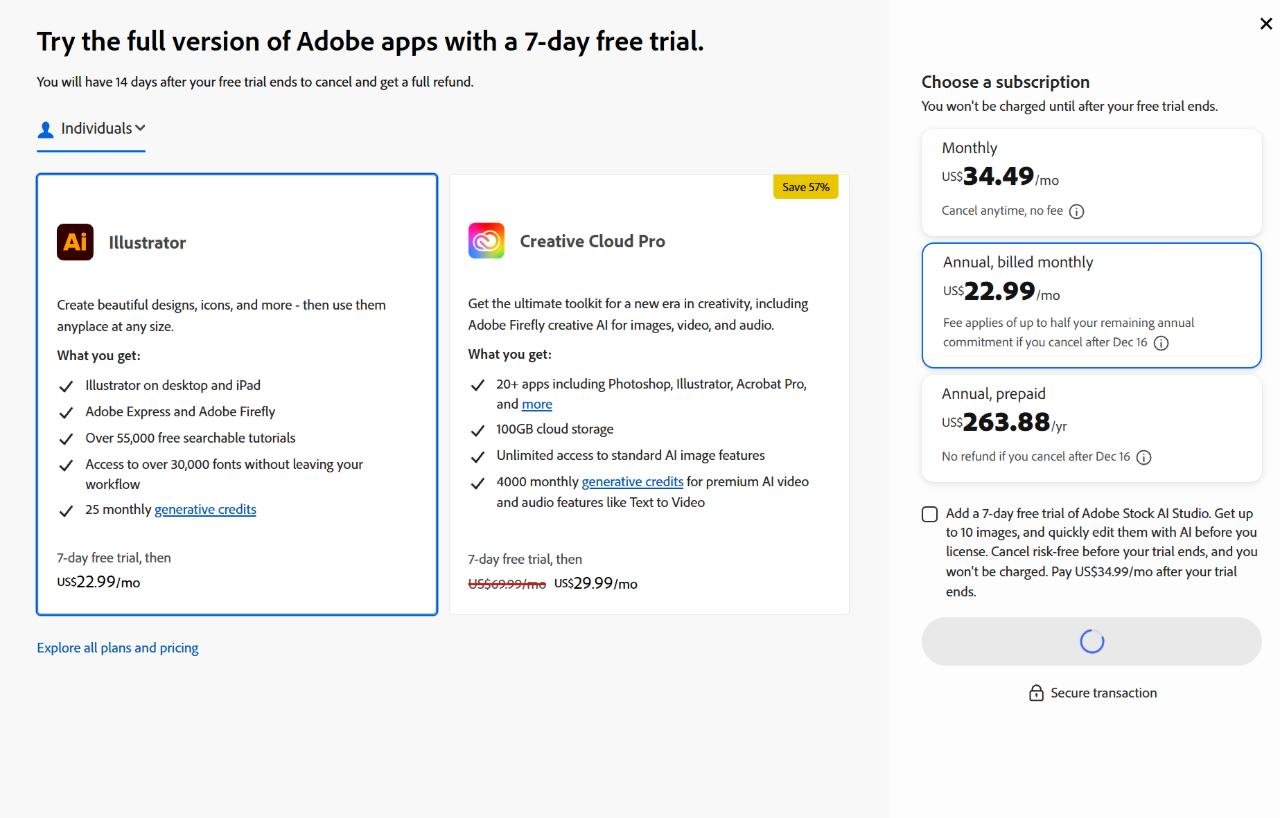
- Pricing & Subscription Plans: https://www.adobe.com/products/illustrator/plans.html
4. Step-by-Step Installation Guide
- Verify Operating System & Hardware: Confirm your computer runs a supported 64-bit version of Windows (such as Windows 10 or Windows 11) or macOS with a modern multi-core 64-bit processor (or Apple Silicon), at least 8 GB RAM (16 GB+ recommended for complex vector files and multi-app workflows), a supported GPU, and free SSD storage space.
- Start Trial or Sign In to Adobe: Visit https://www.adobe.com/products/illustrator/free-trial-download.html (or sign in to your Adobe account at https://www.adobe.com/products/illustrator.html) and download the Creative Cloud desktop installer.
- Install via Creative Cloud Desktop: Launch the installer, sign in with your Adobe ID, locate Illustrator in the Creative Cloud app list, and click Install.
- Launch & Activate: Open Adobe Illustrator from your Start menu or Applications folder to start your 7-day free trial, educational plan, or active subscription.
5. How to Use Adobe Illustrator: Beginner Workflow
- Create a New Document & Set Artboards: Launch Illustrator, click `New File`, select a print (`CMYK`) or web/screen (`RGB`) preset with your desired artboard size and bleed margins, and save your `.ai` file.
- Draw & Combine Base Shapes/Paths: Use the Rectangle, Ellipse, Line, Curvature, or Pen tools to sketch your core shapes, and combine or trim them with the `Shape Builder` tool.
- Add Color, Strokes & Typography: Apply fill and stroke colors, adjust stroke weights or gradients, and add text with the Type tool while keeping layers organized.
- Refine Details & Test Scaling: Zoom in to fine-tune anchor points and alignment, then inspect your artwork at both small and large sizes to verify clarity.
- Export Print & Web Deliverables: Use `File > Export > Export As` or `Save a Copy` to output `.SVG` for web/UI, `.PDF` for print, or `.PNG`/`.JPG` previews.
6. Frequently Asked Questions (FAQ)
- Does Adobe Illustrator run on both Windows and macOS?Yes. Adobe Illustrator is supported on 64-bit Windows and macOS workstations (with iPad and web companion options available).
- How long is the official Adobe Illustrator free trial?Adobe provides a 7-day free trial for Illustrator through https://www.adobe.com/products/illustrator/free-trial-download.html.
- What is the difference between vector graphics in Illustrator and raster images in Photoshop?Illustrator uses mathematical paths and anchor points so graphics scale cleanly without pixelation, whereas Photoshop focuses on pixel-based image editing and compositing.