Plasticity (developed by Nick Kallen and powered by the industrial Siemens Parasolid geometric modeling kernel) is a modern, fast NURBS 3D modeling application built specifically for concept artists, industrial designers, and hard-surface 3D modelers. Bridging the gap between traditional engineering CAD tools and polygonal modeling workflows like Blender, Plasticity replaces complex parametric feature trees with direct, hotkey-driven modeling, instant bevels/fillets, and clean quad/n-gon mesh export across Windows, macOS, and Linux.
1. In-Depth Review: Why 3D Artists & Industrial Designers Use Plasticity
- Parasolid Precision with Artist-First Hotkeys: Combines the accuracy of the Parasolid NURBS kernel with fast keyboard shortcuts, radial menus, and viewport navigation familiar to Blender and polygon artists.
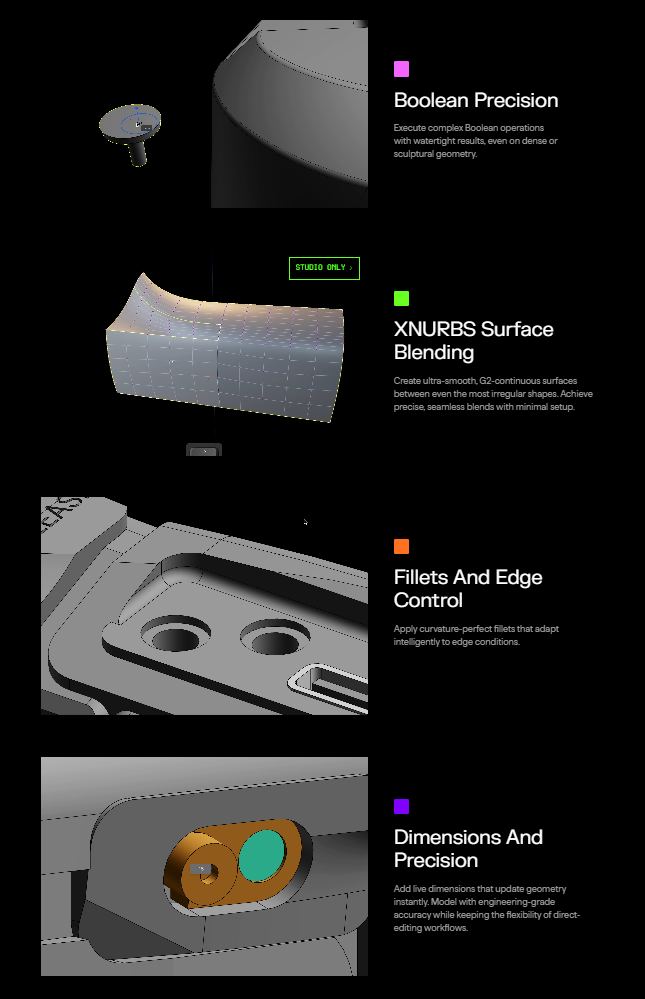
- Effortless Fillets, Booleans & Direct Editing: Makes complex hard-surface bevels, variable-radius fillets, face offsets, and non-destructive boolean cuts quick and predictable without fighting rigid CAD history trees.
- Seamless Blender Bridge & CAD/Mesh Export: Includes a dedicated Blender live-link workflow alongside clean OBJ, FBX, STEP, IGES, and Parasolid (`X_T`) exports for rendering, texturing, and 3D printing.
2. Key Features & Capabilities
- Direct NURBS Solid & Surface Modeling: Create curves, patches, lofts, sweeps, revolutions, and solid primitives with instant visual feedback.
- Advanced Fillet, Chamfer & Shell Tools: Apply constant or variable-radius fillets, complex edge blends, and hollow shells across intricate hard-surface intersections.
- Fast Boolean & Trim Operations: Combine, subtract, intersect, and imprint solids or curves rapidly without manual topology cleanup.
- Blender Bridge & High-Quality Retopology Export: Export dense triangulated meshes or clean quad-dominant / n-gon topology directly into Blender, Substance 3D Painter, or ZBrush.
- Studio Edition CAD Interoperability: Unlock STEP, IGES, ACIS, and Parasolid (`X_T`) import/export plus xNurbs surfacing in the Studio tier.
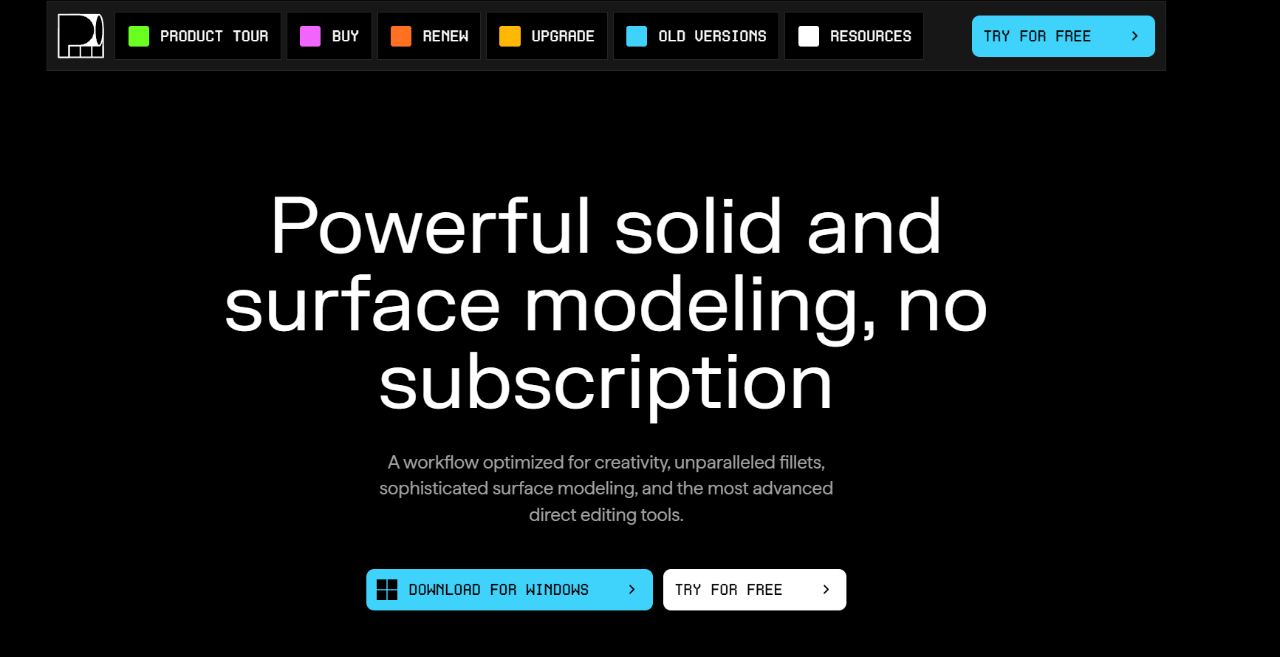
- Perpetual License Model: Offered as a one-time perpetual purchase (Indie and Studio editions) with a 30-day free trial.
- Official Links: Free Trial, Free / Education & Pricing
Always download Plasticity installers, start your 30-day free trial, and check official license tiers directly through the official Plasticity portal:
- Official Plasticity Website & Pricing: https://www.plasticity.xyz/
- Official Plasticity Documentation & Manual: https://doc.plasticity.xyz/
- Official Plasticity Blender Bridge & GitHub Tools: https://github.com/nkallen/plasticity
4. Step-by-Step Installation Guide
- Create an Official Plasticity Account & Start Free Trial: Visit https://www.plasticity.xyz/, click `Try for Free` (or `Download`), and sign in to activate your 30-day free trial.
- Download the Installer for Your OS: Select the official 64-bit installer for Windows, macOS (Apple Silicon / Intel), or Linux (`.deb` / AppImage).
- Run the Installer & Sign In: Complete the desktop installation, launch Plasticity, and log in with your Plasticity account credentials to activate your trial or Indie/Studio license.
- Configure Keymap & Navigation Presets: Open `Preferences` (`Ctrl+,` / `Cmd+,`) to verify viewport navigation (Plasticity default or Blender-style presets) and GPU display settings.
5. How to Use Plasticity: Beginner Workflow
- Sketch Curves or Start from 3D Primitives: Use `Shift+A` (or the bottom toolbar) to place a solid box/cylinder or draw profile curves on construction planes.
- Extrude, Revolve & Shape Solids: Select faces or closed curve regions and press `E` to extrude, push/pull faces directly, or loft/sweep profiles into clean NURBS solids.
- Cut Details with Booleans & Imprints: Position secondary cutter shapes or curves and press `Q` to run boolean union, difference, or slice operations.
- Apply Fillets & Chamfers to Edges: Select edges (`2` edge mode), drag the yellow handle to preview smooth fillets or chamfers in real time, and press `Enter` to confirm.
- Export Mesh or CAD Files for Rendering: Press `File > Export` (or use the Blender Bridge) to export `.obj`, `.fbx`, `.stl`, or `.step` files with customizable facet density.
6. Frequently Asked Questions (FAQ)
- Does Plasticity offer a free trial before purchasing?Yes. Plasticity provides a full-featured 30-day free trial from https://www.plasticity.xyz/ so you can test NURBS modeling and mesh exports on your own projects.
- Is Plasticity a subscription or a one-time purchase?Plasticity is sold as a perpetual license (Indie and Studio editions) that includes 12 months of software updates, with optional renewal only if you want future feature updates after the first year.
- What is the difference between Plasticity Indie and Plasticity Studio?Plasticity Indie covers core NURBS modeling and mesh exports (OBJ, FBX, STL), whereas Plasticity Studio adds full CAD exchange formats (STEP, IGES, Parasolid X_T, ACIS) and advanced surfacing tools such as xNurbs.