D5 Render (x64) is a real-time ray-tracing 3D rendering software platform developed by Dimension 5 Techs. Built specifically for architects, interior designers, landscape artists, and 3D visualizers, D5 Render combines hardware-accelerated GPU path tracing, AI-powered material and atmosphere generation, and seamless LiveSync plugins for SketchUp, Revit, 3ds Max, Rhino, Archicad, Blender, and Cinema 4D—offering both a free Community edition and commercial Pro/Teams tiers.
1. In-Depth Review: Why Architects & 3D Visualizers Use D5 Render
- Real-Time GPU Ray Tracing with Fast Frame Rates: Powered by D5 GI (Global Illumination) and NVIDIA DLSS / AMD FSR / Intel XeSS upscaling, D5 Render delivers photorealistic indirect lighting, soft shadows, and crisp reflections live in the viewport while rendering 4K images and animations in seconds.
- Free Community Edition with Generous Core Tools: Unlike rendering engines locked behind short trials, D5 Render provides a permanent free Community edition that allows students, freelancers, and architects to render high-resolution stills and videos at zero cost.
- Built-In AI Tools & Curated 14,000+ Asset Library: Integrates AI Atmosphere Match (copying lighting from a reference photo), AI PBR Material Snap, AI Ultra HD Texture upscaling, and a cloud-streamed library of over 14,000+ animated trees, furniture models, characters, and PBR materials.
2. Key Features & Capabilities
- Real-Time D5 GI & Path-Traced Reflections: Simulate accurate multi-bounce daylight, emissive area lighting, subsurface scattering, and caustics in real time on ray-tracing GPUs.
- LiveSync CAD & BIM Workflow Plugins: Synchronize models, cameras, materials, and lights bi-directionally with SketchUp, Autodesk Revit, 3ds Max, Rhinoceros, Graphisoft Archicad, Blender, and Cinema 4D.
- AI Atmosphere Match & AI Material Generation: Upload any reference architectural photo to automatically match sun angle, sky color, and fog—or generate seamless normal, roughness, and height maps from a single diffuse texture.
- 14,000+ Cloud-Streamed 3D Assets & Scatter Tools: Populate landscapes and interiors using procedural scatter tools, brush/path vegetation placement, animated wind-blown trees, vehicles, and realistic characters.
- Geo & Sky, Volumetric Fog & Weather Controls: Configure physically accurate sun paths by city/latitude, volumetric clouds, local fog boxes, wind speed, rain puddles, and snow coverage interactively.
- Multi-Channel Render Passes & Panorama Output: Export Material ID, AO, Depth, Reflection, and Alpha passes alongside 4K/8K still renders, 60fps MP4/AVI animations, and 360° VR panoramas.
- D5 Studio & D5 Showreel Collaborative Cloud: Save reusable lighting/environment presets in D5 Studio and share interactive web-based 3D architectural walkthroughs with clients via D5 Showreel.
3. How to Register & Access D5 Render Officially
To ensure software authenticity, workstation stability, and full compliance with licensing terms, always download D5 Render and its LiveSync plugins through Dimension 5’s official portals:
- Visit the Official D5 Render Website: Go to https://www.d5render.com to explore real-time rendering features, showcase galleries, and supported CAD/BIM integrations.
- Create a Free D5 Account: Register a free account via https://myspace.d5render.com using your email address to unlock the free Community edition, manage cloud presets, and track licenses.
- Choose Your Official Licensing Path:
- D5 Render Community (Free Forever): Download the official installer directly from https://www.d5render.com/download to use D5 Render’s core real-time rendering engine, basic asset library, and 4K/video exports completely free.

- Educational License (Students & Educators): Accredited architecture and design students and faculty can apply for a free D5 Educational license with Pro asset access via https://www.d5render.com/edu.
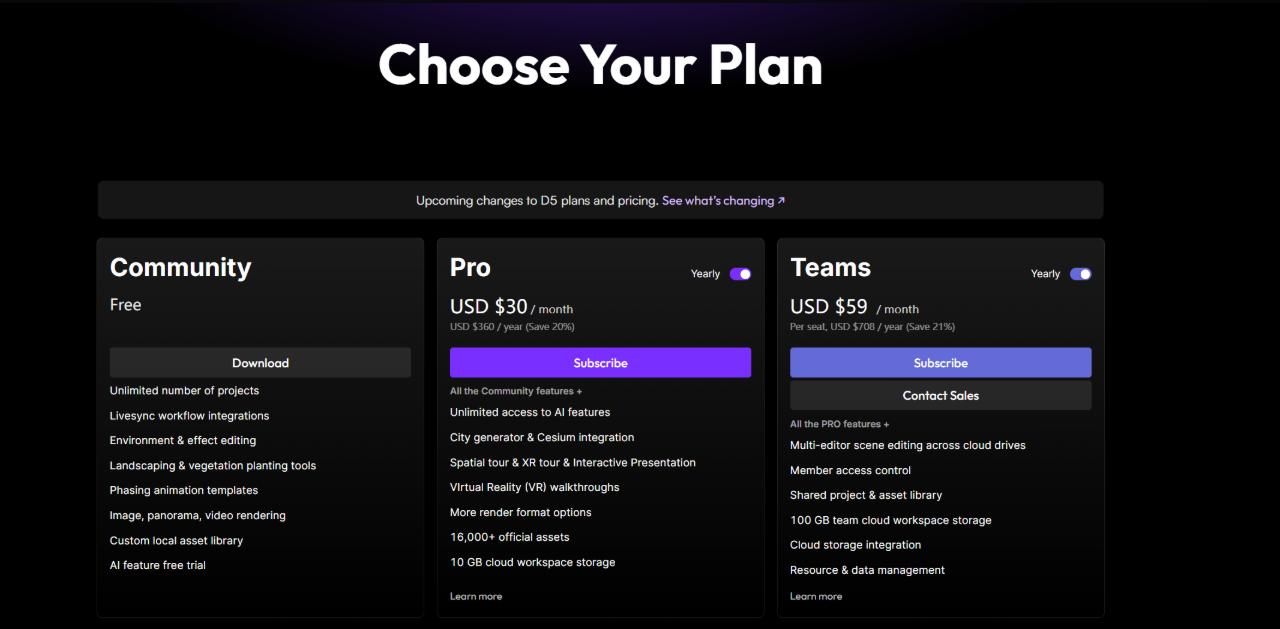
- Commercial Subscription (D5 Pro & D5 Teams): Professional visualizers and studios can compare monthly or annual plans unlocking the full 14,000+ asset library and AI suite at
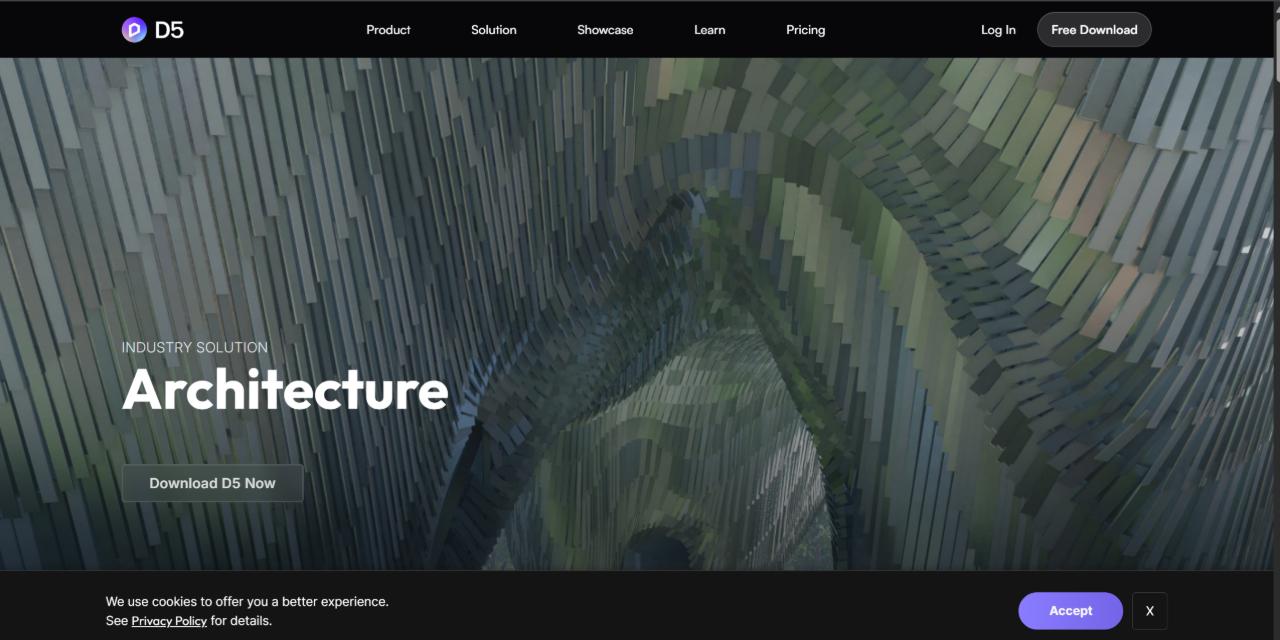 https://www.d5render.com/pricing.
4. Step-by-Step Installation Guide
- Verify System & Ray-Tracing GPU Requirements: Check the hardware guidelines at https://www.d5render.com/specs to confirm your workstation runs 64-bit Windows 10 (v1809+) or Windows 11 with a hardware ray-tracing GPU (NVIDIA GeForce GTX 1060 6GB / RTX 2060–4090, AMD RX 6000/7000 series, or Intel Arc A-series with 8 GB+ VRAM recommended), 16 GB+ RAM (32 GB+ recommended), and 30 GB+ free NVMe SSD space.
- Download the Official Installer: Visit https://www.d5render.com/download and download the official 64-bit Windows installer package (`D5_Render_installer_...exe`).
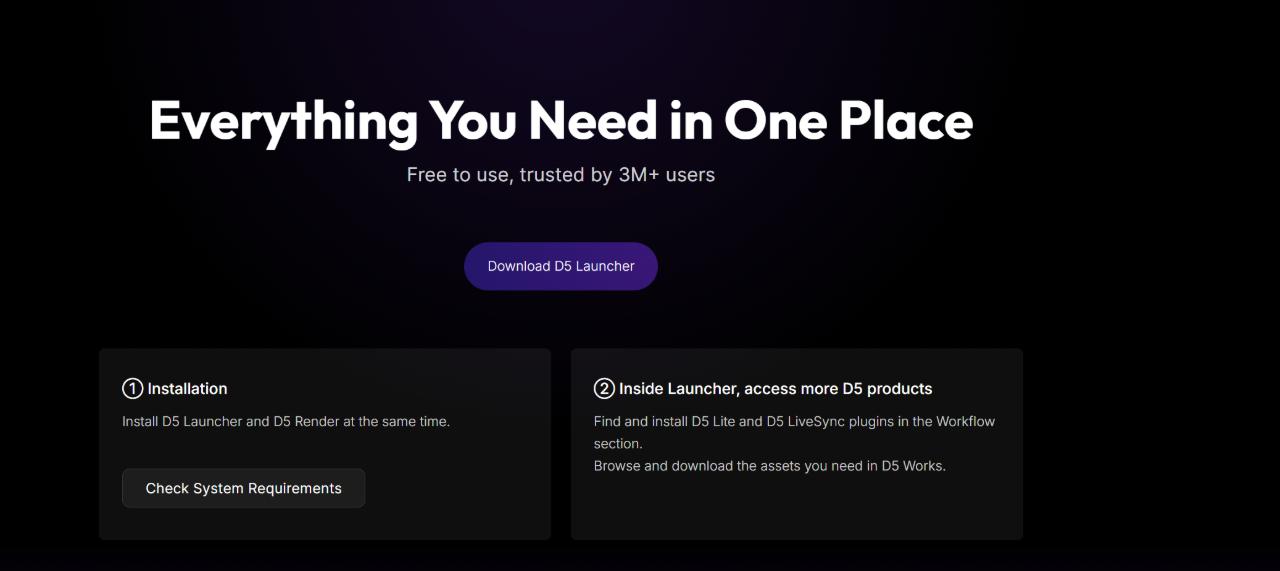
- Run the Setup Wizard: Right-click the installer executable and select Run as administrator, accept the license agreement, select an NVMe SSD installation directory for fast asset streaming, and click Install.
- Sign In & Install LiveSync Plugins: Launch D5 Render, sign in with your registered D5 Account credentials, and install the corresponding D5 Sync / LiveSync plugin for SketchUp, Revit, 3ds Max, Rhino, or Archicad from the Welcome screen’s Workflow menu.
5. How to Use D5 Render: Beginner Workflow
- Create a New Project or Connect via LiveSync: Open D5 Render and click New to start an empty environment scene, or open your 3D building in SketchUp/Revit/3ds Max and click the D5 LiveSync button to stream your model live into D5.
- Configure Sunlight, Geo & Sky, or HDRI Lighting: Open the Environment panel on the right dock, switch between Geo & Sky (adjusting Sun Azimuth, Altitude, and Clouds) or Custom HDRI, and enable Volumetric Fog if desired.
- Apply PBR Materials & Scatter Vegetation: Select the Material Picker (`I`) to click surfaces on your building and assign physically based materials (Glass, Water, Concrete, Wood, Foliage) from the Assets library (`M`), then use the Scatter or Brush tool to place 3D trees and grass.
- Set Up Camera Scenes & Post-Processing Effects: Frame your architectural composition in the viewport, click Create New Scene (`+`) in the left Scene List to save camera angles, and fine-tune Exposure, Contrast, White Balance, and Depth of Field under the Effect tab.
- Render High-Resolution Images or Videos: Click the Image or Video button in the top-right toolbar, select your aspect ratio and output resolution (`1920 × 1080` Full HD or `3840 × 2160` 4K), and click Render to export `.PNG`, `.JPG`, or `.MP4` files.
6. Frequently Asked Questions (FAQ)
- Is D5 Render really free to use?Yes. D5 Render offers a permanent free Community edition with no watermark on rendered images or videos, making it accessible for personal, student, and commercial projects, while D5 Pro unlocks the full 14,000+ 3D asset library and advanced AI features.
- Does D5 Render require a ray-tracing graphics card?Yes. D5 Render relies on hardware-accelerated GPU ray tracing and requires a compatible NVIDIA GeForce RTX (or GTX 1060 6GB+), AMD Radeon RX 6000/7000+, or Intel Arc discrete graphics card on Windows 10/11.
- Does D5 Render run natively on macOS?No. D5 Render is developed natively for 64-bit Windows 10 and Windows 11 workstations with dedicated DirectX 12 ray-tracing GPUs.