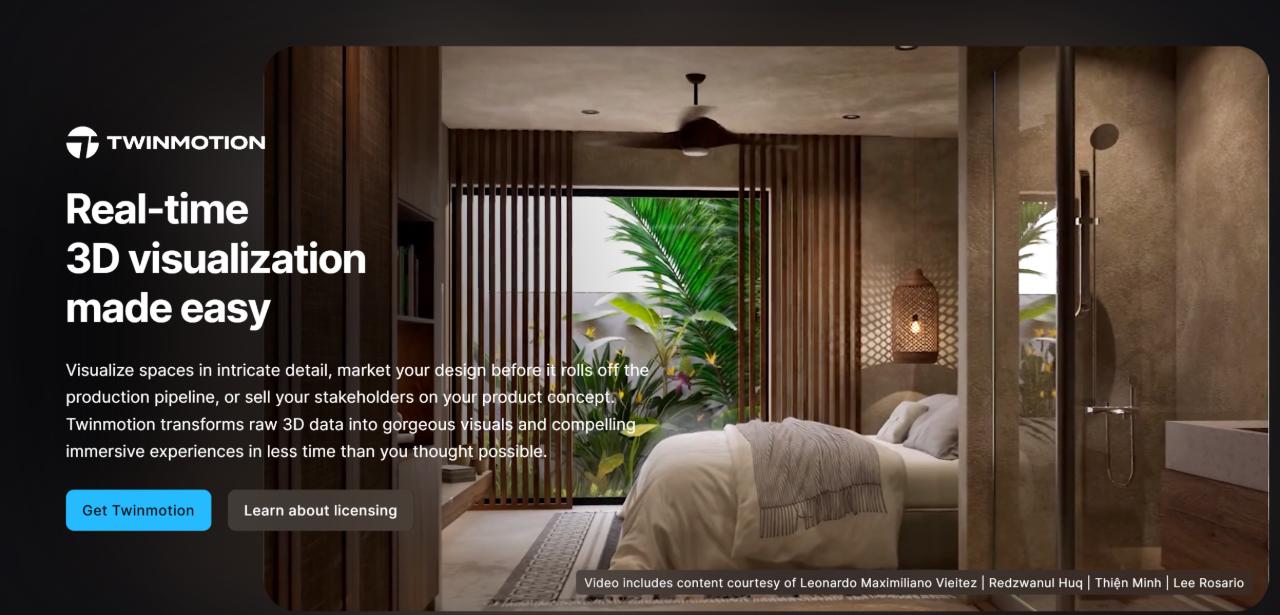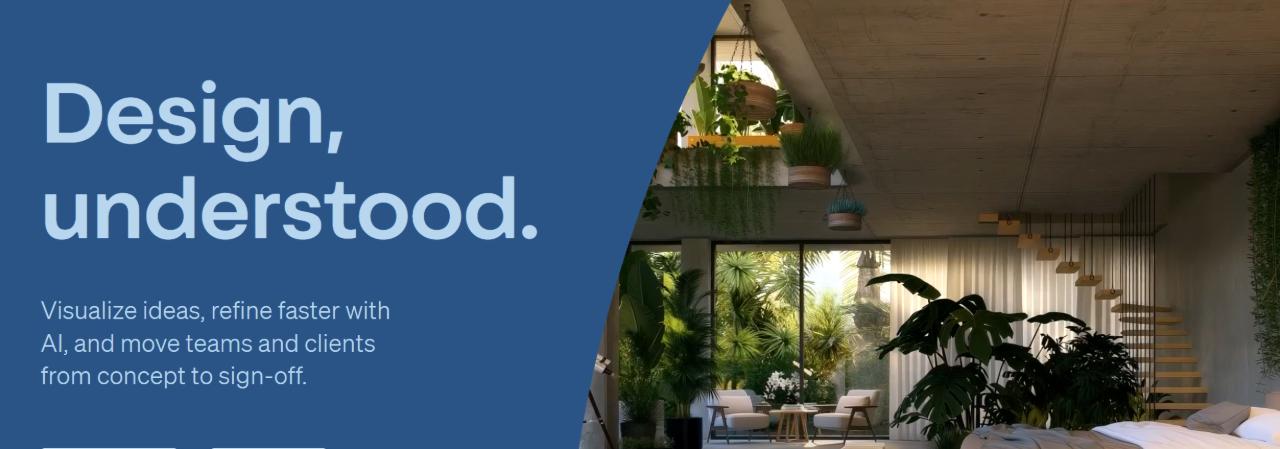
Lumion (x64) is a real-time 3D architectural visualization and rendering software platform developed by Act-3D B.V. Designed specifically for architects, landscape designers, and urban planners, Lumion transforms 3D models from Revit, SketchUp, Archicad, Rhino, and 3ds Max into photorealistic images, flythrough animations, and 360° panoramas using hybrid ray tracing and an extensive built-in library of trees, skies, materials, and animated people.
1. In-Depth Review: Why Architects & Landscape Designers Use Lumion
- Rapid Scene Building with Massive Built-In Asset Library: Eliminates hours of manual foliage and prop setup by providing over 10,000+ ready-to-place 3D trees, shrubs, vehicles, furniture items, animated characters, and physically based materials inside one browser.
- Real-Time LiveSync with Major CAD & BIM Platforms: Establishes an instant bi-directional viewport connection with Autodesk Revit, SketchUp Pro, Graphisoft Archicad, Rhinoceros, Vectorworks, and BricsCAD so geometry and camera edits update live.
- Hybrid Ray Tracing & Weather/Atmosphere Controls: Combines real-time rasterization speed with hardware-accelerated ray-traced reflections, soft shadows, global illumination, volumetric clouds, rain, and autumn foliage sliders.
2. Key Features & Capabilities
- Real-Time Ray Tracing & Global Illumination: Render physically accurate reflections on glass/water, soft area light shadows, and natural daylight bounces using modern NVIDIA RTX and AMD ray-tracing GPUs.
- LiveSync CAD & BIM Synchronization: Synchronize 3D models, materials, and camera perspectives seamlessly from Revit, SketchUp, Archicad, Rhino, and Allplan without manual re-importing.
- 10,000+ Curated 3D Models & PBR Materials: Populate exterior landscapes and interiors effortlessly with fine-detail nature assets, weathered stone/wood/concrete materials, 3D grass, and volumetric fire/fountains.
- Atmospheric Sky, Real Skies & Weather Effects: Switch between overcast, golden hour, starry night, and volumetric cloud presets in one click, or add rain streaks, snow accumulation, and wind motion.
- Fast Architectural Walkthrough & Flythrough Animation: Create smooth camera paths with animated cars, walking pedestrians, opening doors, and phased construction animations in minutes.
- Built-In Photo & Movie Post-Processing Effects: Apply color grading, depth of field, chromatic aberration, lens flare, orthographic floor plan renders, and clay/styrofoam conceptual styles directly inside Lumion.
- OpenStreetMap & Terrain Heightmap Integration: Import real-world satellite terrain elevation and surrounding 3D urban building context directly into your architectural site model.
3. How to Register & Access an Official Trial or License
To ensure software authenticity, workstation stability, and full compliance with licensing terms, always download and license Lumion through Act-3D’s official portals:
- Visit the Official Lumion Website: Go to https://lumion.com to explore visualization capabilities, architectural showcase galleries, and release highlights.
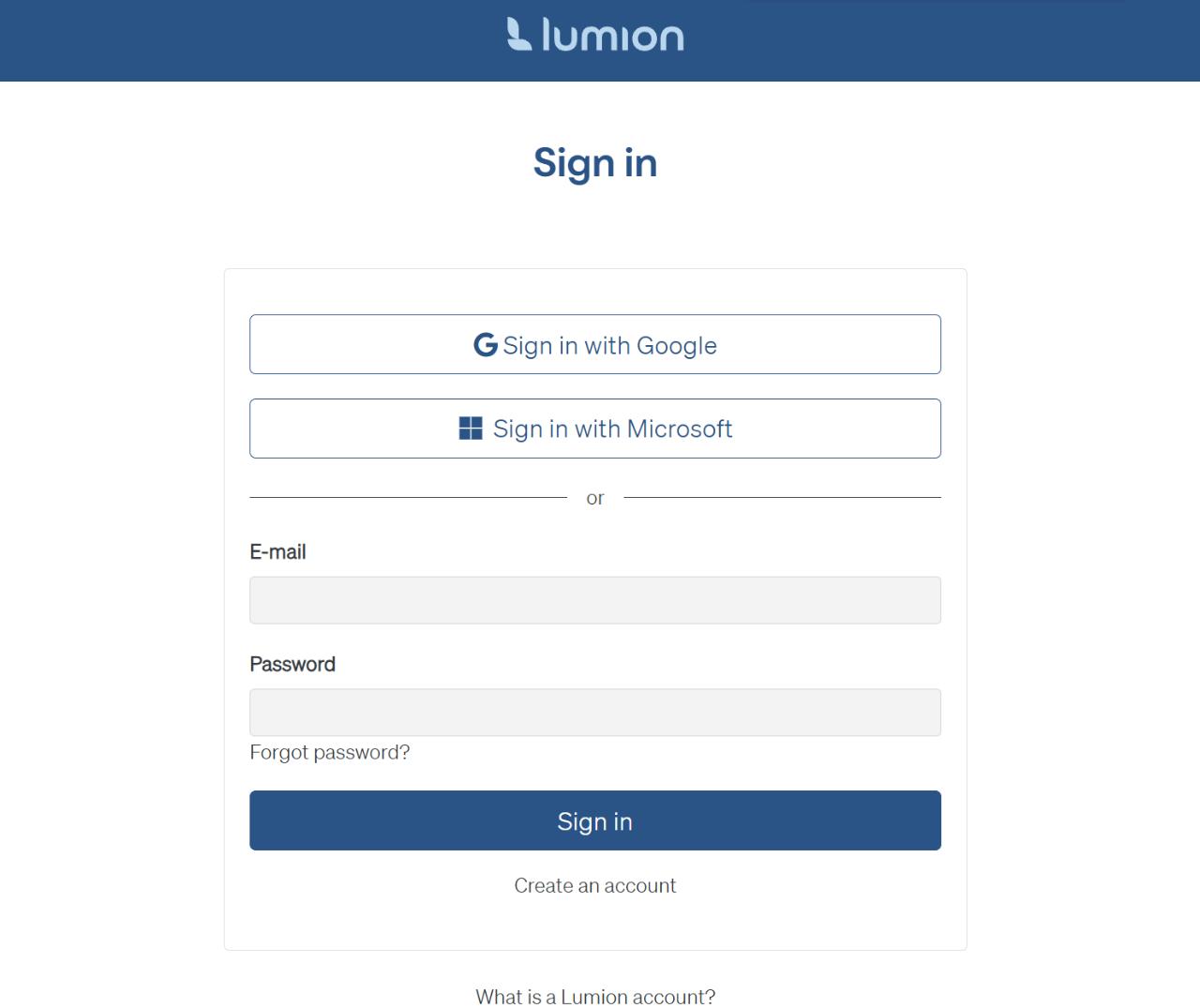
- Create a Lumion Account: Register a free user account at https://account.lumion.com using your email address to manage trials, license keys, and installer downloads.
- Choose Your Official Licensing Path:
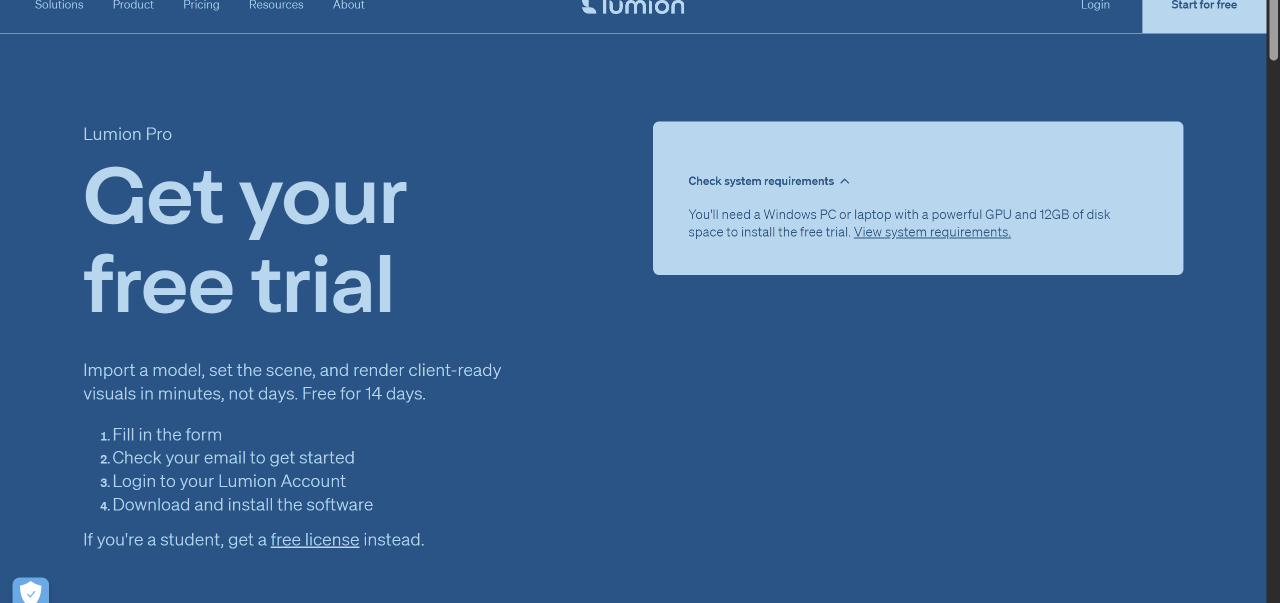
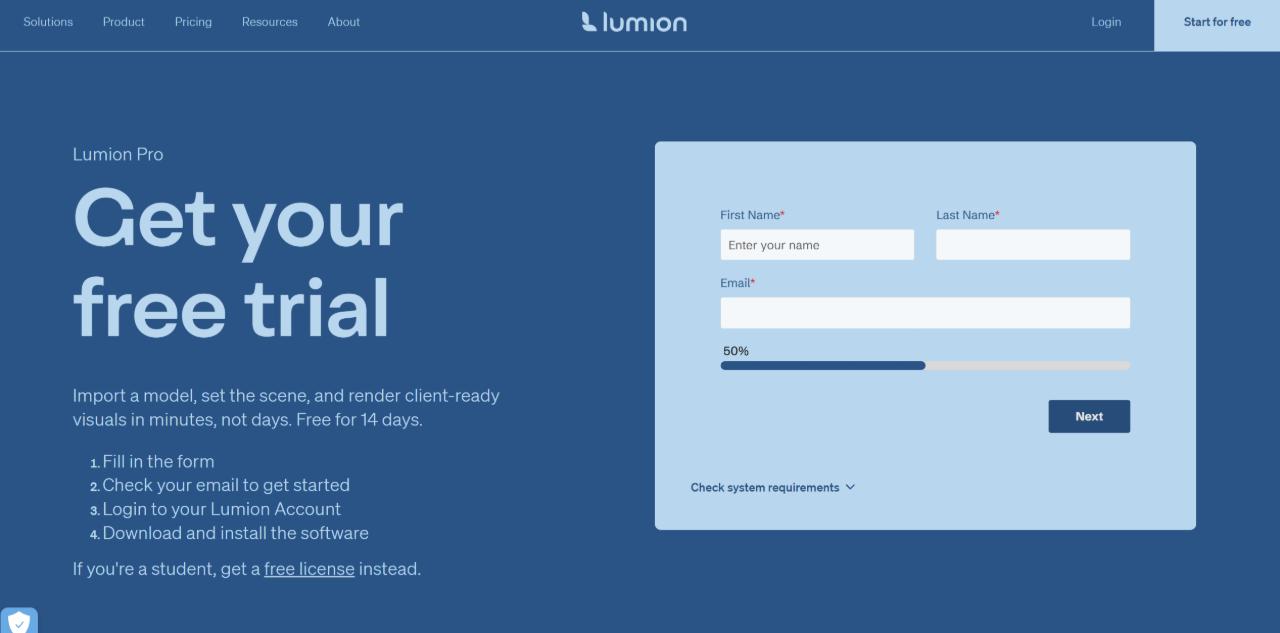
- Official 14-Day Free Trial: Request a full-featured 14-day evaluation via https://lumion.com/free-trial to test Lumion Pro on your Windows workstation.
- Educational License (Students & Faculty): Accredited architecture and design students and educators can apply for free educational licenses at https://lumion.com/educational-licenses.
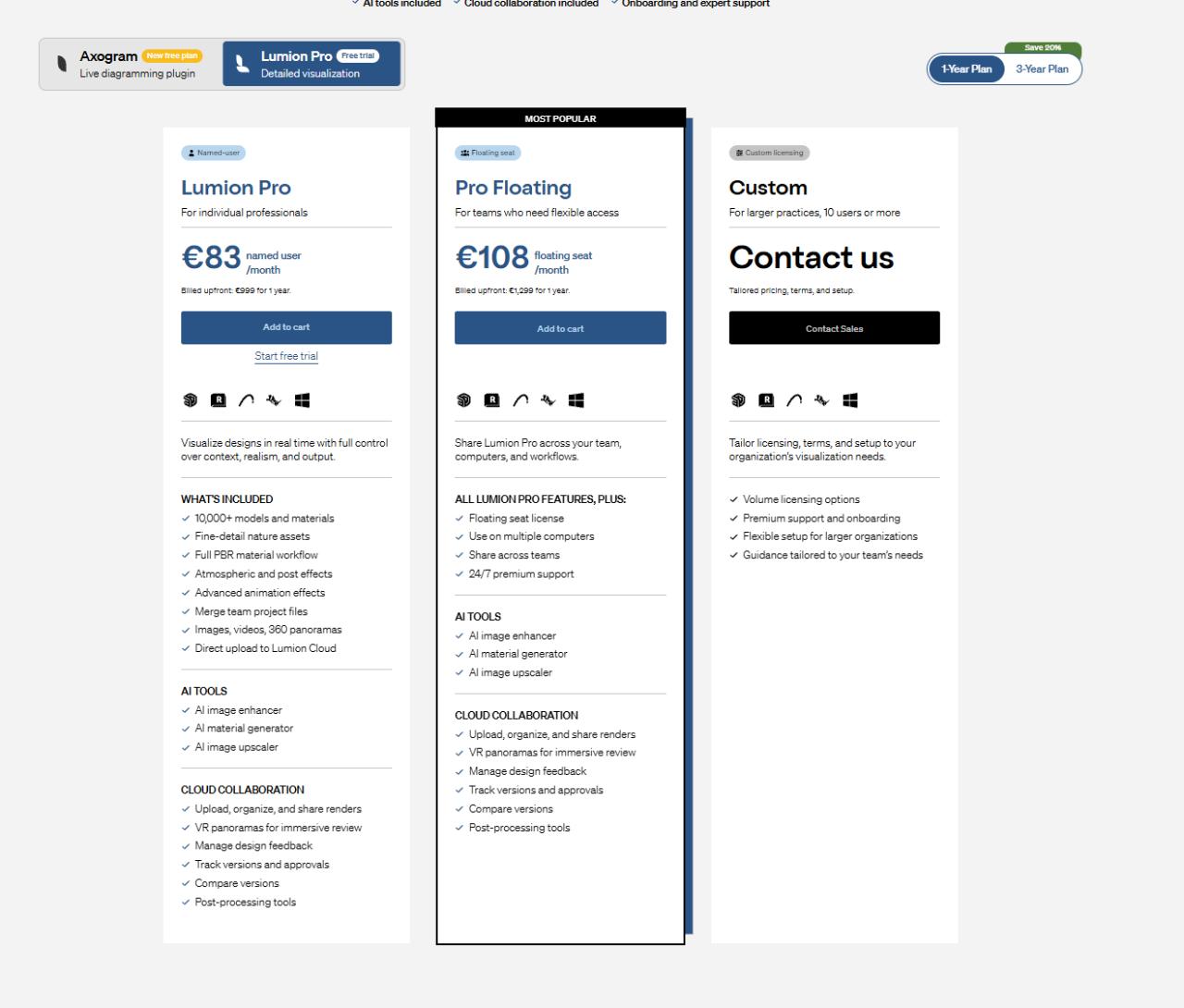
- Commercial Subscription (Lumion Standard / Lumion Pro): Architecture practices and visualization studios can compare plans and subscribe via https://lumion.com/pricing or through a regional partner.
4. Step-by-Step Installation Guide
- Verify System & GPU Requirements: Check the official hardware guidelines at https://lumion.com/requirements to confirm your PC runs 64-bit Windows 10 or Windows 11 with at least 16 GB RAM (32 GB–64 GB recommended), a modern multi-core CPU, a ray-tracing capable GPU (NVIDIA RTX 3060 / 4070+ or AMD RX 6800+ with 8 GB–16 GB+ VRAM), and 65 GB+ free NVMe SSD space.
- Download the Official Lumion Download Manager: Sign in to your Lumion Account portal, click Downloads, and save the official Lumion Download Manager executable (`Lumion_..._DownloadManager.exe`).
- Run the Installer & Download Content Libraries: Right-click the Download Manager and select Run as administrator, choose your destination SSD folder, and allow the installer to download and unpack the core engine and 3D asset libraries.
- Launch & Activate Your License Key: Open Lumion from your Desktop shortcut and sign in with your Lumion Account credentials (or enter your trial/commercial license key) to validate your license online.
5. How to Use Lumion: Beginner Workflow
- Choose a Starting Scene Environment: Launch Lumion, click Create New, and select a starter template (such as Plain, Forest, Mountain, or Suburb) to enter the 3D Build Mode workspace.
- Import Your 3D Architectural Model (or Start LiveSync): Click the Import New Model icon in the bottom-left Objects menu to load `.SKP`, `.FBX`, `.DAE`, `.DWG`, or `.MAX` files, or activate the Lumion LiveSync plugin inside Revit, SketchUp, or Archicad.
- Assign PBR Materials & Landscape Details: Switch to the Materials tab (`M`), click surfaces on your building to apply glass, water, concrete, or wood presets, and use the Landscape tab to sculpt terrain and paint 3D grass.
- Place Trees, People, Lighting & Furniture: Open the Objects tab (`O`), select Nature, People & Animals, Indoor, or Lights, and use Mass Placement or Cluster Placement to populate surrounding trees and interior furnishings quickly.
- Render Photos, Movies & 360° Panoramas: Click the Photo or Movie icon in the bottom-right corner, frame your camera angles, add a Realistic or Daylight Style preset, choose your output resolution (`1920 × 1080` Full HD or `3840 × 2160` 4K), and click Render Photo to save as `.PNG` or `.JPG`.
6. Frequently Asked Questions (FAQ)
- Does Lumion run natively on macOS?No. Lumion is developed natively for 64-bit Windows 10 and Windows 11 workstations with dedicated DirectX 12 / ray-tracing graphics cards.
- What is the difference between Lumion Standard and Lumion Pro?Lumion Standard includes core rendering tools and a subset of the 3D content library, while Lumion Pro unlocks the full 10,000+ model and material library, OpenStreetMap city context, phased animations, and advanced ray-tracing effects.
- Which GPU is recommended for smooth real-time rendering in Lumion?A dedicated NVIDIA GeForce RTX (RTX 3070, 4070, 4080, 4090) or NVIDIA RTX workstation GPU with at least 8 GB to 16 GB of VRAM is recommended for fast viewport navigation and ray-traced rendering.