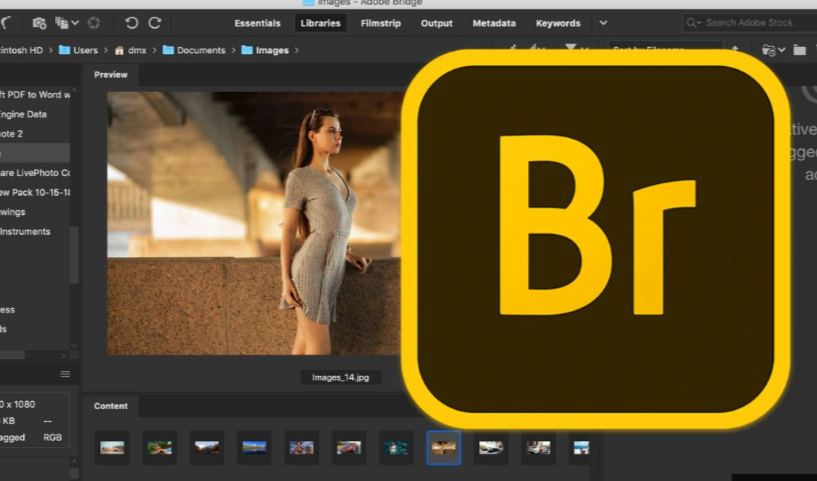
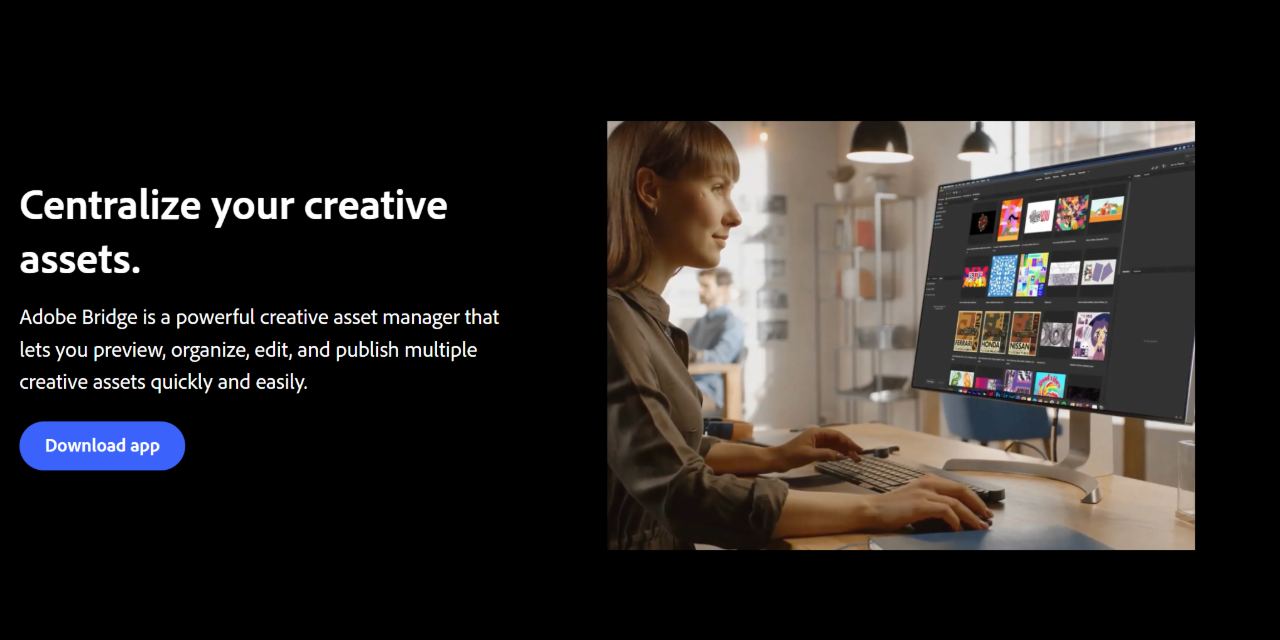
Adobe Bridge (developed by Adobe Inc. and offered free to download and use with a free Adobe ID) is a centralized creative digital asset manager for Windows and macOS. Built for photographers, graphic designers, video editors, and 3D artists working across Photoshop, Illustrator, InDesign, Premiere Pro, and Substance 3D Stager, Bridge lets you preview RAW photos, vectors, PDFs, and 3D assets without opening separate apps, edit IPTC/XMP metadata, batch-rename or batch-export files, stitch multi-step automated workflows, and generate PDF contact sheets.
1. In-Depth Review: Why Creative Teams Use Adobe Bridge
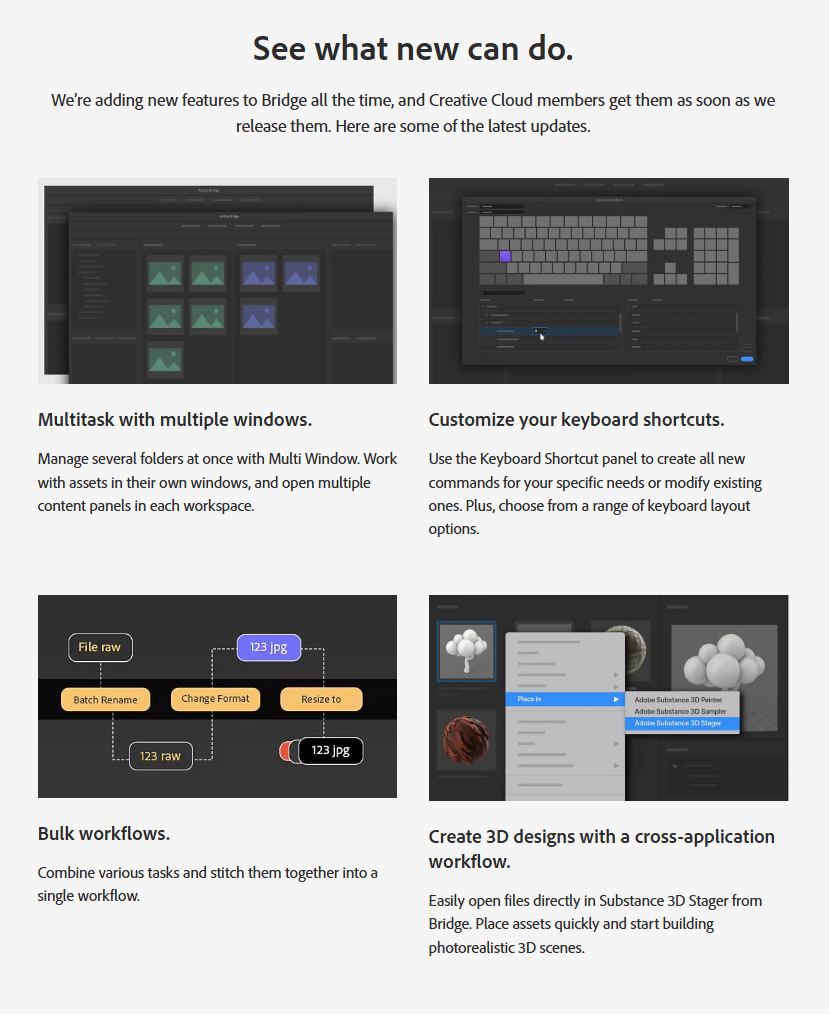
- Centralized Asset Browsing & Multi-Window Workspaces: Previews RAW camera files, PSD, AI, INDD, PDF, video, and 3D assets side by side across customizable multi-window panels with star ratings, color labels, and smart collections.
- Fast Batch Renaming, Export & Automated Workflows: Automates repetitive tasks—such as batch file renaming, multi-size image exports, HDR/panorama stacking, and chained multi-step workflows—in a few clicks.
- Completely Free with an Adobe ID (No Paid Subscription Required): Unlike most Creative Cloud apps, Adobe Bridge can be downloaded and used permanently at zero cost using a free Adobe Creative Cloud account.
2. Key Features & Capabilities
- Metadata, Keywords & Content Credentials: View, edit, and apply IPTC/XMP metadata templates, hierarchical keywords, and Content Credentials across entire folders.
- Multi-Window & Customizable Shortcuts: Open multiple folders in separate windows simultaneously and tailor keyboard shortcuts to match your studio workflow.
- Bulk Workflows & Batch Export Panel: Combine multiple processing tasks into reusable automated workflows and export images into multiple formats and resolutions at once.
- PDF Contact Sheets & Portfolio Output: Turn selected photos, illustrations, or InDesign documents into clean multi-page PDF contact sheets in the Output workspace.
- Direct Creative Cloud & Stock Integration: Send files straight to Photoshop, Substance 3D Stager, or Adobe Stock, and sync assets with Creative Cloud Libraries.
- 100% Free Download & Permanent Access: Free to install and use with a standard free Adobe ID (requires an active Creative Cloud photography/app subscription only if launching Adobe Camera Raw directly).
- Official Links: Free Trial, Free / Education & Pricing
Always download Adobe Bridge installers and documentation directly from official Adobe portals:
- Official Adobe Bridge Free Download Page: https://www.adobe.com/products/bridge.html
- Official Adobe Creative Cloud Desktop App: https://www.adobe.com/creativecloud/desktop-app.html
- Official Adobe Bridge System Requirements: https://helpx.adobe.com/bridge/desktop/get-started/technical-requirements.html
- Official Adobe Bridge User Guide & Tutorials: https://helpx.adobe.com/bridge/user-guide.html
4. Step-by-Step Installation Guide
- Check Operating System & Hardware Requirements: Confirm your Windows 11 (v21H2 or later) or macOS (v14 Sonoma or later) computer has an AVX2-capable or Apple Silicon processor and at least 8 GB RAM.
- Visit the Official Adobe Bridge Page & Sign In: Go to https://www.adobe.com/products/bridge.html, click `Download app`, and sign in with your free Adobe ID (or create one at no cost).
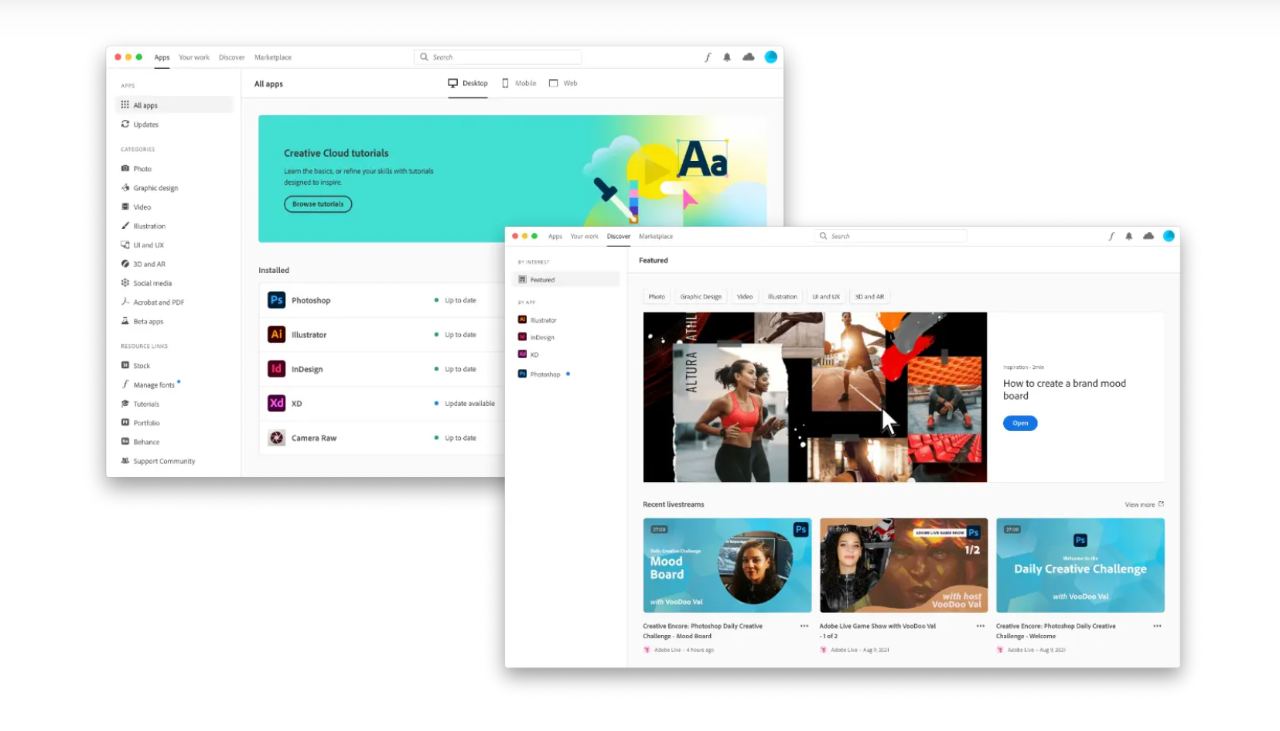
- Install the Creative Cloud Desktop App: Run the downloaded installer to set up the Creative Cloud desktop manager on your PC or Mac.
- Install & Launch Adobe Bridge: Click `Install` next to `Bridge` inside the Creative Cloud desktop app, wait for installation to complete, and click `Open`.
5. How to Use Adobe Bridge: Beginner Workflow
- Browse Folders & Inspect Previews: Open Adobe Bridge, navigate to your project or camera folder in the `Folders` panel, and inspect high-resolution thumbnails in the `Content` and `Preview` panels.
- Filter & Organize with Ratings, Labels & Keywords: Press `Ctrl+1` to `Ctrl+5` (`Cmd+1` to `Cmd+5` on Mac) to assign star ratings, apply color labels, and add searchable keywords in the `Keywords` panel.
- Batch Rename Files Cleanly: Select multiple assets (`Ctrl+A` / `Cmd+A`), choose `Tools > Batch Rename`, set your naming pattern (such as Project Name + Date + Sequence Number), and click `Rename`.
- Run Multi-Step Workflows or Batch Exports: Drag selected images onto the `Export` panel to convert formats and resize images in bulk, or build a custom chain in the `Workflow` panel.
- Generate a PDF Contact Sheet: Switch to the `Output` workspace, pick a grid layout template, drag your selected images onto the preview sheet, and click `Export to PDF`.
6. Frequently Asked Questions (FAQ)
- Is Adobe Bridge really free to use without a paid Creative Cloud subscription?Yes. Adobe Bridge is completely free to download and use permanently with a free Adobe ID—no paid Creative Cloud membership or credit card is required to install and run Bridge.
- Can I edit RAW photos with Adobe Camera Raw inside Bridge for free?While Adobe Bridge itself is free, opening and editing RAW photos in Adobe Camera Raw directly from Bridge requires an active paid subscription to a qualifying app such as Adobe Photoshop or Lightroom.
- Does Adobe Bridge work offline?Yes. Once installed and activated with your Adobe ID, Adobe Bridge can be used offline for extended periods (up to 99 days before requiring an online sign-in check).