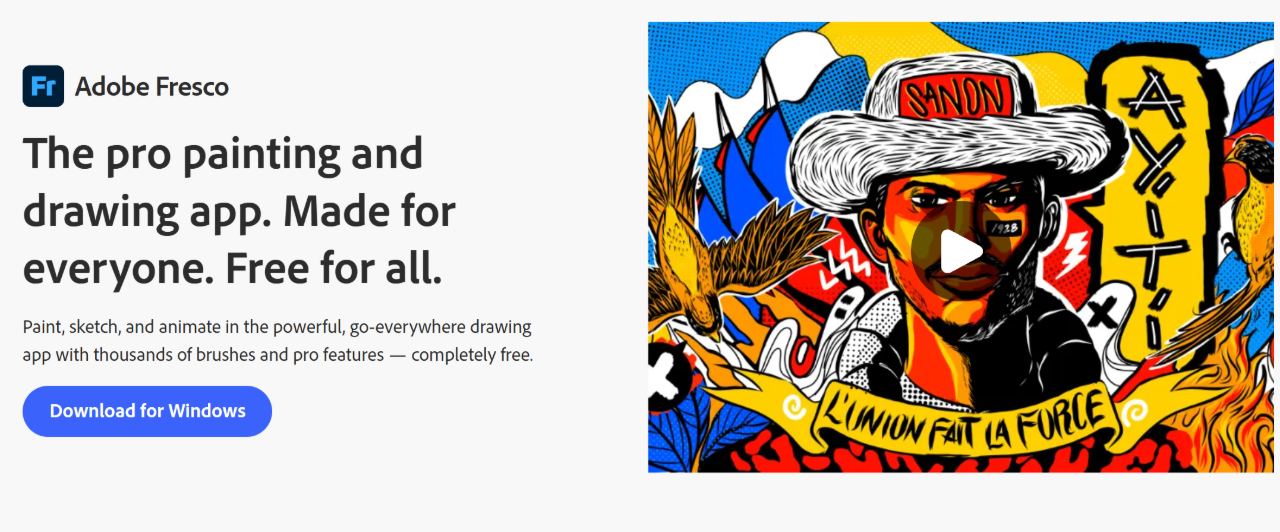
Adobe Fresco (developed by Adobe Inc. and now offered completely free for Windows, iPad, and iPhone) is a natural-media digital painting, sketching, and vector illustration app designed for touch and stylus devices. Combining physics-simulated Live Watercolor and Oil brushes with crisp resolution-independent Vector brushes, Photoshop-compatible Pixel brushes, symmetry/perspective grids, and frame-by-frame motion tools, Fresco lets illustrators, concept artists, and designers paint effortlessly on Windows touchscreens/drawing tablets, iPad, and iPhone with automatic Creative Cloud document syncing.
1. In-Depth Review: Why Illustrators & Digital Artists Use Adobe Fresco
- Realistic Live Watercolor & Oil Paint Physics: Simulates real pigment bleeding, wet-on-wet color blending, and thick impasto oil impasto strokes in real time without lag.
- Pixel, Live & Vector Brushes on One Canvas: Mix raster painting layers with infinitely scalable vector brush layers in the same document—then open your `.psd` or cloud document directly in Photoshop or Illustrator.
- Completely Free with All Premium Brushes & Fonts Unlocked: Adobe unlocked the full Fresco feature set at zero cost, giving every user access to thousands of brushes, Adobe Fonts, and motion tools with a free Adobe ID.
2. Key Features & Capabilities
- Live Brushes (Watercolor & Oil): Paint with dynamic fluid physics that bloom, mix, and layer naturally on textured paper canvases.
- Crisp Vector Brushes & Shapes: Draw clean, infinitely scalable vector lines and fills that export smoothly to Illustrator or SVG/PDF.
- Thousands of Photoshop-Compatible Pixel Brushes: Use built-in Kyle T. Webster brushes or import custom `.abr` Photoshop brush sets.
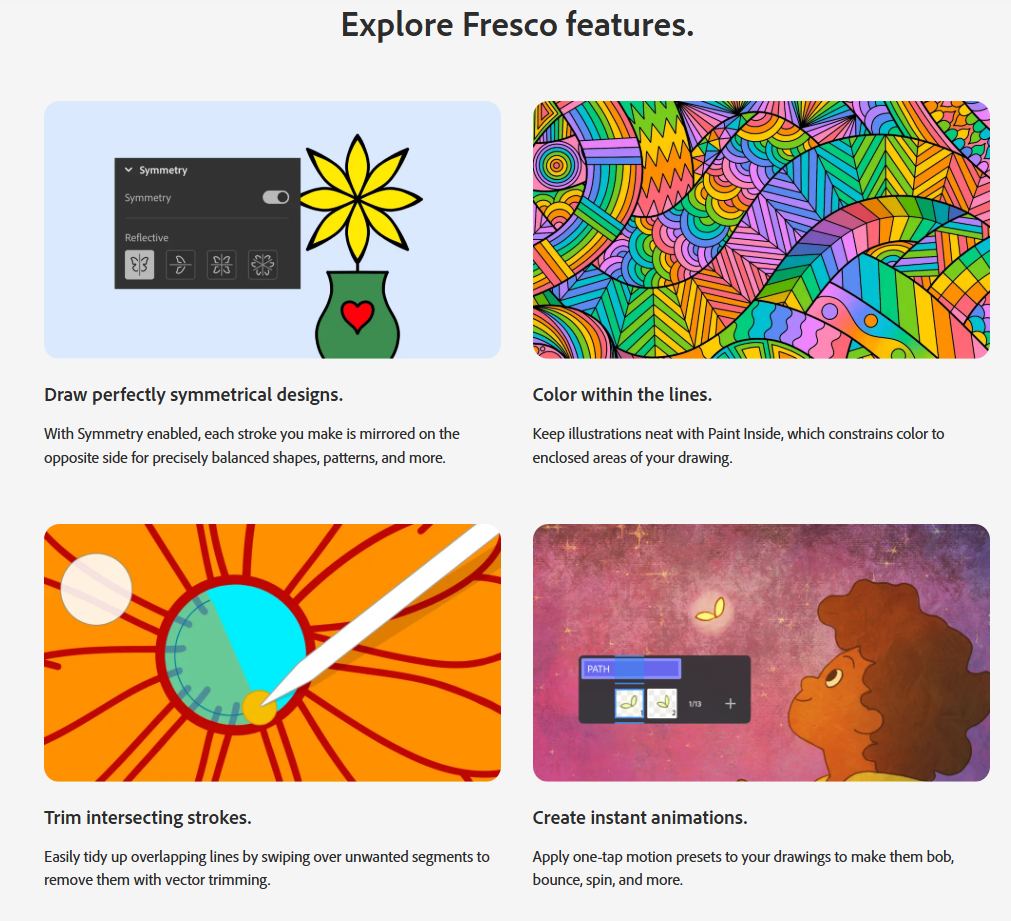
- Perspective Grids, Symmetry & Snapline Tools: Draw accurate 1-point, 2-point, and 3-point perspective scenes, mirrored symmetry art, and clean geometric lines.
- Built-In Frame-by-Frame & Motion Path Animation: Animate characters, water ripples, or glowing accents directly inside your illustration and export MP4 or GIF files.
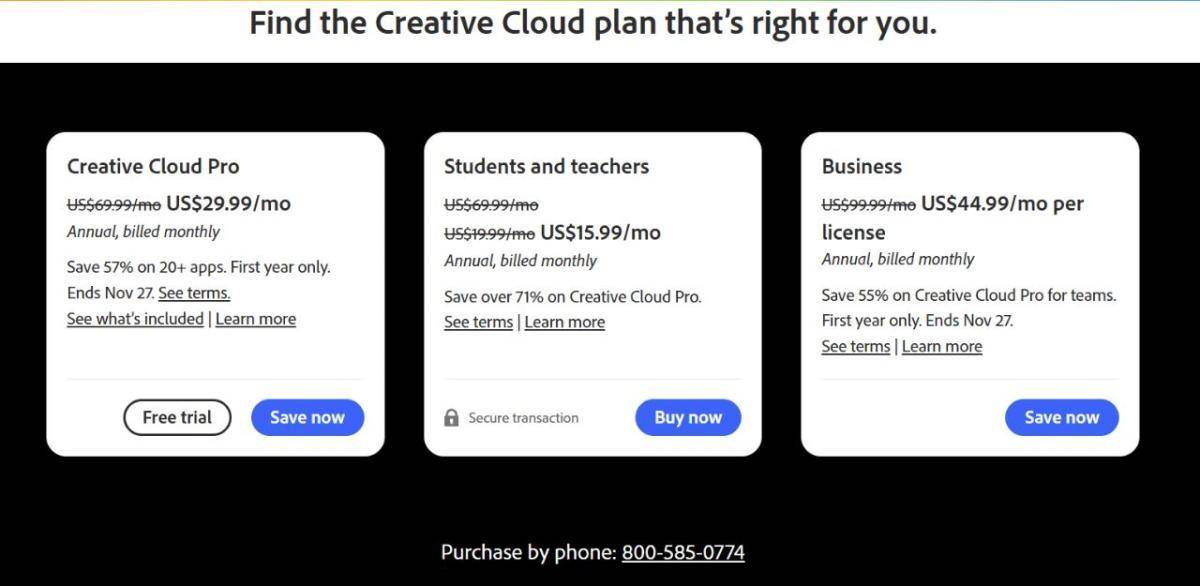
- 100% Free Forever with Creative Cloud Sync: Free to download and use across Windows, iPad, and iPhone with seamless PSD cloud syncing to Photoshop and Illustrator.
- Official Links: Free Trial, Free / Education & Pricing
Always download Adobe Fresco installers and documentation directly from official Adobe portals:
- Official Adobe Fresco Free Download Page: https://www.adobe.com/products/fresco.html
- Official Adobe Creative Cloud Desktop App (Windows): https://www.adobe.com/creativecloud/desktop-app.html
- Official Adobe Fresco System Requirements: https://helpx.adobe.com/fresco/system-requirements.html
- Official Adobe Fresco User Guide & Tutorials: https://helpx.adobe.com/fresco/user-guide.html
4. Step-by-Step Installation Guide
- Check Operating System & Stylus Hardware: Confirm you are using Windows 10/11 (64-bit) with a DirectX 12 GPU (ideally paired with a Wacom, Surface Pen, or touchscreen stylus), an iPad (iPadOS 16+), or an iPhone (iOS 16+).
- Visit the Official Adobe Fresco Download Portal: Go to https://www.adobe.com/products/fresco.html and click `Download now` (or search `Adobe Fresco` in the Apple App Store on iPad/iPhone).
- Install & Sign In with Your Free Adobe ID: Complete installation via the Creative Cloud desktop app on Windows or the App Store on iOS/iPadOS, then sign in with a free Adobe ID.
- Calibrate Pen Pressure & Cloud Sync: Open `App Settings > Input` to fine-tune stylus pressure sensitivity and verify cloud document syncing is active.
5. How to Use Adobe Fresco: Beginner Workflow
- Create a New Canvas Preset: Launch Adobe Fresco, tap or click `Create New`, choose a canvas size (`Current Screen Size`, `Print`, `Illustration`, or custom pixel dimensions), and open your workspace.
- Select Pixel, Live, or Vector Brushes: Choose a brush category from the top-left toolbar—`Pixel Brushes` for sketching, `Live Brushes` for watercolor/oil blending, or `Vector Brushes` for crisp ink outlines.
- Organize Artwork with Non-Destructive Layers: Add separate layers (`+` icon) for rough sketches, line art, base colors, and shading, adjusting layer opacity and blend modes cleanly.
- Use Perspective Grids, Fill & Smudge Tools: Enable a `Perspective Grid` or `Symmetry` guide from the Precision panel (`ruler/compass` icon), and use the `Paint Bucket` (`G`) to fill closed regions quickly.
- Export Your Artwork or Send to Photoshop/Illustrator: Tap `Publish & Export` to save high-resolution `PNG`, `JPG`, `PSD`, or `PDF` files, or open the cloud document directly in Adobe Photoshop or Illustrator.
6. Frequently Asked Questions (FAQ)
- Is Adobe Fresco really 100% free now?Yes. Adobe made Adobe Fresco completely free for all users on Windows, iPad, and iPhone—including all premium brushes, Adobe Fonts, and animation tools—with just a free Adobe ID.
- Can I use Adobe Fresco on Windows with a Wacom drawing tablet or Surface Pen?Yes. Adobe Fresco runs natively on Windows 10 and Windows 11 with full pressure and tilt support for Surface Pen, Wacom Cintiq/Intuos, and compatible Windows Ink styluses.
- How does Adobe Fresco work with Adobe Photoshop and Illustrator?Fresco saves documents automatically as Adobe Cloud Documents (`.psdc`), allowing you to open the exact same layered file seamlessly in Photoshop or send vector layers directly to Illustrator.