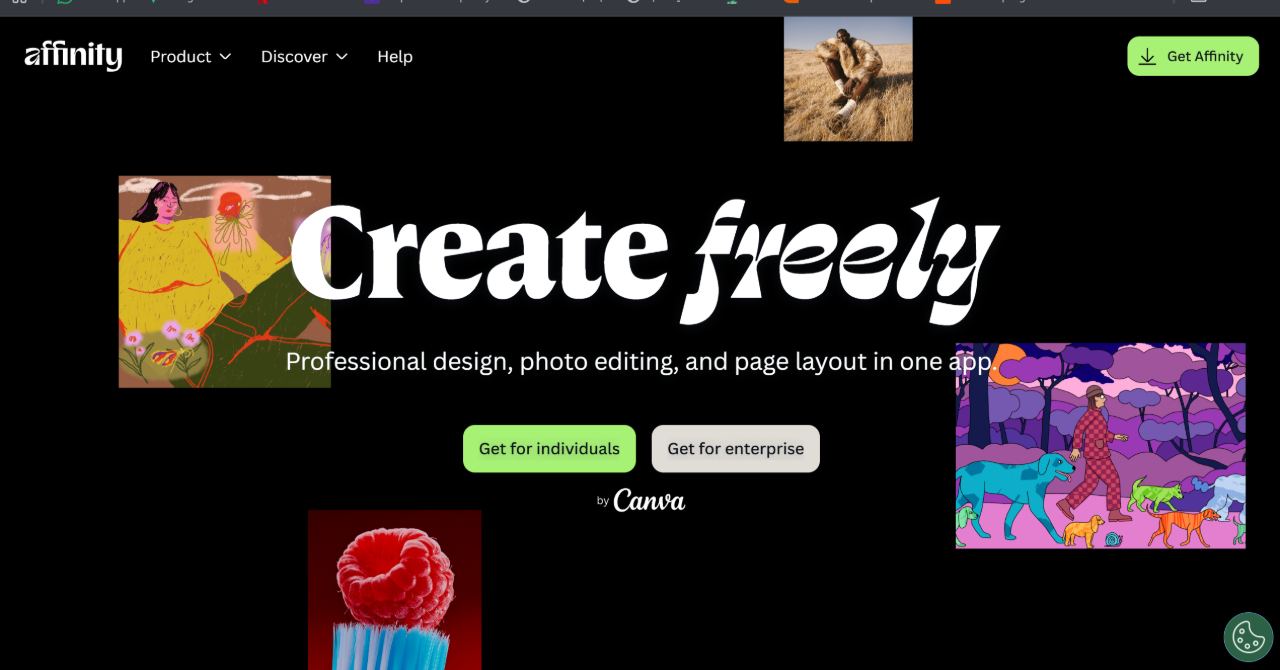
Affinity (also known as Affinity Studio, developed by Serif / Canva) is a unified, professional-grade creative design application that combines vector illustration, non-destructive photo editing, and multi-page layout tools inside a single desktop workspace. Relaunched as a completely free core application for Windows, macOS, and iPad—with optional Canva AI tools for Canva Pro users—Affinity empowers graphic designers, illustrators, photographers, and publishers to produce print and digital assets without mandatory subscriptions.
1. In-Depth Review: Why Graphic & Layout Designers Use Affinity
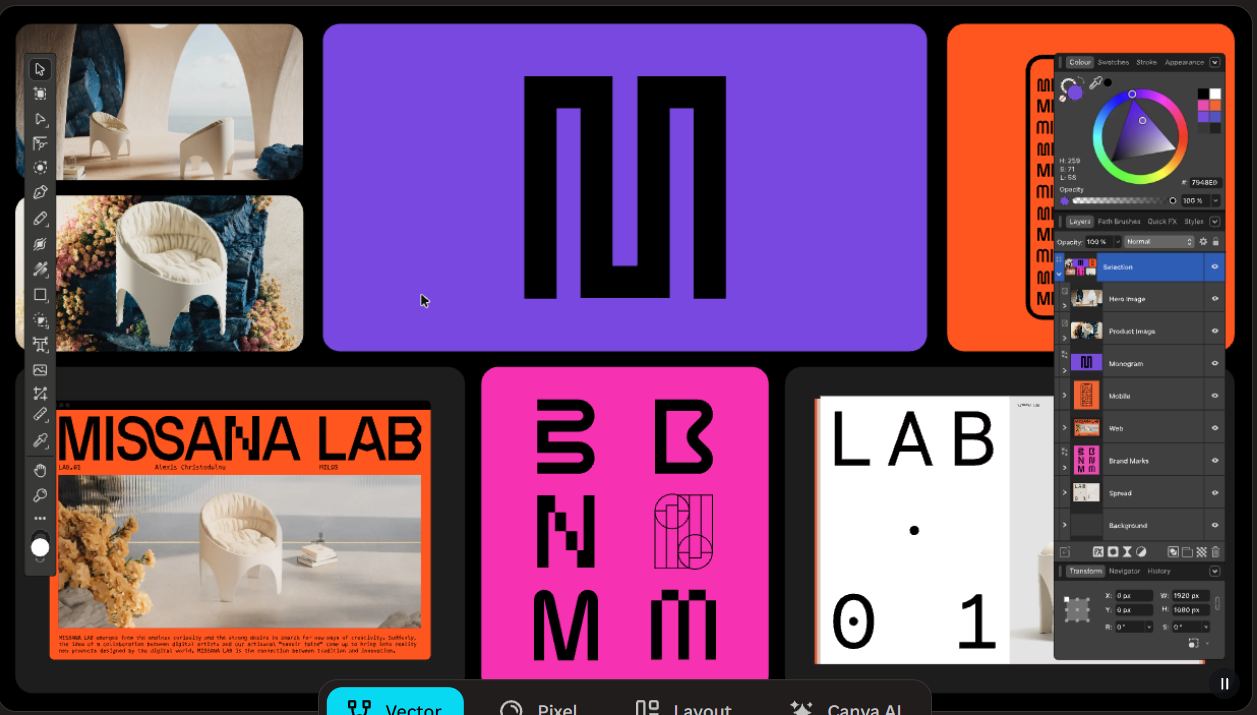
- Vector, Pixel & Layout Studios in One Unified App: Combines the capabilities previously split across Affinity Designer, Affinity Photo, and Affinity Publisher into customizable studios, allowing seamless switching between Bezier vector paths, raster pixel brushes, and multi-page typography within the same document.
- Completely Free Core Creative Suite: Provides full 16-bit and 32-bit color editing, CMYK/Pantone print workflows, non-destructive live filters, and OpenType layout tools at zero cost using a free Canva account.
- High-Speed GPU Acceleration & Broad File Compatibility: Handles large multi-artboard illustrations, high-resolution RAW composites, and complex brochures smoothly while opening and exporting PSD, AI, PDF/X, SVG, EPS, IDML, TIFF, and PNG files.
2. Key Features & Capabilities
- Vector Studio (Illustration & Branding): Draw precision Bezier curves, geometric shapes, custom vector brushes, and multi-artboard UI/brand systems with real-time outline and pixel preview modes.
- Pixel Studio (Photo Editing & Retouching): Edit RAW photos non-destructively, build multi-layer composites with masks and blend modes, apply live adjustment filters, and perform HDR merges, panorama stitching, and focus stacking.
- Layout Studio (Publishing & Typography): Design multi-page books, magazines, brochures, and reports with master pages, text styles, tables, footnotes, and print-ready PDF/X output.
- Custom Workspaces & Studio Presets: Mix and match panels across vector, raster, and layout toolsets to tailor the interface to each project.
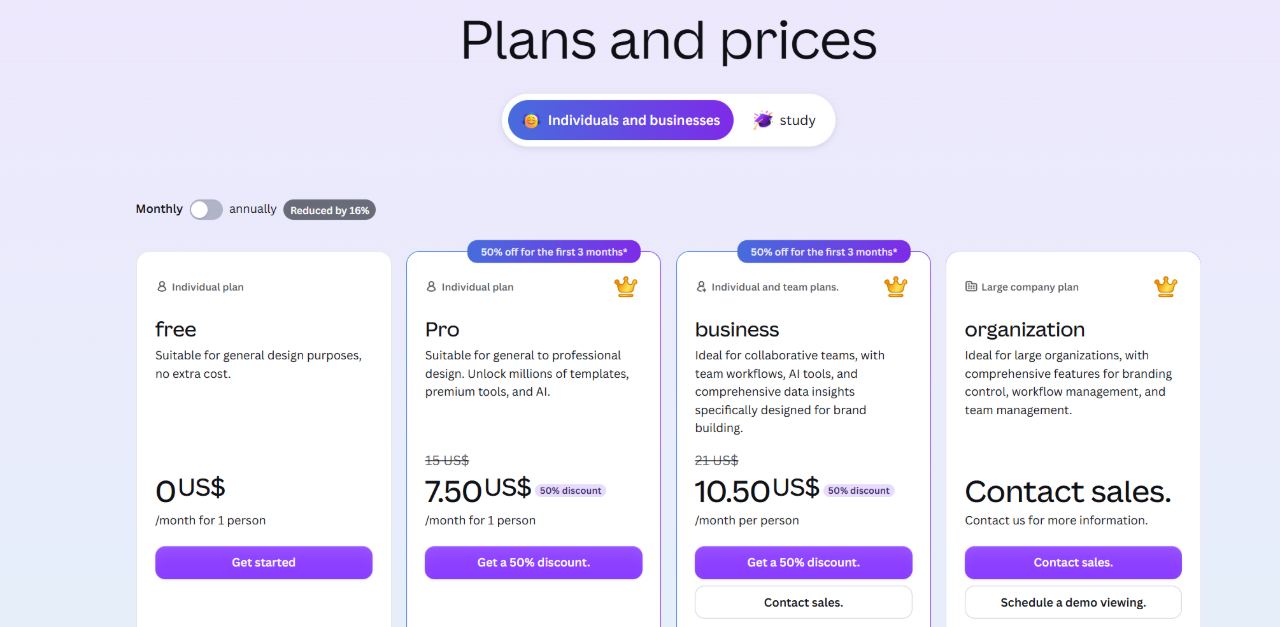
- Optional Canva AI Integration: Access optional generative AI tools and Magic Layers when signed in with an eligible Canva Pro/paid plan, while keeping all core desktop design tools free.
- Cross-Platform Desktop & iPad Support: Available for 64-bit Windows, macOS (Intel and Apple Silicon), and iPadOS.
- Official Links: Free Trial, Free / Education & Pricing
Always download Affinity installers and access official documentation through Affinity and Canva's official portals:
- Official Affinity Portal & Download: https://www.affinity.studio/
- Official Affinity Help Center & Release Notes: https://www.affinity.studio/help/release-notes/
- Official Launch & Licensing Announcement (Canva): https://www.canva.com/newsroom/news/all-new-affinity/
- Pricing & Licensing (Free Core Application + Optional Canva Pro AI): https://www.affinity.studio/
4. Step-by-Step Installation Guide
- Verify Operating System & Hardware: Confirm your workstation runs a supported 64-bit OS (Windows 10/11 64-bit or supported macOS) with a multi-core 64-bit Intel, AMD, or Apple Silicon processor, at least 8 GB RAM (16 GB+ recommended for large multi-page or 16/32-bit pixel documents), a DirectX 12 / Metal compatible GPU, and free SSD storage.
- Download the Official Installer: Visit https://www.affinity.studio/ and download the official Affinity installer for Windows or macOS.
- Run the Setup Wizard: Launch the downloaded installer (`.exe`/`.msix` on Windows or `.dmg` on macOS) and follow the on-screen instructions to complete installation.
- Launch & Sign In with Free Canva Account: Open Affinity from your Start menu or Applications folder and sign in with a free Canva account to activate the full core application.
5. How to Use Affinity: Beginner Workflow
- Create a New Document & Choose Preset: Open Affinity, select `File > New`, pick a Print, Web, Photo, or Custom preset, set dimensions, DPI (300 dpi for print), and color format (`CMYK/8` or `RGB/8`/`RGB/16`), and click `Create`.
- Switch Between Vector, Pixel & Layout Studios: Use the top studio switcher to jump between vector tools (Pen, Node, Shape Builder), pixel retouching tools, and multi-page layout frames inside the same project.
- Organize Layers, Masks & Text Styles: Structure artwork cleanly in the Layers panel using groups, non-destructive adjustment layers, vector masks, and reusable paragraph/character styles.
- Inspect Print Bleeds & Color Output: Preview margins, bleeds, and color profiles (`Soft Proof` adjustment) before finalizing client or print deliverables.
- Save Native File & Export Deliverables: Save your master `.af` project file and open `File > Export` to generate print-ready `.PDF` (PDF/X), scalable `.SVG`/`.EPS`, `.PSD`, or web-optimized `.PNG`/`.JPG`/`.WEBP` assets.
6. Frequently Asked Questions (FAQ)
- Is Affinity free to download and use for commercial projects?Yes. Canva relaunched Affinity as a unified, completely free core application for personal, educational, and commercial use, requiring only a free Canva account sign-in, with optional paid Canva Pro features for generative AI tools.
- What happened to Affinity Designer, Affinity Photo, and Affinity Publisher?All three applications were unified into a single all-in-one Affinity application containing Vector, Pixel, and Layout studios inside one workspace.
- Does Affinity run on both Windows and macOS?Yes. Affinity supports 64-bit Windows, macOS (Intel and Apple Silicon), and iPad.